
Build an AI YouTube and Meeting Summariser
What you build: an AI summariser that turns meeting or video transcripts into checked JSON (summary, decisions, owners, dates, risks) with Gemini on Vertex AI, no API key, deployed on Cloud Run.

✍️ Translate this blog into Hindi, Tamil or Telugu
An hour-long meeting or a 20-minute video often comes down to five lines: what was decided, who does what, by when, and what could go wrong. In this lab you build an AI summariser that turns any transcript (a meeting, a lecture, a YouTube video's captions) into exactly that, using Gemini on Vertex AI with no API key. You make it return checked JSON a program can trust, see what goes wrong when you only ask nicely for JSON, check the AI's answers against the transcript, and put it online as a small Cloud Run service that only signed-in callers can use.
Who it is for: beginners in generative AI who know a little Python and want a project they can show. Time: about 1 hour. Cost: a few Gemini calls cost a fraction of a cent, and Cloud Run and Cloud Build stay inside their free tiers for this lab. We delete everything at the end.
Every command below was run for real by the CareerByteCode Team on a fresh Google Cloud project, and every output is the real answer Gemini gave us. Your answers will be worded a little differently each time, as we show in Step 5.
🎓⭐ Recommended by CareerByteCode · Live trainingAI Engineering and Agentic AI Program₹35,400See the training →About the transcripts: we wrote both sample transcripts ourselves (a team meeting and a short lecture about load balancers). For a real YouTube video, use the captions you are allowed to use: your own videos, or the transcript YouTube shows under ... > Show transcript for your personal notes. Do not copy other people's content into a product.
Part A: how the summariser works

- Transcript: the words that were spoken, as text.
- Gemini on Vertex AI: Google's model, called through your Google Cloud project. Signing in uses your
gcloudlogin (or, on Cloud Run, the service's own service account), so there is no API key to leak. - System instruction (the rules): "use only facts in the transcript; if an owner or date is not said, write 'not stated'; never invent names, dates or numbers". Real-life example: telling a new assistant "write only what you heard, and say 'not mentioned' when you are not sure".
- Response schema: a description of the exact JSON shape we want (
title,summary,decisions,action_itemswithowner/task/due,risks). Withresponse_mime_type="application/json"Gemini must answer in that shape. - Tokens: the pieces of text the model reads and writes; cost is per token. Our meeting is about 900 tokens in and 400 out.
Before you start
- A Google Cloud account (the free trial works) and a project.
- Open Cloud Shell (the
>_icon at the top right of the console). It has Python andgcloud. Set your project and turn on the APIs:
export PROJECT_ID="your-project-id"
gcloud config set project $PROJECT_ID
gcloud services enable aiplatform.googleapis.com run.googleapis.com cloudbuild.googleapis.com artifactregistry.googleapis.com- Make a folder
~/lab213and put three files in it:meeting.txt,lecture.txtandsummarise.py. The transcripts are short (about 390 words each); the start of the meeting looks like this:
Weekly launch meeting, Shopwise mobile app, 12 November
Present: Anita (product), Rahul (backend), Fatima (mobile), Joseph (QA), Lakshmi (marketing)
Anita: Good morning everyone. The goal today is to confirm we can launch version 2.0 on the 28th. ...
Rahul: ... the refund endpoint still times out when the bank takes more than ten seconds. ...
Anita: Two days is fine. Please do the queue, Rahul, and finish it by Friday the 14th.
Use any meeting notes of your own, or write a similar one. The whole program:
# summarise.py: turn a meeting or video transcript into a summary, decisions and action items with Gemini on Vertex AI.
# No API key: google-genai signs in with your gcloud login (or the Cloud Run service account).
#   python summarise.py meeting.txt            -> structured JSON (schema-checked)
#   python summarise.py meeting.txt --loose    -> the "Break it" version: ask for JSON in words only
import json, os, sys
from google import genai
from google.genai import types

PROJECT = os.environ.get("GOOGLE_CLOUD_PROJECT") or os.environ.get("PROJECT_ID")
MODEL = os.environ.get("MODEL", "gemini-3.5-flash-lite")
client = genai.Client(vertexai=True, project=PROJECT, location="global")

RULES = ("You summarise transcripts for busy people. Use ONLY facts in the transcript. "
         "If an owner or a due date is not said, write 'not stated'. Never invent names, dates or numbers.")

SCHEMA = types.Schema(type="OBJECT", required=["title", "summary", "decisions", "action_items", "risks"], properties={
    "title": types.Schema(type="STRING"),
    "summary": types.Schema(type="ARRAY", items=types.Schema(type="STRING"), description="3 to 5 short bullet points"),
    "decisions": types.Schema(type="ARRAY", items=types.Schema(type="STRING")),
    "action_items": types.Schema(type="ARRAY", items=types.Schema(type="OBJECT", required=["owner", "task", "due"], properties={
        "owner": types.Schema(type="STRING"), "task": types.Schema(type="STRING"), "due": types.Schema(type="STRING")})),
    "risks": types.Schema(type="ARRAY", items=types.Schema(type="STRING")),
})


def summarise(text, loose=False):
    if loose:
        prompt = RULES + "\nReturn the result as JSON with title, summary, decisions, action_items and risks.\n\nTRANSCRIPT:\n" + text
        r = client.models.generate_content(model=MODEL, contents=prompt, config=types.GenerateContentConfig(temperature=0.2))
        return r.text, r.usage_metadata
    r = client.models.generate_content(model=MODEL, contents="TRANSCRIPT:\n" + text, config=types.GenerateContentConfig(
        system_instruction=RULES, temperature=0.2, response_mime_type="application/json", response_schema=SCHEMA))
    return r.text, r.usage_metadata


if __name__ == "__main__":
    text = open(sys.argv[1], encoding="utf-8").read()
    raw, usage = summarise(text, loose="--loose" in sys.argv)
    try:
        data = json.loads(raw)
        print(json.dumps(data, indent=2, ensure_ascii=False))
    except json.JSONDecodeError as e:
        print("json.loads FAILED:", e)
        print("the model's first 120 characters:", repr(raw[:120]))
    print(f"tokens: {usage.prompt_token_count} in, {usage.candidates_token_count} out", file=sys.stderr)
Part B: the lab
Step 1: set up Python and the SDK
Why: a virtual environment (.venv) keeps this lab's packages apart from everything else. google-genai is Google's Gen AI SDK; vertexai=True in the code makes it use Vertex AI in your project with your sign-in.
# A Python virtual environment with the Google Gen AI SDK (no API key: it uses your gcloud sign-in)
python3 -m venv .venv && source .venv/bin/activate
pip install -q google-genai==1.* flask==3.1.* 2>&1 | grep -v "^\[notice\]" | tail -2
python -c "import google.genai; print('google-genai', google.genai.__version__)"
wc -w meeting.txt lecture.txt
google-genai 1.75.0
386 meeting.txt
393 lecture.txt
779 totalStep 2: summarise the meeting
Why: this is the main job. The rules go in system_instruction, the transcript in the prompt, and response_schema forces the shape. temperature=0.2 keeps answers steady (0 = always the same wording, 1 = more creative).
# Summarise the meeting: summary, decisions, action items (owner, task, due) and risks, as checked JSON
source .venv/bin/activate
python summarise.py meeting.txt
tokens: 888 in, 424 out
{
"title": "Shopwise Mobile App Weekly Launch Meeting",
"summary": [
"The team met to confirm launch readiness for version 2.0 on November 28th.",
"Backend and mobile teams reported minor technical issues like refund endpoint timeouts and an iOS rotation crash.",
"QA has executed 212 test cases with final sign-off targeted for the 21st.",
"Marketing is preparing store listings and push notifications for free delivery during launch week."
],
"decisions": [
"Dark mode feature is excluded from version 2.0 and moved to version 2.1 in January.",
"Launch go or no-go call is scheduled for November 26th at 10 am."
],
"action_items": [
{
"owner": "Rahul",
"task": "Add a retry with a queue to the refund endpoint",
"due": "Friday the 14th"
},
{
"owner": "Fatima",
"task": "Fix the iOS crash and send a new test build",
"due": "Monday the 17th"
},
{
"owner": "Joseph",
"task": "Share the final test report",
"due": "the 21st"
},
{
"owner": "Fatima",
"task": "Give Lakshmi the screenshots once the iOS fix is in",
"due": "the 18th"
},
{
"owner": "Rahul",
"task": "Email the bank for a second sandbox account as a backup",
"due": "today"
}
],
"risks": [
"If the bank's sandbox is down again next week, refund testing will slip."
]
}
Compare it with the transcript: the decisions (no dark mode in 2.0, the go or no-go call on the 26th), the owners and the dates are all really there. The program can now read this with json.loads and send each action item to a task list. (The tokens: line prints first because it goes to the error stream, which is not buffered.)
Step 3: the same code on a video transcript
Why: a lecture has no owners and no deadlines. A good summariser must not invent them. The rules say "not stated" in that case.
# The same code on a video transcript (a lecture): it has no owners or dates, so they must say "not stated"
source .venv/bin/activate
python summarise.py lecture.txt
tokens: 812 in, 256 out
{
"title": "What is a load balancer? Explained in 5 minutes",
"summary": [
"A load balancer distributes user requests across multiple healthy servers, acting like a host at a busy restaurant.",
"Health checks ensure that traffic is not sent to servers that stop answering.",
"Layer 4 load balancers look at addresses and ports, while Layer 7 load balancers understand HTTP to route specific paths like slash api or slash images.",
"Traffic distribution methods include round robin and least connections.",
"Concepts like sticky sessions and autoscaling help manage user state and server capacity dynamically."
],
"decisions": [],
"action_items": [
{
"owner": "not stated",
"task": "Create two small VMs, put a web server on each, and put a load balancer in front to practice.",
"due": "not stated"
},
{
"owner": "not stated",
"task": "Stop one VM and watch the traffic move to the other.",
"due": "not stated"
}
],
"risks": []
}The model kept to the rules: no decisions, no risks, and the two practice tasks from the end of the video with owner and due date not stated. This is exactly what you want for YouTube study notes.
Break it: asking for JSON in words only
Many tutorials write "Return the result as JSON" in the prompt and stop there. Our --loose option does exactly that, with no schema and no JSON mode.
# Break it: ask for JSON in words only (no schema). Programs that read the answer break on the extra text
source .venv/bin/activate
python summarise.py meeting.txt --loose
tokens: 619 in, 434 out
json.loads FAILED: Expecting value: line 1 column 1 (char 0)
the model's first 120 characters: '```json\n{\n "title": "Weekly launch meeting, Shopwise mobile app, 12 November",\n "summary": "The team met to confirm th'
json.loads fails at line 1, column 1: the model wrapped its JSON in a Markdown code fence (``` `json ``), as it would for a human reader. It also chose its own shape: summary became a single string instead of a list. A program reading this breaks, or worse, reads the wrong fields. The fix is what Step 2 already does: response_mime_type="application/json" plus a response_schema`, so the answer is always valid JSON in your shape.
Step 4: check the AI against the transcript
Why: a language model can sound sure and still be wrong. A cheap, automatic check catches many mistakes: every owner must appear in the transcript, and every due date with a number must be in the text. Anything else is marked CHECK for a human.
# Check the AI against the transcript: every owner it named must appear in the meeting, every due date must be in the text
source .venv/bin/activate
python summarise.py meeting.txt 2> /dev/null > out.json
python - <<'PY'
import json
d = json.load(open("out.json")); text = open("meeting.txt").read()
for a in d["action_items"]:
    owner_ok = a["owner"] == "not stated" or a["owner"].split()[0] in text
    due_ok = a["due"] == "not stated" or any(w in text for w in a["due"].replace(",", " ").split() if w[:1].isdigit())
    print(("OK " if owner_ok and due_ok else "CHECK") + f" | {a['owner']} | {a['due']} | {a['task'][:60]}")
print(len(d["action_items"]), "action items checked against the transcript")
PY
OK | Rahul | Friday the 14th | Add a retry with a queue for the refund endpoint and finish
OK | Fatima | Monday the 17th | Fix the iOS rotation crash and send a new test build
OK | Joseph | the 21st | Share the final test report
OK | Fatima | the 18th | Give Lakshmi the final screenshots
OK | Lakshmi | not stated | Prepare the push notification text for free delivery
CHECK | Rahul | today | Email the bank for a second sandbox account as a backup
6 action items checked against the transcriptTwo real lessons in this output:
- This run found 6 action items; Step 2 found 5 (it missed Lakshmi's push notification text). Same code, same transcript, slightly different answer. That is normal for language models, even at a low temperature, and why a human should skim the result.
due: todayis markedCHECK: "today" is true in the meeting but useless a week later. The fix is to put the meeting date in the prompt and ask for real dates, or to let a human confirm relative dates.
Step 5: put it online with Cloud Run
Why: a web service anyone on your team can call. It gets its own service account with only the Vertex AI User role, --no-allow-unauthenticated means only signed-in callers with permission may use it, and --max-instances=1 caps cost. gcloud run deploy --source . builds the container for you with Cloud Build. A new project also needs the Cloud Run Builder role for the default compute account that runs those builds. The small web app (app.py) refuses transcripts that are too short or too long:
# The summariser as a small web app for Cloud Run: POST the transcript text to /summarise, get JSON back.
import json
from flask import Flask, request, jsonify
import summarise

app = Flask(__name__)
MAX_CHARS = 60000   # about 15,000 words: keeps one call small and cheap


@app.get("/")
def home():
    return "Summariser is running. POST a transcript (plain text) to /summarise\n"


@app.post("/summarise")
def run():
    text = request.get_data(as_text=True).strip()
    if len(text) < 200:
        return jsonify(error="send at least 200 characters of transcript text"), 400
    if len(text) > MAX_CHARS:
        return jsonify(error=f"transcript too long: {len(text)} characters, the limit is {MAX_CHARS}"), 413
    raw, usage = summarise.summarise(text)
    return jsonify(result=json.loads(raw), tokens_in=usage.prompt_token_count, tokens_out=usage.candidates_token_count)
# Deploy the summariser to Cloud Run with its own service account (Vertex AI User only), sign-in required
gcloud iam service-accounts create summariser --display-name="Transcript summariser on Cloud Run" 2>&1 | tail -1
until gcloud iam service-accounts describe summariser@$PROJECT_ID.iam.gserviceaccount.com > /dev/null 2>&1; do sleep 5; done
gcloud projects add-iam-policy-binding $PROJECT_ID --member="serviceAccount:summariser@$PROJECT_ID.iam.gserviceaccount.com" \
--role=roles/aiplatform.user --condition=None --format="value(etag)" > /dev/null && echo "granted roles/aiplatform.user to summariser"
PNUM=$(gcloud projects describe $PROJECT_ID --format="value(projectNumber)")
gcloud projects add-iam-policy-binding $PROJECT_ID --member="serviceAccount:$PNUM-compute@developer.gserviceaccount.com" \
--role=roles/run.builder --condition=None --format="value(etag)" > /dev/null && echo "granted roles/run.builder to the build account"
mkdir -p app && cp app.py summarise.py app/ && printf 'flask==3.1.*\ngunicorn==23.*\ngoogle-genai==1.*\n' > app/requirements.txt && printf 'web: gunicorn --bind :$PORT --workers 1 --threads 4 --timeout 120 app:app\n' > app/Procfile && cd app
gcloud run deploy summariser --source . --region=us-east1 --no-allow-unauthenticated \
--service-account=summariser@$PROJECT_ID.iam.gserviceaccount.com \
--set-env-vars=GOOGLE_CLOUD_PROJECT=$PROJECT_ID --memory=512Mi --max-instances=1 --quiet 2>&1 | tail -3Service account email: summariser@your-project-id.iam.gserviceaccount.com
Updated IAM policy for project [your-project-id].
granted roles/aiplatform.user to summariser
Updated IAM policy for project [your-project-id].
granted roles/run.builder to the build account
Service [summariser] revision [summariser-00001-v4x] has been deployed and is serving 100 percent of traffic.
Service URL: https://summariser-PROJECT_NUMBER.us-east1.run.app
Proxy locally with: gcloud run services proxy summariser --region us-east1 --project your-project-idStep 6: call it
Why: prove the three behaviours: no token is refused, a too-short text is refused by our own check, and a real transcript gets a summary. gcloud auth print-identity-token gives you a short-lived token that proves who you are.
# Call it: without a token (refused), too short (refused), then the real meeting transcript
URL=$(gcloud run services describe summariser --region=us-east1 --format="value(status.url)")
curl -s -o /dev/null -w "no token: HTTP %{http_code}\n" -X POST "$URL/summarise"
TOKEN=$(gcloud auth print-identity-token --audiences=$URL)
curl -s -X POST -H "Authorization: Bearer $TOKEN" "$URL/summarise" --data-binary "hello"; echo
curl -s -X POST -H "Authorization: Bearer $TOKEN" -H "Content-Type: text/plain" "$URL/summarise" --data-binary @meeting.txt | jq '{tokens_in, tokens_out, decisions: .result.decisions, first_actions: .result.action_items[0:3]}'
no token: HTTP 403
{"error":"send at least 200 characters of transcript text"}
{
"tokens_in": 887,
"tokens_out": 419,
"decisions": [
"Version 2.0 will NOT include the dark mode feature; it moves to 2.1 in January."
],
"first_actions": [
{
"due": "Friday the 14th",
"owner": "Rahul",
"task": "Add a retry with a queue to the refund endpoint and finish it"
},
{
"due": "Monday the 17th",
"owner": "Fatima",
"task": "Fix the iOS rotation crash and send a new test build"
},
{
"due": "the 21st",
"owner": "Joseph",
"task": "Share the final test report"
}
]
}
POC: prove it works
- A 386-word meeting became a title, a summary, 2 decisions, 5 to 6 action items with owners and dates, and a risk, as schema-checked JSON.
- A lecture transcript gave study notes with no invented owners or dates (
not stated). - Asking for JSON in words only broke
json.loads(a code fence at character 0); JSON mode with a schema fixed it. - An automatic check confirmed every owner and dated deadline against the transcript and flagged "today" for a human.
- The summariser runs on Cloud Run as its own service account, refuses callers without a token (403) and bad input (our own 400).
Quiz task: check what you learned
- Add a field
next_meetingto the output. Where do you change the code? *(Answer: add it toSCHEMA(and itsrequiredlist); the rules can say "or 'not stated'".)* - Why does the program not need an API key? (Answer: Vertex AI uses your gcloud sign-in, and on Cloud Run the service account.)
- The model wraps JSON in a code fence. Name the proper fix. *(Answer:
response_mime_type="application/json"with aresponse_schema.)* - A transcript is 3 hours long. What do you do? (Answer: split it into parts, summarise each, then summarise the summaries; or raise the app's limit with care for cost.)
- Who may call the Cloud Run service? *(Answer: only identities with the Cloud Run Invoker role, because it was deployed with
--no-allow-unauthenticated.)*
Clean up (delete everything)
Why: delete the service, the container repository and the source bucket that deploy --source created, the role and the service account.
# Delete the service, its image repository and source bucket, the service account and its roles
gcloud run services delete summariser --region=us-east1 --quiet 2>&1 | tail -1
gcloud artifacts repositories delete cloud-run-source-deploy --location=us-east1 --quiet 2>&1 | tail -1
for b in $(gcloud storage buckets list --format="value(name)" | grep -E "run-sources|cloudbuild"); do gcloud storage rm -r gs://$b --quiet > /dev/null 2>&1 && echo "deleted bucket (source upload)"; done
gcloud projects remove-iam-policy-binding $PROJECT_ID --member="serviceAccount:summariser@$PROJECT_ID.iam.gserviceaccount.com" \
  --role=roles/aiplatform.user --condition=None --format="value(etag)" > /dev/null 2>&1 && echo "removed role"
gcloud iam service-accounts delete summariser@$PROJECT_ID.iam.gserviceaccount.com --quiet 2>&1 | tail -1
rm -rf app .venv out.json
echo "Cloud Run services left: $(gcloud run services list --format="value(name)" | wc -l)"
echo "repositories left: $(gcloud artifacts repositories list --format="value(name)" 2>/dev/null | wc -l)"
echo "service accounts named summariser left: $(gcloud iam service-accounts list --format="value(email)" | grep -c summariser)"
Deleted service [summariser].
Deleted repository [cloud-run-source-deploy].
deleted bucket (source upload)
removed role
deleted service account [summariser@your-project-id.iam.gserviceaccount.com]
Cloud Run services left: 0
repositories left: 0
service accounts named summariser left: 0
FAQ
Which Gemini model should I use? We used gemini-3.5-flash-lite on the global endpoint: fast and cheap, and good enough for summaries. Use a larger Gemini model for long, complex transcripts. Change MODEL without touching the code.
Can it summarise audio or video directly? Gemini can read audio and video files too, but a text transcript is cheaper, faster and easier to check. Speech-to-Text or your meeting tool can make the transcript first.
How much does one summary cost? About 900 tokens in and 400 out for our meeting, a tiny fraction of a cent with Flash-Lite. Check the current Vertex AI price list for exact numbers.
Is my transcript used to train Google's models? Vertex AI's terms say customer data is not used to train Google's models without permission. Still, remove anything you are not allowed to share before you send it.
Why not just paste the transcript into a chat app? You can, once. A program gives the same shape every time, can be checked automatically, can feed a task tracker, and can be shared with a team behind a sign-in.
How do I add a web page instead of curl? Add a route in app.py that returns a small HTML form posting to /summarise, and keep the service behind sign-in (Identity-Aware Proxy is one option).
Troubleshooting
| You see | Why | Fix |
|---|---|---|
json.loads FAILED: Expecting value: line 1 column 1 | The model added a code fence or text around the JSON | Use JSON mode with a response_schema |
404 ... Publisher Model ... not found | The model name or location is wrong | Use location="global" for gemini-3.5-flash-lite, check the model name |
403 PERMISSION_DENIED aiplatform | The caller has no Vertex AI role | Grant roles/aiplatform.user to your user or the service account |
| Invented owner or date | The rules are missing or the transcript is unclear | Keep the "use only facts" rules, check with Step 4 |
HTTP 403 from Cloud Run | No identity token or no Invoker role | Send Authorization: Bearer $(gcloud auth print-identity-token ...) |
| Deploy fails with a permission error on build | New project, build account lacks rights | Grant roles/run.builder to the compute default account (Step 5) |
What next
- Your first Gemini app, step by step: Gemini API for Beginners: Your First AI App on Google Cloud.
- Give an AI assistant your own tools: Model Context Protocol (MCP) Server on Cloud Run.
- Keep any secrets your app needs safe: Secret Manager: Store Passwords and API Keys Safely.
- More hands-on posts: ByteBlog. Practice in ByteLabs and see the courses.
Prepared by the CareerByteCode Team from our tested lab, with AI help for the write-up.
⭐ Keep learning with CareerByteCode
Hand-picked to go deeper on this topicGet CareerByteCode Team's next blog by email
One email a week when they publish. Add the weekly Best of ByteBlog too. No spam, unsubscribe with one click.
We email you once to confirm. By subscribing you agree to the privacy policy.
Related blogs
 CareerByteCode Team
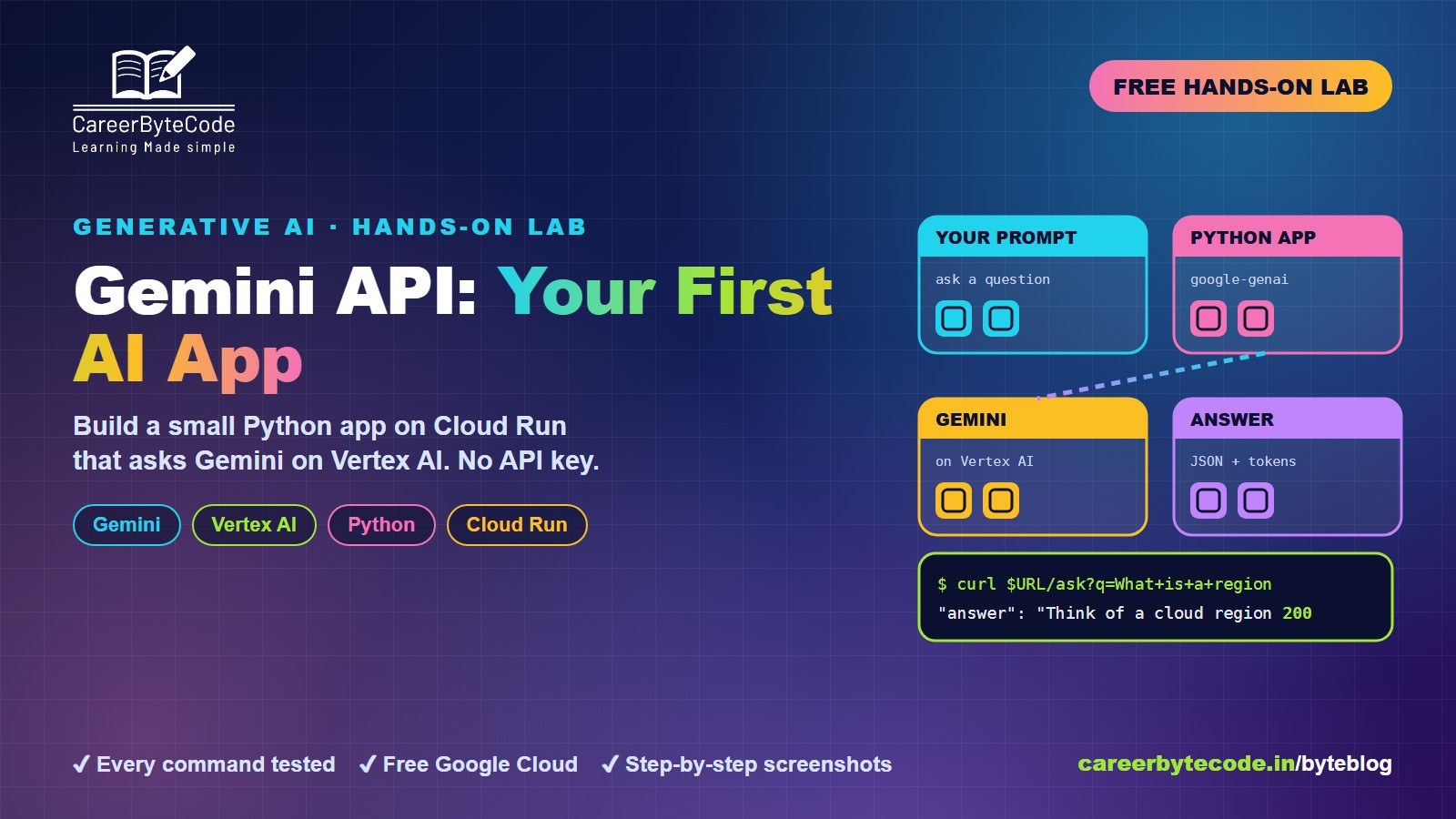
Gemini API for Beginners: Your First AI App on Google Cloud
What you build: your first Gemini call from the shell and a small Python app on Cloud Run that asks Gemini on Vertex AI, with no API key, in your own Google Cloud account. Every step tested.
#gemini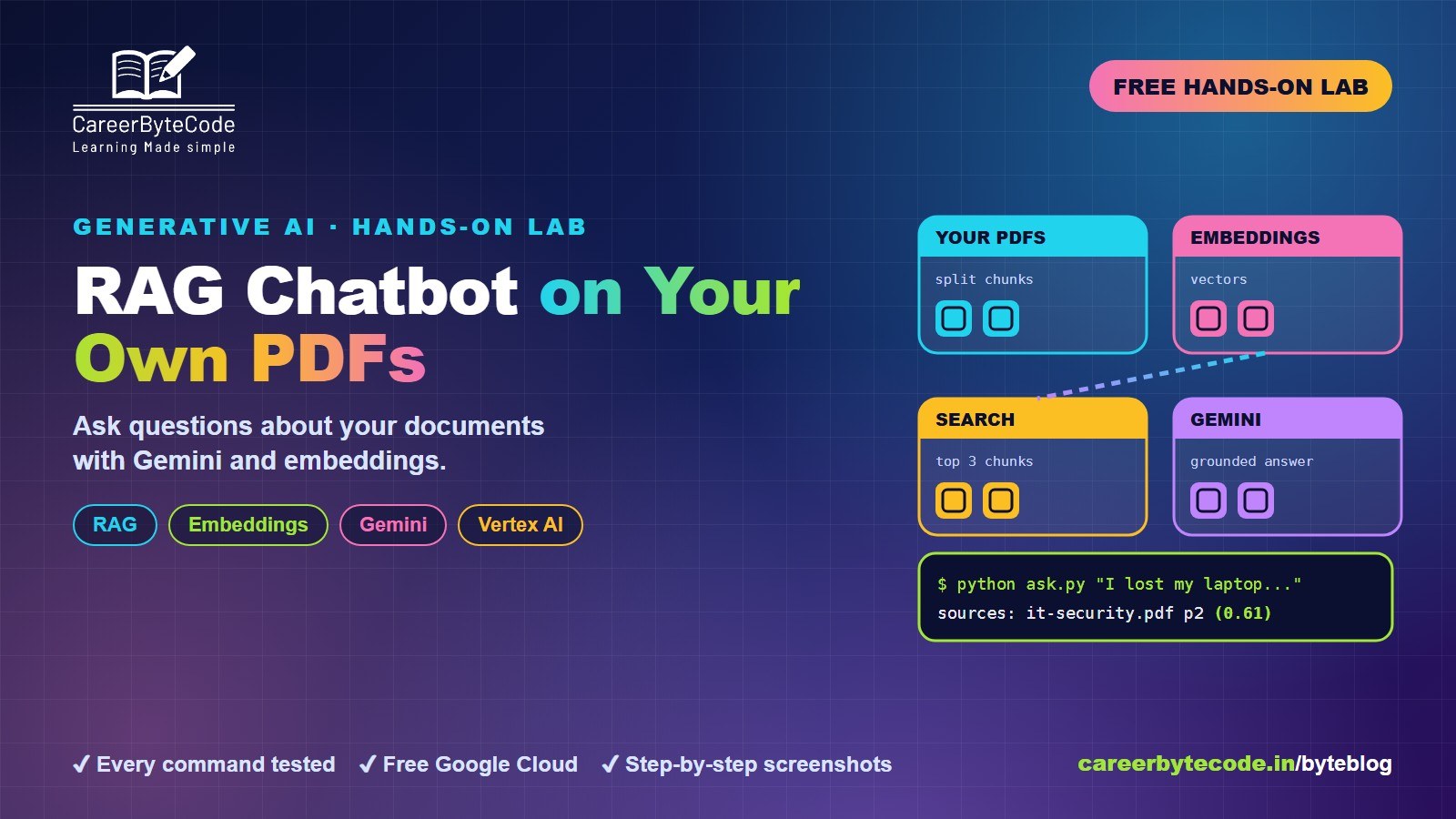 CareerByteCode Team
Build a RAG Chatbot on Your Own PDFs with Vertex AI
What you build: a chatbot that answers from your own PDFs with sources, using Vertex AI embeddings and Gemini (no API key), deployed on Cloud Run, in your own Google Cloud account. Every step tested.
#gemini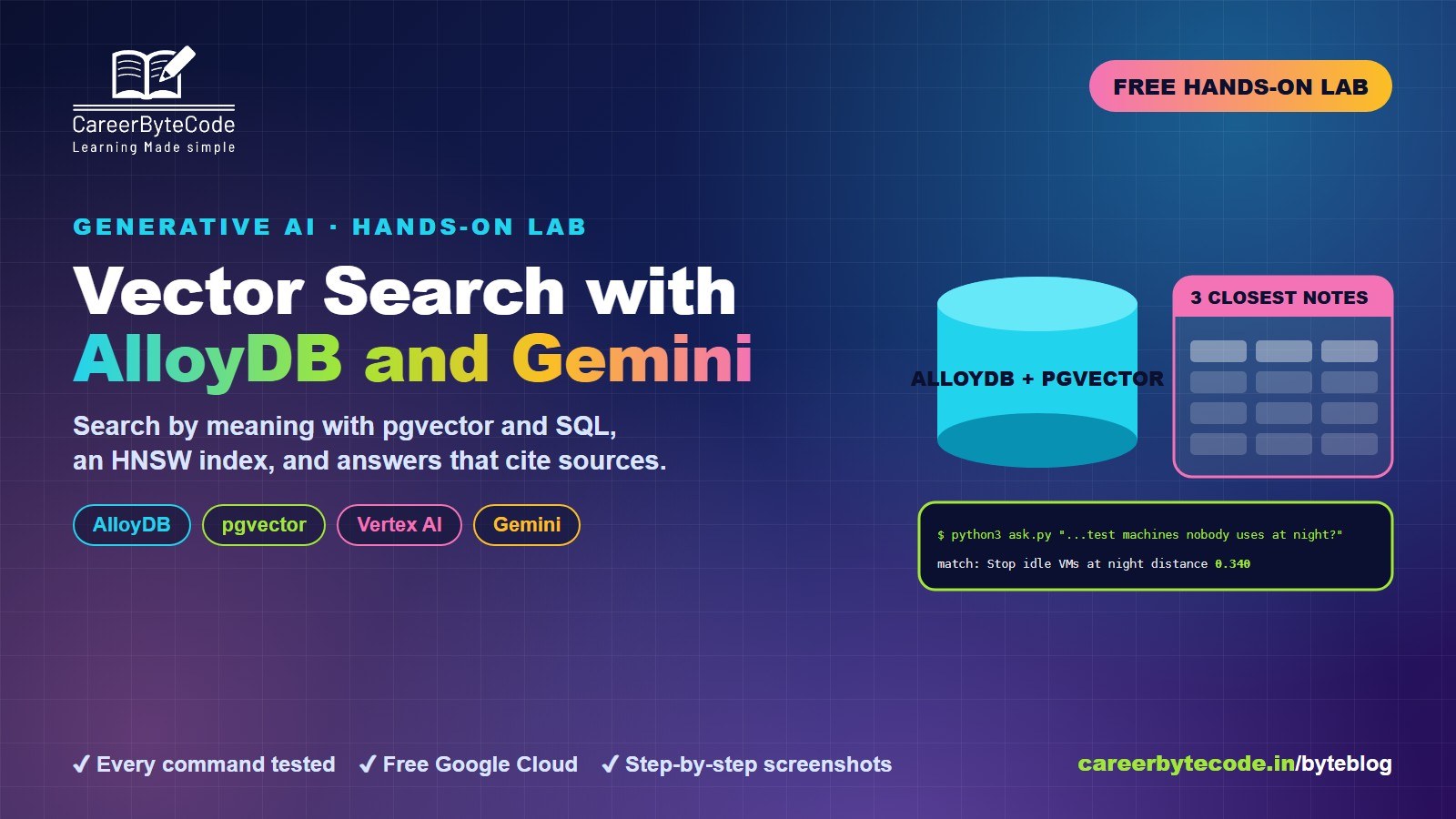 CareerByteCode Team
Vector Search with AlloyDB pgvector and Gemini
What you build: semantic search with AlloyDB and pgvector, Vertex AI embeddings, an HNSW index and Gemini answers that cite their source. Every step tested.
#gemini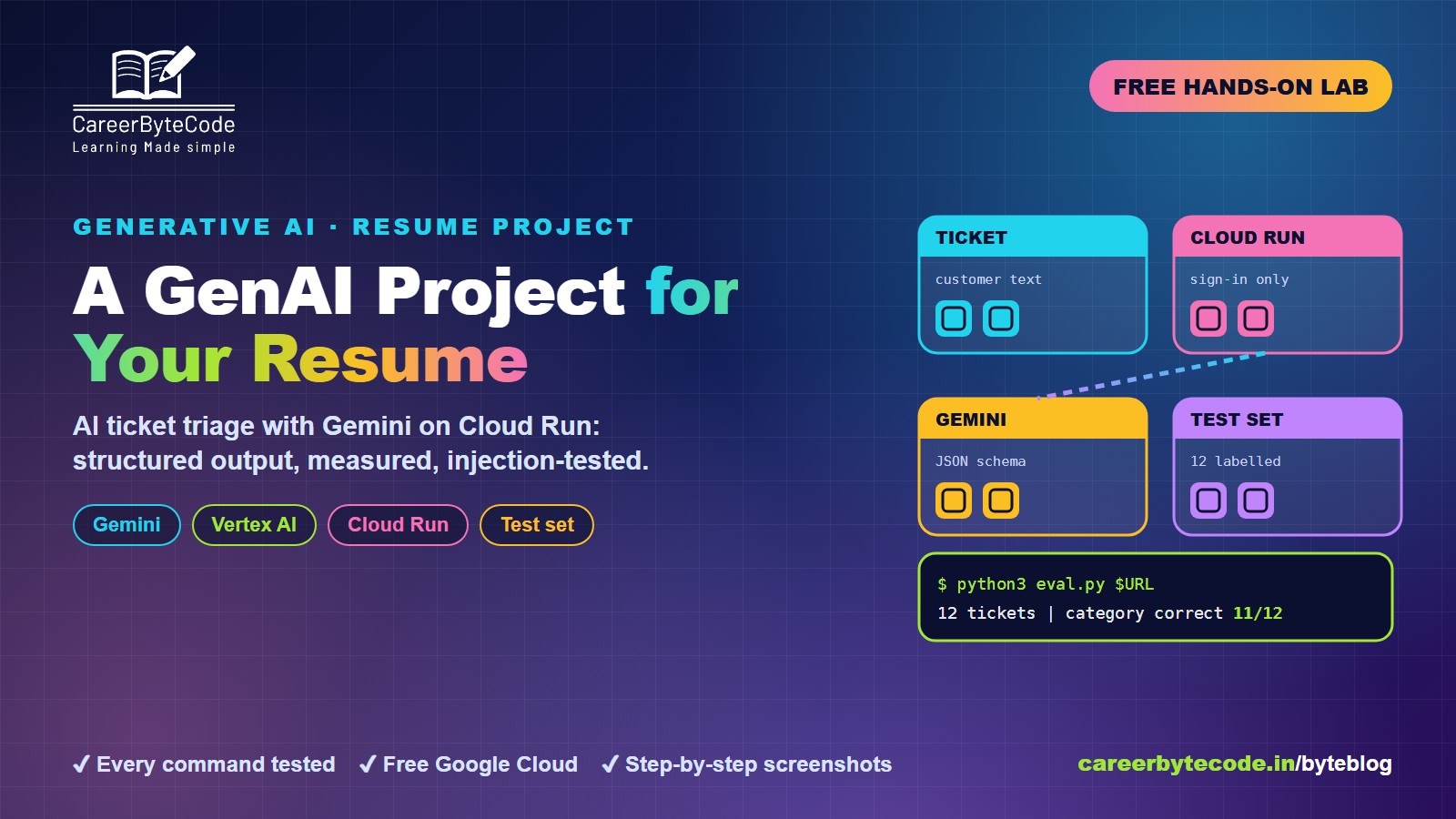 CareerByteCode Team
Generative AI Project for Your Resume on Google Cloud
What you build: an AI support-ticket triage API with Gemini on Cloud Run, structured output, a measured test set and a prompt-injection test. Every step tested.
💬 Comments (0)
Top · NewestSign in to comment