
Model Context Protocol (MCP) Server on Cloud Run
What you build: your own MCP server with one tool, on Cloud Run with sign-in required, tested with real initialize, tools/list and tools/call requests, in your own Google Cloud account.

✍️ Translate this blog into Hindi, Tamil or Telugu
In this lab you build your own MCP server: a small Python program that offers a tool any AI assistant can call. You deploy it on Cloud Run with sign-in required, then talk to it exactly as an assistant would, with the three real MCP requests: initialize, tools/list and tools/call. You finish by deleting everything.
Who it is for: learners who know a little Python and have deployed something to Cloud Run (or read our CI/CD lab), and want to understand how AI assistants use tools. Time: about 1 to 1.5 hours. Cost: free tier (Cloud Run gives 2 million requests a month at no charge; we sent fewer than 10, and the build stays inside the free Cloud Build minutes).
Every command below was run for real by the CareerByteCode Team on a fresh Google Cloud project, and every output and screenshot is the real result we got. We ran the commands from a terminal with the Google Cloud CLI (gcloud, curl, python3); Cloud Shell in your browser has the same tools ready.
Part A: MCP in plain English
An AI assistant can write text, but to do things (look up data, create a ticket, read a file) it needs tools. The Model Context Protocol (MCP) is an open standard for that: a server lists its tools with a name, a description and the inputs each one takes, and any MCP-aware assistant can call them.

Six words you will use in this lab:
- MCP server: your program that offers tools. Ours is called
cbc-cloud-helperand has one tool. - MCP client: the side that calls the server, usually inside an AI assistant. Today the client is you, with
curl, so you can see every message. - Tool: one function the assistant may call. Ours is
free_tier(service), which returns the Google Cloud always-free limit for a service. The function's docstring becomes the description the AI reads to decide when to use it. - JSON-RPC: the message format MCP uses:
{"jsonrpc": "2.0", "id": 1, "method": "...", "params": {...}}. Each answer carries the sameid. - Streamable HTTP: the MCP transport for servers on the web. The client sends each message as an HTTP POST to one address (here
/mcp). We turn on stateless mode with JSON responses, which is the simplest fit for Cloud Run. - Identity token: a short-lived signed token that proves who you are. With
--no-allow-unauthenticated, Cloud Run rejects any request without a valid one before it reaches your code. Real-life example: the gate pass at an office reception.
The three MCP requests, in the order an assistant sends them:
initialize: "Hello, which protocol version and features do you support?"tools/list: "Which tools do you have, and what inputs does each one take?"tools/call: "Run this tool with these arguments."
Before you start
- A Google Cloud account (the free trial works) and a project with billing linked. Create one at https://console.cloud.google.com/projectcreate if you do not have one.
- Open Cloud Shell (the
>_icon at the top right of the Google Cloud console). It already hasgcloud,curlandpython3. - Save your project id in a variable. Replace the text in quotes with your own project id:
export PROJECT_ID="your-project-id"Part B: the lab
Step 1: APIs and the build role
Why: Cloud Run runs the server; Cloud Build and Artifact Registry turn the source code into a container image. In new projects, the build runs as the default Compute Engine service account, which needs the Cloud Run Builder role or the build fails with "missing required IAM permissions" (we met that in our Gemini lab).
gcloud config set project $PROJECT_ID
gcloud services enable run.googleapis.com cloudbuild.googleapis.com artifactregistry.googleapis.com
PROJECT_NUMBER=$(gcloud projects describe $PROJECT_ID --format="value(projectNumber)")
gcloud projects add-iam-policy-binding $PROJECT_ID --member="serviceAccount:$PROJECT_NUMBER-compute@developer.gserviceaccount.com" \
  --role="roles/run.builder" --condition=None --format="value(etag)" > /dev/null && echo "builder role for the source build: granted"
Updated property [core/project].
Operation "operations/acat.p2-PROJECT_NUMBER-0bb71aed-6e44-4b5b-9b2f-1c8fd5195140" finished successfully.
Updated IAM policy for project [your-project-id].
builder role for the source build: grantedStep 2: write the MCP server
Why: the official MCP Python SDK (mcp package) has FastMCP, which turns a normal Python function into an MCP tool. Read server.py top to bottom:
FastMCP("cbc-cloud-helper", host="0.0.0.0", port=...): the server name, listening on every address on the port Cloud Run gives it (PORT).stateless_http=True, json_response=True: each request stands alone and gets a plain JSON answer, so any copy of the app can answer any request.@mcp.tool(): makesfree_tiera tool. The type hintservice: strbecomes the input schema, and the docstring becomes the description.mcp.run(transport="streamable-http"): serve MCP over HTTP at/mcp.
mkdir -p mcp-server && cd mcp-server
cat > requirements.txt <<EOF
mcp==1.*
EOF
cat > server.py <<EOF
# A minimal MCP server with one tool, served over streamable HTTP at /mcp
import os
from mcp.server.fastmcp import FastMCP

mcp = FastMCP("cbc-cloud-helper", host="0.0.0.0", port=int(os.environ.get("PORT", "8080")),
              stateless_http=True, json_response=True)

FREE_TIER = {
    "compute engine": "1 e2-micro VM a month in us-west1, us-central1 or us-east1, with 30 GB standard disk",
    "cloud run": "2 million requests a month, plus 180,000 vCPU-seconds and 360,000 GiB-seconds",
    "cloud storage": "5 GB of Standard storage a month in us-west1, us-central1 or us-east1",
    "bigquery": "1 TB of queries and 10 GB of storage a month",
}

@mcp.tool()
def free_tier(service: str) -> str:
    """Return the Google Cloud always-free limit for one service (compute engine, cloud run, cloud storage, bigquery)."""
    key = service.strip().lower()
    if key not in FREE_TIER:
        return "No entry for " + repr(service) + ". Known services: " + ", ".join(sorted(FREE_TIER))
    return service.title() + " free tier: " + FREE_TIER[key]

if __name__ == "__main__":
    mcp.run(transport="streamable-http")
EOF
cat > Procfile <<EOF
web: python server.py
EOF
ls -1
Procfile
requirements.txt
server.py
Step 3: deploy to Cloud Run, sign-in required
Why: the server gets its own service account mcp-server with no roles: the tool needs nothing from Google Cloud, so it gets nothing (least privilege). --no-allow-unauthenticated means only callers with permission can reach it.
gcloud iam service-accounts create mcp-server --display-name="MCP server (no roles)"
until gcloud iam service-accounts describe mcp-server@$PROJECT_ID.iam.gserviceaccount.com > /dev/null 2>&1; do sleep 5; done
cd mcp-server
gcloud run deploy mcp-server --source . --region=us-east1 \
  --service-account=mcp-server@$PROJECT_ID.iam.gserviceaccount.com \
  --no-allow-unauthenticated --memory=512Mi --max-instances=1 2>&1 | tail -3
Created service account [mcp-server].
Service account email: mcp-server@your-project-id.iam.gserviceaccount.com
Service [mcp-server] revision [mcp-server-00001-89k] has been deployed and is serving 100 percent of traffic.
Service URL: https://mcp-server-PROJECT_NUMBER.us-east1.run.app
Proxy locally with: gcloud run services proxy mcp-server --region us-east1 --project your-project-id
Break it: call without a sign-in
An AI tool on the open internet without a lock is a real risk: anyone could call it. Prove the lock works: send a tools/list request with no token.
URL=$(gcloud run services describe mcp-server --region=us-east1 --format="value(status.url)")
curl -s -o /dev/null -w "no token: HTTP %{http_code}\n" -X POST $URL/mcp \
  -H "Content-Type: application/json" -H "Accept: application/json, text/event-stream" \
  -d "{\"jsonrpc\":\"2.0\",\"id\":1,\"method\":\"tools/list\"}"
no token: HTTP 403HTTP 403: Cloud Run refused the request before it reached Python. Fix: send your identity token in the Authorization header, as the next three steps do. In your own project you can call it because you are the owner; to let another person or service call it, grant them the Cloud Run Invoker role (roles/run.invoker) on this service.
Step 4: MCP request 1, initialize
Why: every MCP session starts here. The client says which protocol version it speaks (2025-06-18) and who it is; the server answers with its version, its name and what it supports.
URL=$(gcloud run services describe mcp-server --region=us-east1 --format="value(status.url)")
curl -s -X POST $URL/mcp -H "Authorization: Bearer $(gcloud auth print-identity-token)" \
  -H "Content-Type: application/json" -H "Accept: application/json, text/event-stream" \
  -d "{\"jsonrpc\":\"2.0\",\"id\":1,\"method\":\"initialize\",\"params\":{\"protocolVersion\":\"2025-06-18\",\"capabilities\":{},\"clientInfo\":{\"name\":\"curl-test\",\"version\":\"1.0\"}}}" \
  | python3 -m json.tool
{
"jsonrpc": "2.0",
"id": 1,
"result": {
"protocolVersion": "2025-06-18",
"capabilities": {
"experimental": {},
"prompts": {
"listChanged": false
},
"resources": {
"subscribe": false,
"listChanged": false
},
"tools": {
"listChanged": false
}
},
"serverInfo": {
"name": "cbc-cloud-helper",
"version": "1.30.0"
}
}
}
The answer says "tools": {"listChanged": false}: this server has tools, and the list does not change while you are connected.
Step 5: MCP request 2, tools/list
Why: this is how an assistant learns what it may do. It reads the name, the description and the inputSchema of each tool.
URL=$(gcloud run services describe mcp-server --region=us-east1 --format="value(status.url)")
curl -s -X POST $URL/mcp -H "Authorization: Bearer $(gcloud auth print-identity-token)" \
  -H "Content-Type: application/json" -H "Accept: application/json, text/event-stream" -H "MCP-Protocol-Version: 2025-06-18" \
  -d "{\"jsonrpc\":\"2.0\",\"id\":2,\"method\":\"tools/list\"}" | python3 -m json.tool
{
"jsonrpc": "2.0",
"id": 2,
"result": {
"tools": [
{
"name": "free_tier",
"description": "Return the Google Cloud always-free limit for one service (compute engine, cloud run, cloud storage, bigquery).",
"inputSchema": {
"properties": {
"service": {
"title": "Service",
"type": "string"
}
},
"required": [
"service"
],
"title": "free_tierArguments",
"type": "object"
},
"outputSchema": {
"properties": {
"result": {
"title": "Result",
"type": "string"
}
},
"required": [
"result"
],
"title": "free_tierOutput",
"type": "object"
}
}
]
}
}
FastMCP built the inputSchema from the Python type hint and marked service as required. It also added an outputSchema, because the function returns a string.
POC: call the tool, the way an assistant would
Why: this is the moment an AI assistant "uses a tool": tools/call with the tool name and its arguments.
URL=$(gcloud run services describe mcp-server --region=us-east1 --format="value(status.url)")
curl -s -X POST $URL/mcp -H "Authorization: Bearer $(gcloud auth print-identity-token)" \
  -H "Content-Type: application/json" -H "Accept: application/json, text/event-stream" -H "MCP-Protocol-Version: 2025-06-18" \
  -d "{\"jsonrpc\":\"2.0\",\"id\":3,\"method\":\"tools/call\",\"params\":{\"name\":\"free_tier\",\"arguments\":{\"service\":\"Cloud Run\"}}}" \
  | python3 -c "import json,sys; r = json.load(sys.stdin)[\"result\"]; print(\"isError:\", r[\"isError\"]); print(r[\"content\"][0][\"text\"])"
isError: False
Cloud Run free tier: 2 million requests a month, plus 180,000 vCPU-seconds and 360,000 GiB-secondsProof: the server ran free_tier("Cloud Run") and returned the text, with isError: False. An assistant would read this text and use it in its answer to you.
Break it again: a wrong argument name
Assistants (and people) sometimes send the wrong argument. Here we send name instead of service:
URL=$(gcloud run services describe mcp-server --region=us-east1 --format="value(status.url)")
curl -s -X POST $URL/mcp -H "Authorization: Bearer $(gcloud auth print-identity-token)" \
  -H "Content-Type: application/json" -H "Accept: application/json, text/event-stream" -H "MCP-Protocol-Version: 2025-06-18" \
  -d "{\"jsonrpc\":\"2.0\",\"id\":4,\"method\":\"tools/call\",\"params\":{\"name\":\"free_tier\",\"arguments\":{\"name\":\"bigquery\"}}}" \
  | python3 -c "import json,sys; r = json.load(sys.stdin)[\"result\"]; print(\"isError:\", r[\"isError\"]); print(r[\"content\"][0][\"text\"][:300])"
isError: True
Error executing tool free_tier: 1 validation error for free_tierArguments
service
Field required [type=missing, input_value={'name': 'bigquery'}, input_type=dict]
For further information visit https://errors.pydantic.dev/2.14/v/missing
The server did not crash. It returned isError: True with a clear reason: service is required and missing. An assistant reads this and tries again with the right name. Fix: send {"service": "bigquery"}. This is why a good docstring and clear argument names matter: they are the only manual the AI reads.
Clean up (delete everything)
Why: delete the service, its account, the build role, the image repository and the source bucket.
gcloud run services delete mcp-server --region=us-east1 --quiet 2>&1 | tail -1
gcloud iam service-accounts delete mcp-server@$PROJECT_ID.iam.gserviceaccount.com --quiet 2>&1 | tail -1
PROJECT_NUMBER=$(gcloud projects describe $PROJECT_ID --format="value(projectNumber)")
gcloud projects remove-iam-policy-binding $PROJECT_ID --member="serviceAccount:$PROJECT_NUMBER-compute@developer.gserviceaccount.com" --role="roles/run.builder" --condition=None --format="value(etag)" > /dev/null && echo "builder role removed"
gcloud artifacts repositories delete cloud-run-source-deploy --location=us-east1 --quiet 2>&1 | tail -1
gcloud storage rm -r gs://run-sources-$PROJECT_ID-us-east1 2>&1 | tail -1
echo "Cloud Run services left: $(gcloud run services list --format="value(name)" | wc -l)"
echo "repositories left: $(gcloud artifacts repositories list --location=us-east1 --format="value(name)" | wc -l)"
echo "buckets left: $(gcloud storage buckets list --format="value(name)" | wc -l)"
Deleted service [mcp-server].
deleted service account [mcp-server@your-project-id.iam.gserviceaccount.com]
Updated IAM policy for project [your-project-id].
builder role removed
Deleted repository [cloud-run-source-deploy].
..........
Cloud Run services left: 0
Listing items under project your-project-id, location us-east1.
repositories left: 0
buckets left: 0
Cloud Run services left: 0, repositories left: 0 and buckets left: 0 are your proof.
FAQ
How does a real AI assistant connect to this server? Assistants that support remote MCP servers take a URL (https://.../mcp) and a way to sign in. For a Cloud Run service that requires sign-in, a common pattern is gcloud run services proxy, which opens a local address that adds your identity for you; the assistant then uses http://localhost:PORT/mcp. We did not test that part in this lab (it needs an extra gcloud component), so check your assistant's MCP documentation.
Why stateless mode? Cloud Run may start several copies of your app. In stateless mode every request carries everything needed, so any copy can answer. A stateful session would need the same copy every time.
Can a tool use Google Cloud services? Yes. Give the server's service account only the roles that tool needs (for example BigQuery Data Viewer for a reporting tool), and nothing more.
What else can an MCP server offer besides tools? Resources (read-only data, like files) and prompts (ready-made prompt templates). You saw both listed in the initialize answer.
Is MCP only for one company's AI? No. MCP is an open protocol, and many assistants, IDEs and agent frameworks support it.
How do I protect a public MCP server? Keep sign-in required, give the service account the least roles, validate every input (FastMCP checks the types for you), limit instances, and log every call.
Troubleshooting
| You see | Why | Fix |
|---|---|---|
HTTP 403 with no JSON | Cloud Run wants a sign-in | Add -H "Authorization: Bearer $(gcloud auth print-identity-token)" |
Build failed because the default service account is missing required IAM permissions | The build account has no roles | Grant roles/run.builder to the Compute default service account (Step 1) |
HTTP 406 Not Acceptable from the server | The Accept header is missing | Send -H "Accept: application/json, text/event-stream" |
isError: true ... Field required | A required argument is missing or misspelled | Read inputSchema from tools/list and use the exact names |
404 on the service URL | The path is wrong | The MCP address ends in /mcp |
| The container fails to start | The server listens on the wrong port or address | Use host="0.0.0.0" and port=int(os.environ["PORT"]) |
What next
- Build an AI app that this kind of tool can serve: look for our tested lab "Gemini API for Beginners: Your First AI App on Google Cloud" on ByteBlog.
- Ship it automatically: CI/CD for Beginners: Build and Deploy on Every Git Push.
- More hands-on posts: ByteBlog, guided projects in ByteLabs and the full courses.
Prepared by the CareerByteCode Team from our tested lab, with AI help for the write-up.
⭐ Keep learning with CareerByteCode
Hand-picked to go deeper on this topicGet CareerByteCode Team's next blog by email
One email a week when they publish. Add the weekly Best of ByteBlog too. No spam, unsubscribe with one click.
We email you once to confirm. By subscribing you agree to the privacy policy.
Related blogs
 CareerByteCode Team
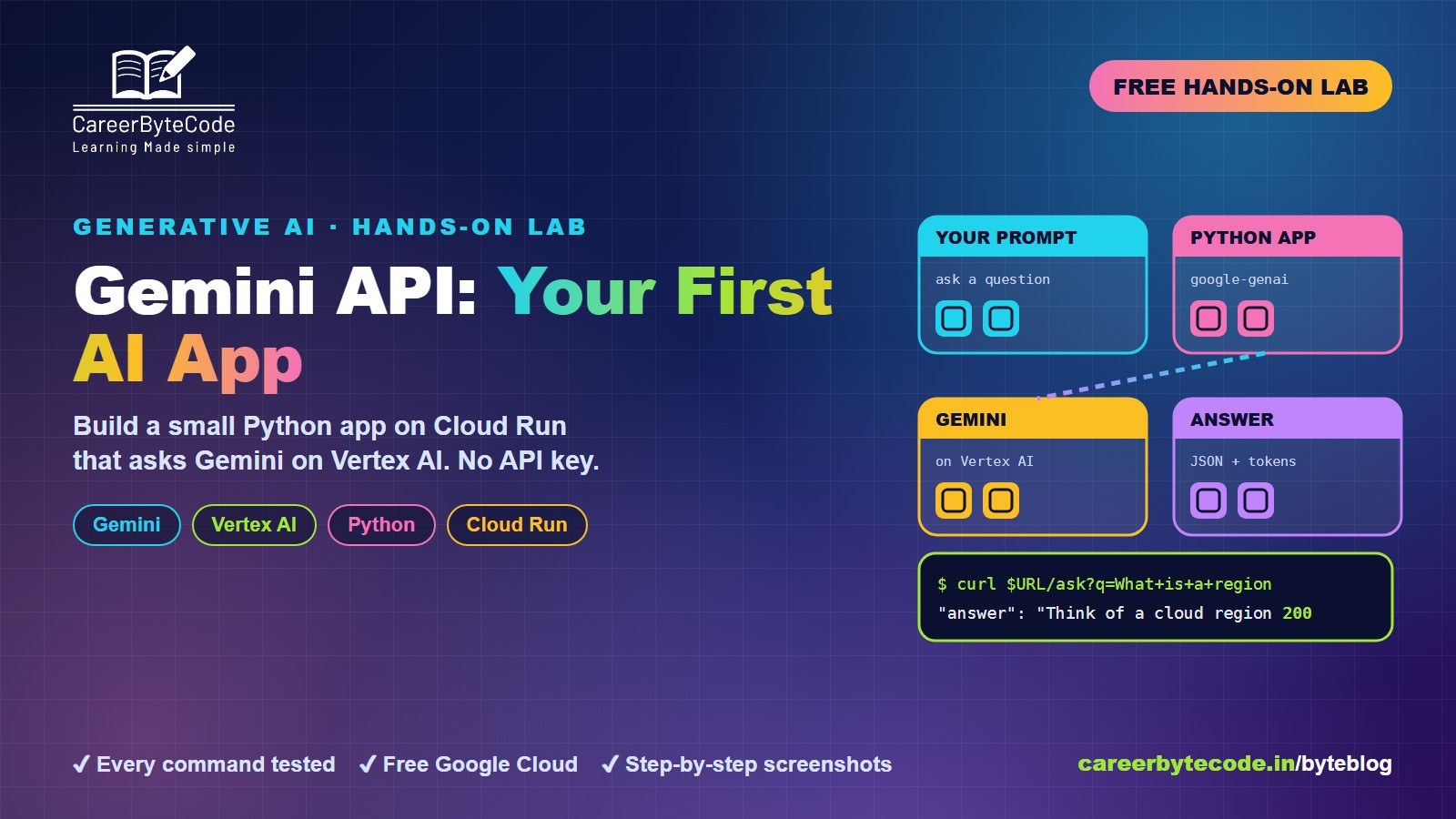
Gemini API for Beginners: Your First AI App on Google Cloud
What you build: your first Gemini call from the shell and a small Python app on Cloud Run that asks Gemini on Vertex AI, with no API key, in your own Google Cloud account. Every step tested.
#bigquery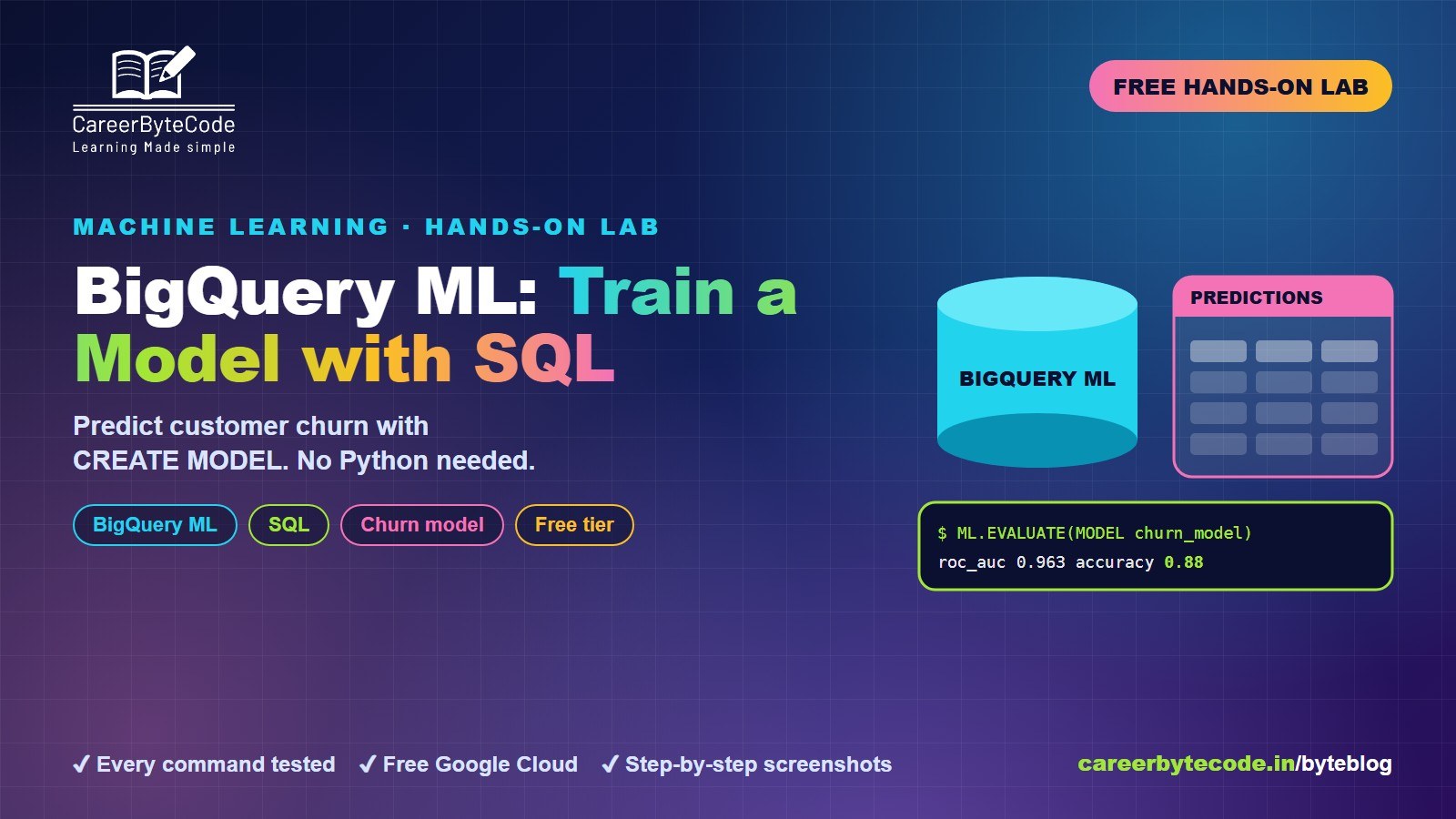 CareerByteCode Team
BigQuery ML: Train a Model with Just SQL
What you build: a churn prediction model written in SQL with BigQuery ML, scored and used for predictions, in your own Google Cloud account. Every step tested.
#google-cloud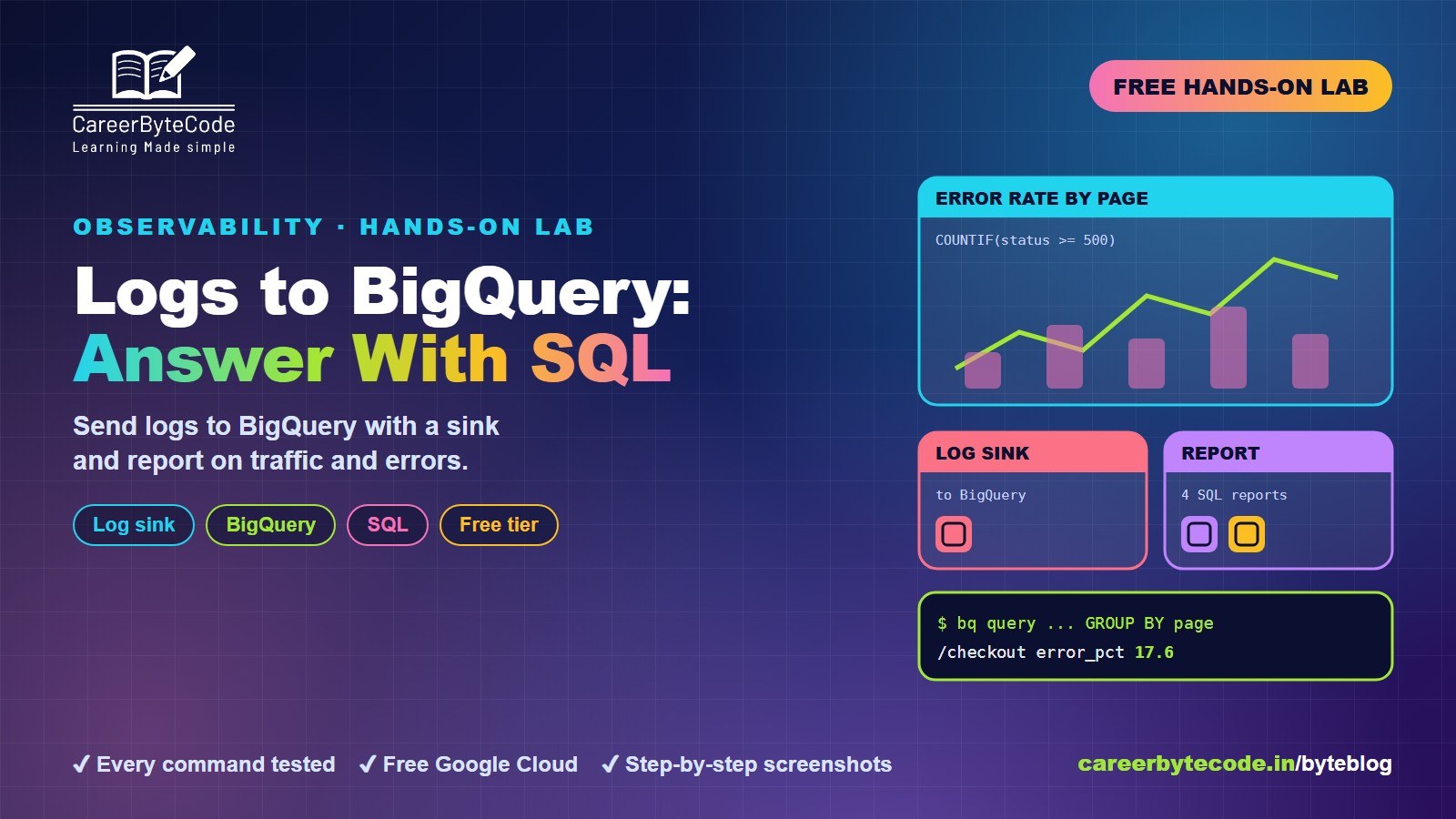 CareerByteCode Team
Logs to BigQuery: Analyse a Month of Logs with SQL
What you build: a log sink from Cloud Logging to BigQuery and four SQL reports on a month of web traffic, errors and slow pages, in your own Google Cloud account. Every step tested.
#google-cloud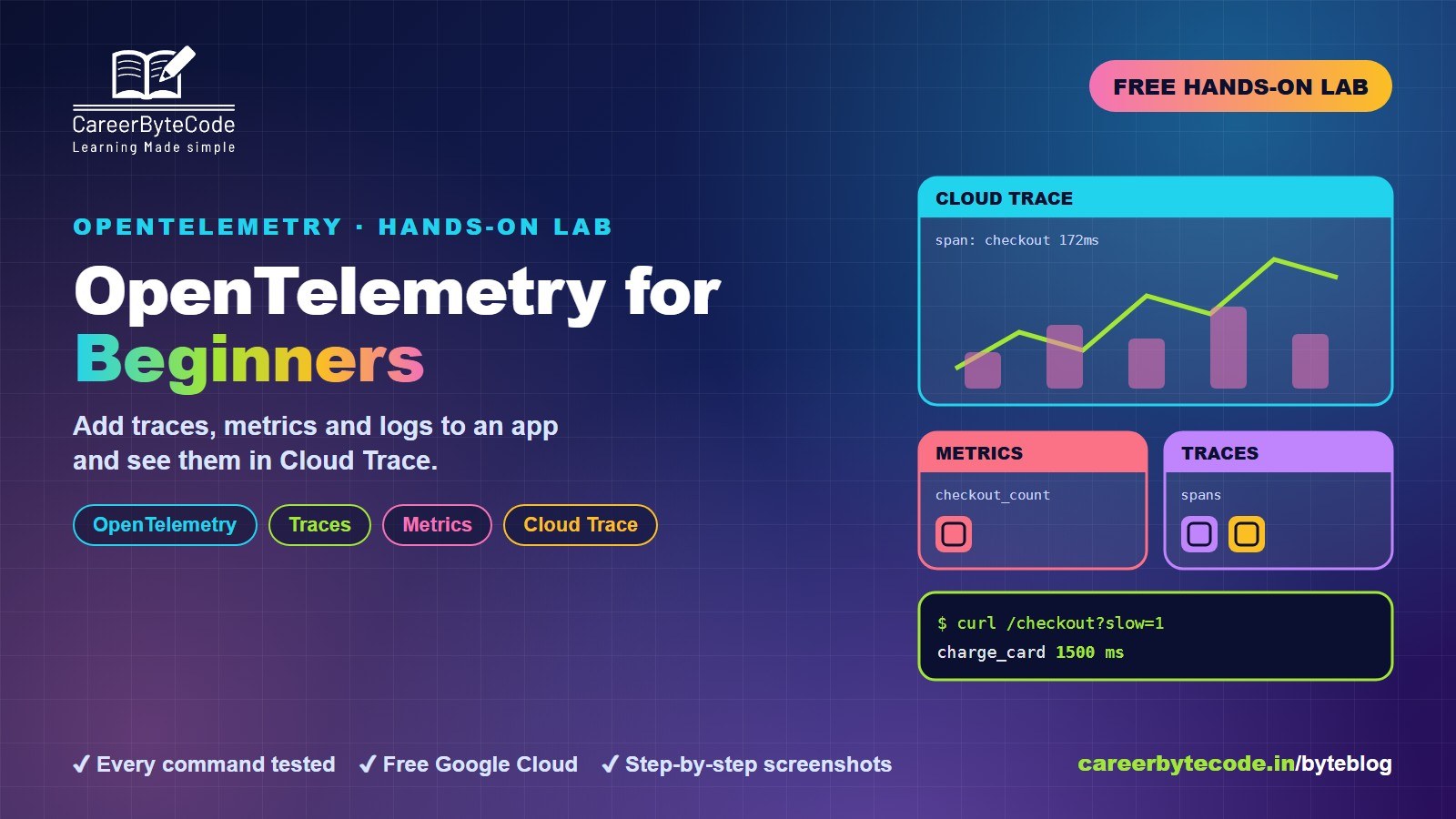 CareerByteCode Team
OpenTelemetry for Beginners: Traces, Metrics and Logs
What you build: an instrumented app sending traces to Cloud Trace, in your own Google Cloud account. Every step, command and screenshot explained for intermediates.
💬 Comments (0)
Top · NewestSign in to comment