
CI/CD for Beginners: Build and Deploy on Every Git Push
What you build: a pipeline from a git commit to a live Cloud Run app, with a test address, one-command promote and rollback, in your own Google Cloud account. Every step tested.

✍️ Translate this blog into Hindi, Tamil or Telugu
In this lab you build a small CI/CD pipeline on Google Cloud: every change you commit to git is built into a container image by Cloud Build, stored in Artifact Registry and deployed to Cloud Run. You ship version 1, send version 2 to a private test address first, promote it to everyone, let a buggy version 3 go live, and roll it back in one command. You finish by deleting everything.
Who it is for: beginners who know what git is and want to see CI/CD work end to end. Time: about 1.5 hours. Cost: free tier (Cloud Build gives 2,500 build-minutes a month free, Cloud Run gives 2 million requests a month free; this lab used about 4 build-minutes and a few dozen requests).
Every command below was run for real by the CareerByteCode Team on a fresh Google Cloud project, and every output and screenshot is the real result we got. We ran the commands from a terminal with the Google Cloud CLI and git; Cloud Shell in your browser has both, so you can copy and paste each command there.
🧪⭐ Recommended by CareerByteCode · ByteLabs project bundleCloud and DevOps Realtime Starter₹499Build the projects →Part A: CI/CD in plain English
- CI (continuous integration): every change is built and checked automatically, the same way every time. No "it works on my laptop".
- CD (continuous delivery or deployment): every good build can go live with one action (or none). Going back is just as easy.

The pieces you will use:
- git commit: a saved version of your code with a message. Each release in this lab is one commit.
- Cloud Build: runs the steps in
cloudbuild.yaml(build, push, deploy) on Google's machines. - Artifact Registry: stores each container image with a tag such as
rel-1. - Cloud Run: runs your container and gives it an https address. Every deploy creates a new revision (a frozen copy of that version).
- Traffic split: Cloud Run decides which revision answers the main address. A tag gives one revision its own extra address, for testing.
Real-life example: a new dish in a restaurant. The kitchen makes it the same way every time (CI). The staff taste it first (the test address). If they like it, it goes on the menu (promote). If guests complain, yesterday's dish is back on the menu the same evening (roll back).
Before you start
- A Google Cloud account (the free trial works) and a project with billing linked.
- Open Cloud Shell (the
>_icon at the top of the Google Cloud console). It hasgcloud,gitandcurl. - Save your project id (put your own id between the quotes):
export PROJECT_ID="your-project-id"- Run every step from your home folder (
cd ~). Steps that work on the app start withcd hello-cicdthemselves.
Part B: the lab
Step 1: turn on the APIs and create the image repository
Why: Cloud Run, Cloud Build and Artifact Registry are off in a new project. The repository cbc-cicd is where every release image is stored.
gcloud config set project $PROJECT_ID
gcloud services enable run.googleapis.com cloudbuild.googleapis.com artifactregistry.googleapis.com
gcloud artifacts repositories create cbc-cicd --repository-format=docker --location=us-east1 --description="CareerByteCode CI/CD lab"
Updated property [core/project].
Operation "operations/acat.p2-PROJECT_NUMBER-8888b1e6-600f-401a-b6f8-5bcd4ff2bf66" finished successfully.
Create request issued for: [cbc-cicd]
Waiting for operation [projects/your-project-id/locations/us-east1/operations/89101edf-d7dc-4263-9415-2d610b63d755] to complete...
........done.
Created repository [cbc-cicd].Step 2: let the build account deploy to Cloud Run
Why: the build runs as a service account (a robot account). In new projects that is the Compute Engine default service account. It needs the Cloud Run Admin role to deploy and to make the app public, and the Service Account User role to start the app as that account.
PROJECT_NUMBER=$(gcloud projects describe $PROJECT_ID --format="value(projectNumber)")
BUILD_SA="$PROJECT_NUMBER-compute@developer.gserviceaccount.com"
gcloud projects add-iam-policy-binding $PROJECT_ID --member="serviceAccount:$BUILD_SA" --role="roles/run.admin" --condition=None --format="value(etag)" > /dev/null
gcloud iam service-accounts add-iam-policy-binding $BUILD_SA --member="serviceAccount:$BUILD_SA" --role="roles/iam.serviceAccountUser" --format="value(etag)" > /dev/null
gcloud projects get-iam-policy $PROJECT_ID --flatten="bindings[].members" --filter="bindings.members:$BUILD_SA" --format="table(bindings.role)"
Updated IAM policy for project [your-project-id].
Updated IAM policy for serviceAccount [PROJECT_NUMBER-compute@developer.gserviceaccount.com].
ROLE
roles/editor
roles/run.admin
Step 3: create the app in a git repository
Why: a tiny web app that prints its version. It uses only Python's built-in web server, so there is nothing to install. Cloud Run tells the app which port to use in the PORT variable.
mkdir -p hello-cicd && cd hello-cicd && git init -q -b main
cat > main.py <<EOF
import os
from http.server import BaseHTTPRequestHandler, HTTPServer

VERSION = "v1"

class Handler(BaseHTTPRequestHandler):
    def do_GET(self):
        body = ("Hello from the CareerByteCode CI/CD lab, version " + VERSION + "\n").encode()
        self.send_response(200)
        self.send_header("Content-Type", "text/plain")
        self.end_headers()
        self.wfile.write(body)

HTTPServer(("", int(os.environ.get("PORT", "8080"))), Handler).serve_forever()
EOF
cat > Dockerfile <<EOF
FROM python:3.12-slim
WORKDIR /app
COPY main.py .
CMD ["python", "main.py"]
EOF
ls -1
Dockerfile
main.pyAfter this step you are inside hello-cicd. Go back with cd ~ before Step 4.
Step 4: write the pipeline file and commit v1
Why: three steps. build makes the image, push stores it, deploy runs gcloud run deploy inside Google's Cloud SDK container. Two substitutions make the same file work for every release:
$_TAGnames the image and gives the revision its own test address (for examplerel-1).$_DEPLOY_FLAGSis empty by default; we set it to--no-trafficwhen a release should go to the test address only.
cd hello-cicd
cat > cloudbuild.yaml <<EOF
steps:
  - id: build
    name: gcr.io/cloud-builders/docker
    args: ["build", "-t", "us-east1-docker.pkg.dev/\$PROJECT_ID/cbc-cicd/hello-cicd:\$_TAG", "."]
  - id: push
    name: gcr.io/cloud-builders/docker
    args: ["push", "us-east1-docker.pkg.dev/\$PROJECT_ID/cbc-cicd/hello-cicd:\$_TAG"]
  - id: deploy
    name: gcr.io/google.com/cloudsdktool/cloud-sdk:slim
    entrypoint: bash
    args:
      - -c
      - >-
        gcloud run deploy hello-cicd
        --image=us-east1-docker.pkg.dev/\$PROJECT_ID/cbc-cicd/hello-cicd:\$_TAG
        --region=us-east1 --allow-unauthenticated
        --tag=\$_TAG \$_DEPLOY_FLAGS
substitutions:
  _TAG: rel-1
  _DEPLOY_FLAGS: ""
options:
  logging: CLOUD_LOGGING_ONLY
EOF
git add . && git -c user.name="CBC Lab" -c user.email="lab@example.com" commit -q -m "v1: first release" && git log --oneline
f8d4f99 v1: first release
Step 5: push v1 through the pipeline
Why: this is the "deploy on push" moment. In this lab you start the pipeline with gcloud builds submit after each commit; with a GitHub trigger (see below) the same file runs by itself on every git push.
cd hello-cicd
gcloud builds submit --region=us-east1 --config=cloudbuild.yaml --substitutions=_TAG=rel-1 . 2>&1 | tail -2
URL=$(gcloud run services describe hello-cicd --region=us-east1 --format="value(status.url)")
echo "URL: $URL"
curl -s $URL
ID CREATE_TIME DURATION SOURCE IMAGES STATUS
55026ff0-2434-4699-aaed-25f2081d0cc9 2026-11-17T22:13:21+00:00 50S gs://your-project-id_cloudbuild/source/1794953600.10798-32de153259b641c0ba577c9772665d1c.tgz - SUCCESS
URL: https://hello-cicd-kjo7u4jaxq-ue.a.run.app
Hello from the CareerByteCode CI/CD lab, version v1
The build took about 50 seconds and the app answers on its https address.
Step 6 and 7: commit v2 and send it to a test address only
Why: never show a new version to everyone first. --no-traffic deploys v2 as a new revision but keeps 100 percent of visitors on v1. The tag rel-2 gives v2 its own address (https://rel-2---...) for you and your testers.
cd hello-cicd
sed -i "s/VERSION = \"v1\"/VERSION = \"v2\"/" main.py
git commit -q -am "v2: new version" && git log --oneline
6b7a040 v2: new version
f8d4f99 v1: first releasecd hello-cicd
gcloud builds submit --region=us-east1 --config=cloudbuild.yaml --substitutions=_TAG=rel-2,_DEPLOY_FLAGS=--no-traffic . 2>&1 | tail -1
URL=$(gcloud run services describe hello-cicd --region=us-east1 --format="value(status.url)")
TEST_URL=$(gcloud run services describe hello-cicd --region=us-east1 --format="value(status.traffic.filter(tag=rel-2).url.list())" 2>/dev/null)
[ -z "$TEST_URL" ] && TEST_URL=$(echo $URL | sed "s#https://#https://rel-2---#")
echo "Live URL : $(curl -s $URL)"
echo "Test URL : $(curl -s $TEST_URL)"5e143341-6d7d-4a85-8220-7d98aec00749 2026-11-17T22:14:46+00:00 51S gs://your-project-id_cloudbuild/source/1794953685.25998-2d72c7746c644130a8bce17ef443f604.tgz - SUCCESS
Live URL : Hello from the CareerByteCode CI/CD lab, version v1
Test URL : Hello from the CareerByteCode CI/CD lab, version v2Who gets the traffic now:
gcloud run services describe hello-cicd --region=us-east1 --format="table[box](status.traffic.revisionName,status.traffic.percent,status.traffic.tag)" --flatten="status.traffic"+----------------------+---------+-------+
| REVISION_NAME | PERCENT | TAG |
+----------------------+---------+-------+
| hello-cicd-00001-vet | 100 | rel-1 |
| hello-cicd-00002-hiw | | rel-2 |
+----------------------+---------+-------+
Step 8: promote v2 to everyone
Why: you tested v2 on its own address and it works. One command moves all visitors to it. No rebuild, no redeploy.
gcloud run services update-traffic hello-cicd --region=us-east1 --to-tags=rel-2=100 2>&1 | tail -3
URL=$(gcloud run services describe hello-cicd --region=us-east1 --format="value(status.url)")
echo "Live URL : $(curl -s $URL)"
rel-1: https://rel-1---hello-cicd-kjo7u4jaxq-ue.a.run.app
100% hello-cicd-00002-hiw
rel-2: https://rel-2---hello-cicd-kjo7u4jaxq-ue.a.run.app
Live URL : Hello from the CareerByteCode CI/CD lab, version v2
Break it: a bad release
Version 3 has a bug: a "refactor" changed the status code from 200 to 500. We commit it and push it through the same pipeline:
🎓⭐ Recommended by CareerByteCode · Live trainingCloud & DevOps Live Cohort Internship₹2,360See the training →cd hello-cicd
sed -i "s/VERSION = \"v2\"/VERSION = \"v3\"/; s/self.send_response(200)/self.send_response(500)/" main.py
git commit -q -am "v3: refactor (has a bug)" && git log --oneline | head -1
gcloud builds submit --region=us-east1 --config=cloudbuild.yaml --substitutions=_TAG=rel-3 . 2>&1 | tail -1
URL=$(gcloud run services describe hello-cicd --region=us-east1 --format="value(status.url)")
curl -s -o /dev/null -w "Live URL answers HTTP %{http_code}\n" $URL3ce58fd v3: refactor (has a bug)
d48dbfc0-1944-404c-a629-92999c83a30f 2026-11-17T22:16:14+00:00 48S gs://your-project-id_cloudbuild/source/1794953772.436626-00ffb4ed199640c8a0d9f22dacaa8670.tgz - SUCCESS
Live URL answers HTTP 200Notice something useful: the live address still answers 200. Because Step 8 pinned the traffic to rel-2, a new deploy does not take traffic by itself; it waits on its own tag address. Now someone promotes v3 without testing it:
gcloud run services update-traffic hello-cicd --region=us-east1 --to-tags=rel-3=100 2>&1 | tail -1
URL=$(gcloud run services describe hello-cicd --region=us-east1 --format="value(status.url)")
curl -s -w "\nLive URL answers HTTP %{http_code}\n" $URL
rel-3: https://rel-3---hello-cicd-kjo7u4jaxq-ue.a.run.app
Hello from the CareerByteCode CI/CD lab, version v3
Live URL answers HTTP 500
The live app now answers HTTP 500. Every visitor sees the error.
Fix it: roll back in one command
Why: the old revision is still there, unchanged. Rolling back is only a traffic change, so it takes seconds and needs no build.
gcloud run services update-traffic hello-cicd --region=us-east1 --to-tags=rel-2=100 2>&1 | tail -1
URL=$(gcloud run services describe hello-cicd --region=us-east1 --format="value(status.url)")
curl -s -w "Live URL answers HTTP %{http_code}\n" $URL
rel-3: https://rel-3---hello-cicd-kjo7u4jaxq-ue.a.run.app
Hello from the CareerByteCode CI/CD lab, version v2
Live URL answers HTTP 200POC: prove the rollback and see every revision
gcloud run services describe hello-cicd --region=us-east1 --format="table[box](status.traffic.revisionName,status.traffic.percent,status.traffic.tag)" --flatten="status.traffic"+----------------------+---------+-------+
| REVISION_NAME | PERCENT | TAG |
+----------------------+---------+-------+
| hello-cicd-00001-vet | | rel-1 |
| hello-cicd-00002-hiw | 100 | rel-2 |
| hello-cicd-00004-req | | rel-3 |
+----------------------+---------+-------+
Proof: the live address says version v2 with HTTP 200, rel-2 has 100 percent, and rel-1 and rel-3 are still there to go to at any time. In a real team you would now fix the bug in git, commit v4 and send it through the pipeline to its test address first.
Make it run on every git push (your own GitHub)
In this lab we started each build with gcloud builds submit, so you did not need to connect any account. To run the same cloudbuild.yaml automatically on every push, connect your own GitHub repository (we did not connect one in this lab):
- Push the
hello-cicdfolder to a GitHub repository you own. - In the Google Cloud console open Cloud Build > Triggers > Connect repository, choose GitHub, sign in to GitHub and pick your repository.
- Create trigger: event "Push to a branch", branch
^main$, configuration "Cloud Build configuration file", locationcloudbuild.yaml. Give each release its own tag: either set the substitution_TAGin the trigger, or change the default incloudbuild.yamltorel-$SHORT_SHA(Cloud Build fills in the short commit id for triggered builds; therel-prefix keeps the tag starting with a letter). - Push a commit: the build starts by itself and the steps are exactly the ones you ran above.
Clean up (delete everything)
Why: the service, the images and the build source bucket would stay forever. We also remove the extra role we gave in Step 2.
gcloud run services delete hello-cicd --region=us-east1 --quiet 2>&1 | tail -1
gcloud artifacts repositories delete cbc-cicd --location=us-east1 --quiet 2>&1 | tail -1
gcloud storage rm --recursive gs://${PROJECT_ID}_cloudbuild --quiet 2>&1 | tail -1
PROJECT_NUMBER=$(gcloud projects describe $PROJECT_ID --format="value(projectNumber)")
gcloud projects remove-iam-policy-binding $PROJECT_ID --member="serviceAccount:$PROJECT_NUMBER-compute@developer.gserviceaccount.com" --role="roles/run.admin" --condition=None --format="value(etag)" > /dev/null && echo "run.admin removed"
echo "Cloud Run services left: $(gcloud run services list --region=us-east1 --format="value(name)" | wc -l)"
echo "repositories left: $(gcloud artifacts repositories list --location=us-east1 --format="value(name)" 2>/dev/null | wc -l)"
echo "buckets left: $(gcloud storage buckets list --format="value(name)" | wc -l)"
Deleted service [hello-cicd].
Deleted repository [cbc-cicd].
..........
Updated IAM policy for project [your-project-id].
run.admin removed
Cloud Run services left: 0
repositories left: 0
buckets left: 0
FAQ
Is this real CI/CD if I start the build by hand? The pipeline is the same. A trigger only decides when it starts. Starting by hand first is the best way to learn each step.
Why did v3 not go live by itself? After you send traffic to a tag (Step 8), Cloud Run keeps it there. New deploys get 0 percent until you move traffic. That is a safe default for teams.
What is a revision? A frozen copy of your service at one deploy: the image and the settings. Cloud Run keeps old revisions so you can go back.
Why does the tag need "rel-"? A Cloud Run tag must be at least 3 characters and start with a letter. Our first try with v1 failed with tag: must be at least 3 characters long.
Does a revision with 0 percent traffic cost anything? Cloud Run bills when a container handles requests. A revision with no traffic and no requests costs nothing.
Can I add tests to this pipeline? Yes. Add a test step before build (our Cloud Build post shows a pytest step); if it fails, nothing is deployed.
Should every team auto-deploy to production? Many teams auto-deploy to a test address and promote by hand, exactly like Steps 7 and 8.
Troubleshooting
| You see | Why | Fix |
|---|---|---|
tag: must be at least 3 characters long | The tag is too short (for example v1) | Use tags like rel-1 |
PERMISSION_DENIED in the deploy step | The build account has no Cloud Run Admin role | Run Step 2 again |
Cannot find service [hello-cicd] | The first deploy failed, so the service does not exist yet | Read the build log, fix the cause, run Step 5 again |
| The test address shows the old version | You opened the main address, not https://rel-2---... | Use the address listed for the tag |
HTTP 403 on the app address | The app is not public | Keep --allow-unauthenticated in the deploy step |
| A new deploy does not change the live app | Traffic is pinned to a tag | gcloud run services update-traffic hello-cicd --region=us-east1 --to-tags=<tag>=100 |
What next
- Go deeper on the build part: "Cloud Build Hands-On: Pipelines Without Managing Servers", in this series on ByteBlog.
- Our tested Kubernetes lab: Zero to Kubernetes in 2.5 hours.
- More hands-on posts on ByteBlog, guided projects in ByteLabs and the full courses.
Prepared by the CareerByteCode Team from our tested lab, with AI help for the write-up.
⭐ Keep learning with CareerByteCode
Hand-picked to go deeper on this topicGet CareerByteCode Team's next blog by email
One email a week when they publish. Add the weekly Best of ByteBlog too. No spam, unsubscribe with one click.
We email you once to confirm. By subscribing you agree to the privacy policy.
Related blogs
 CareerByteCode Team
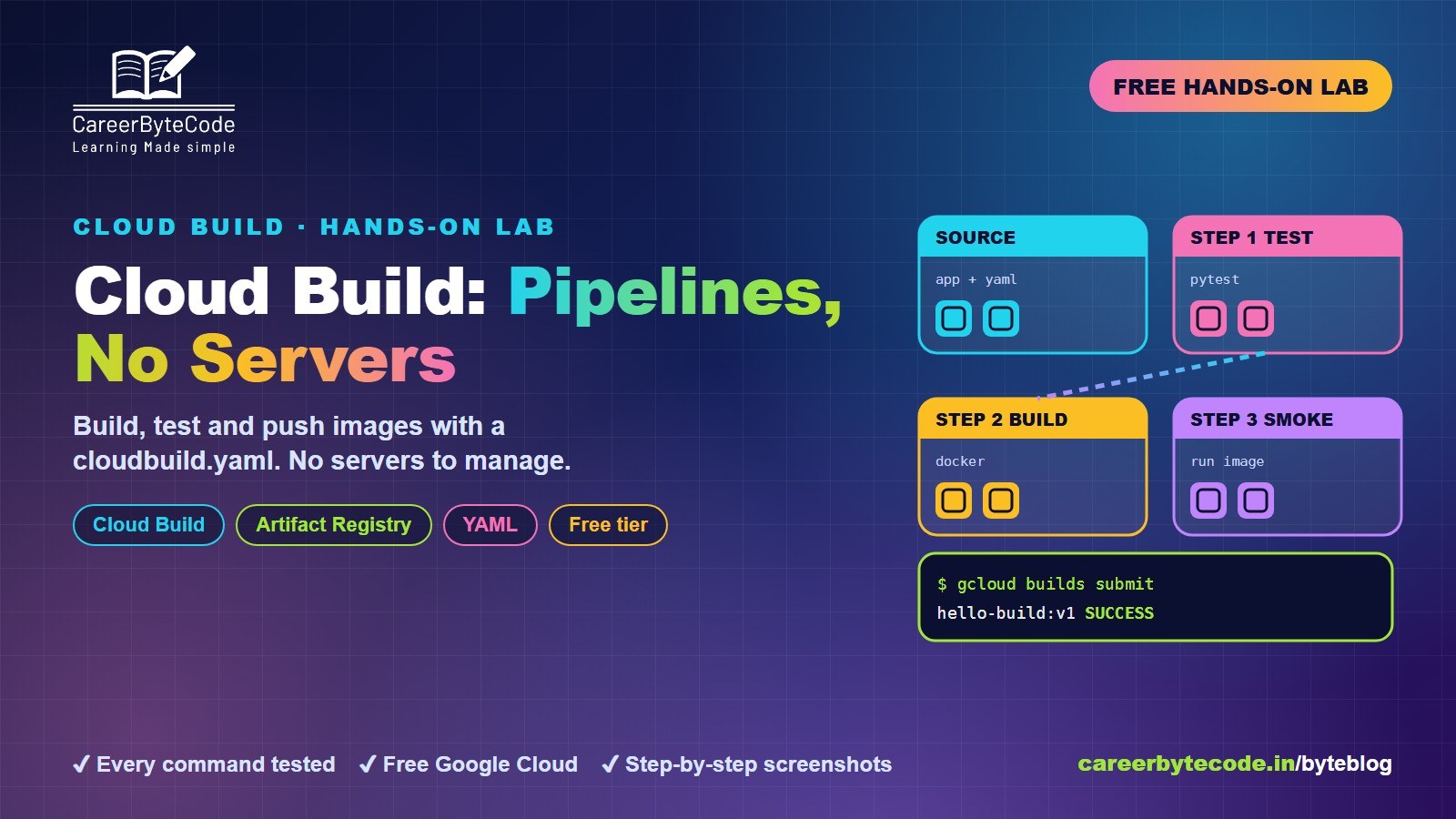
Cloud Build Hands-On: Pipelines Without Managing Servers
What you build: a build, test and push pipeline in Cloud Build, in your own Google Cloud account. Every step, command and screenshot explained for beginners.
#beginners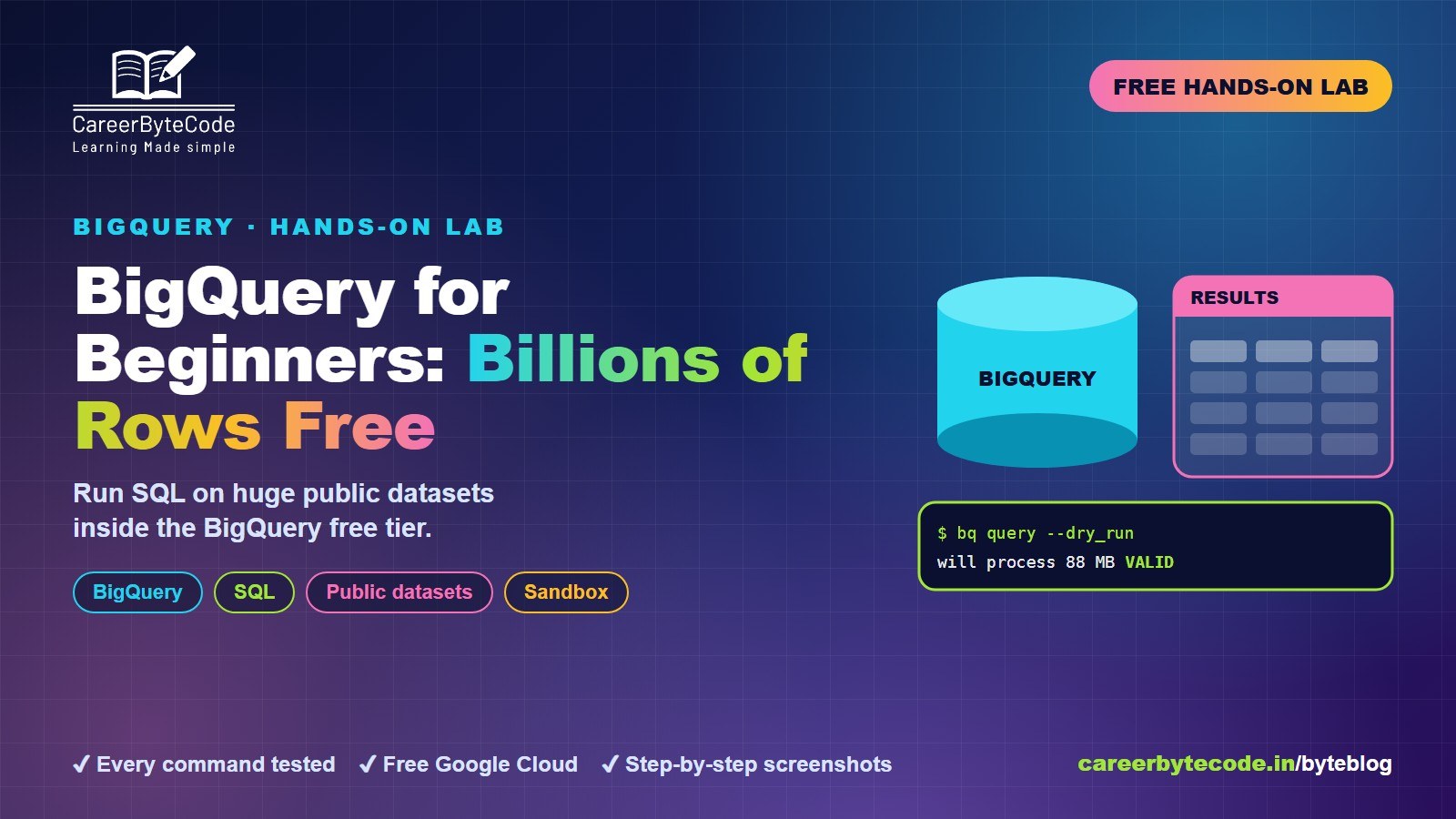 CareerByteCode Team
BigQuery for Beginners: Query Billions of Rows for Free
What you build: SQL on a public dataset with millions of rows, then your own sales table with a view and a daily partition, in your own Google Cloud account. Every step tested.
#beginners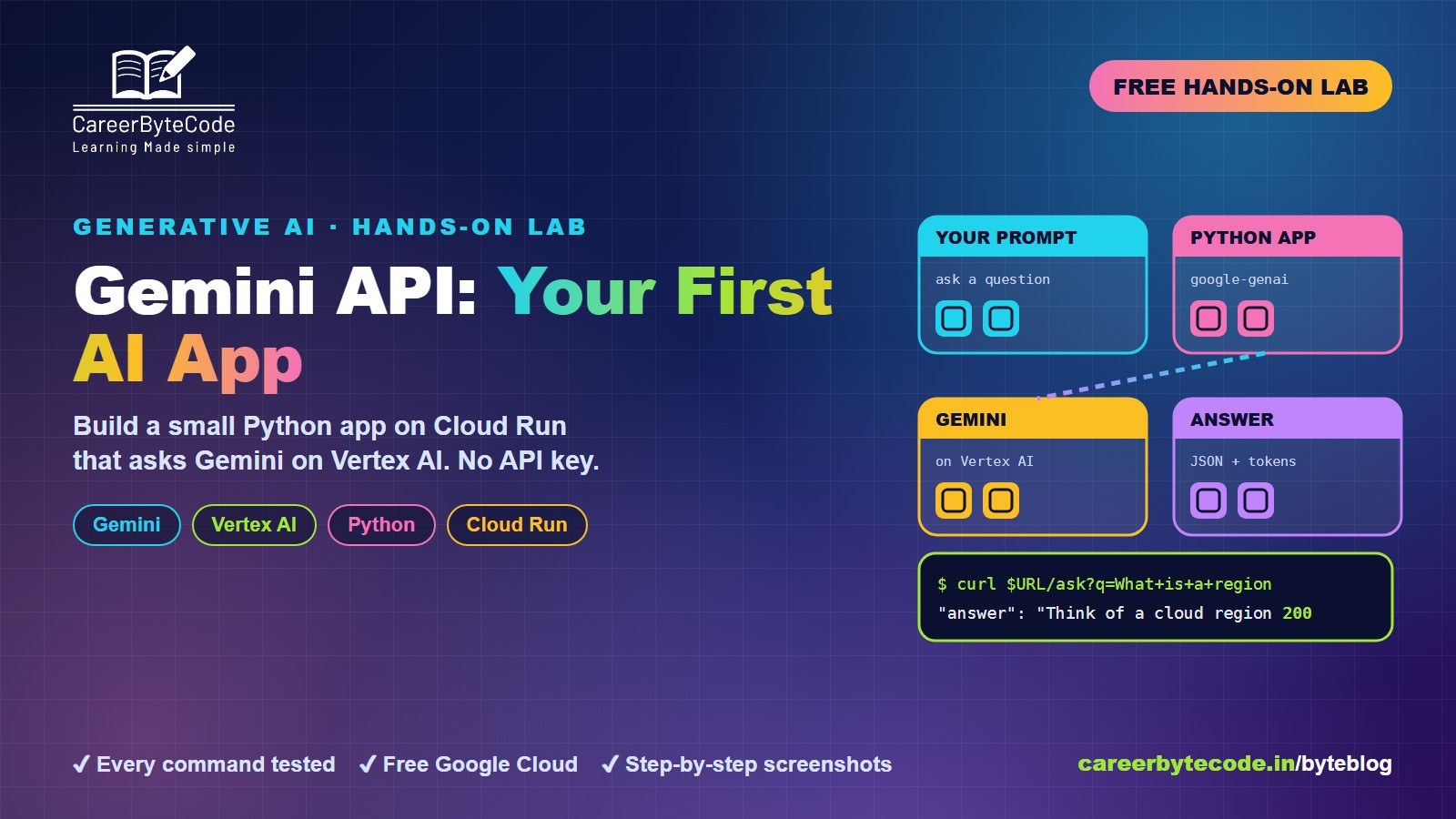 CareerByteCode Team
Gemini API for Beginners: Your First AI App on Google Cloud
What you build: your first Gemini call from the shell and a small Python app on Cloud Run that asks Gemini on Vertex AI, with no API key, in your own Google Cloud account. Every step tested.
#beginners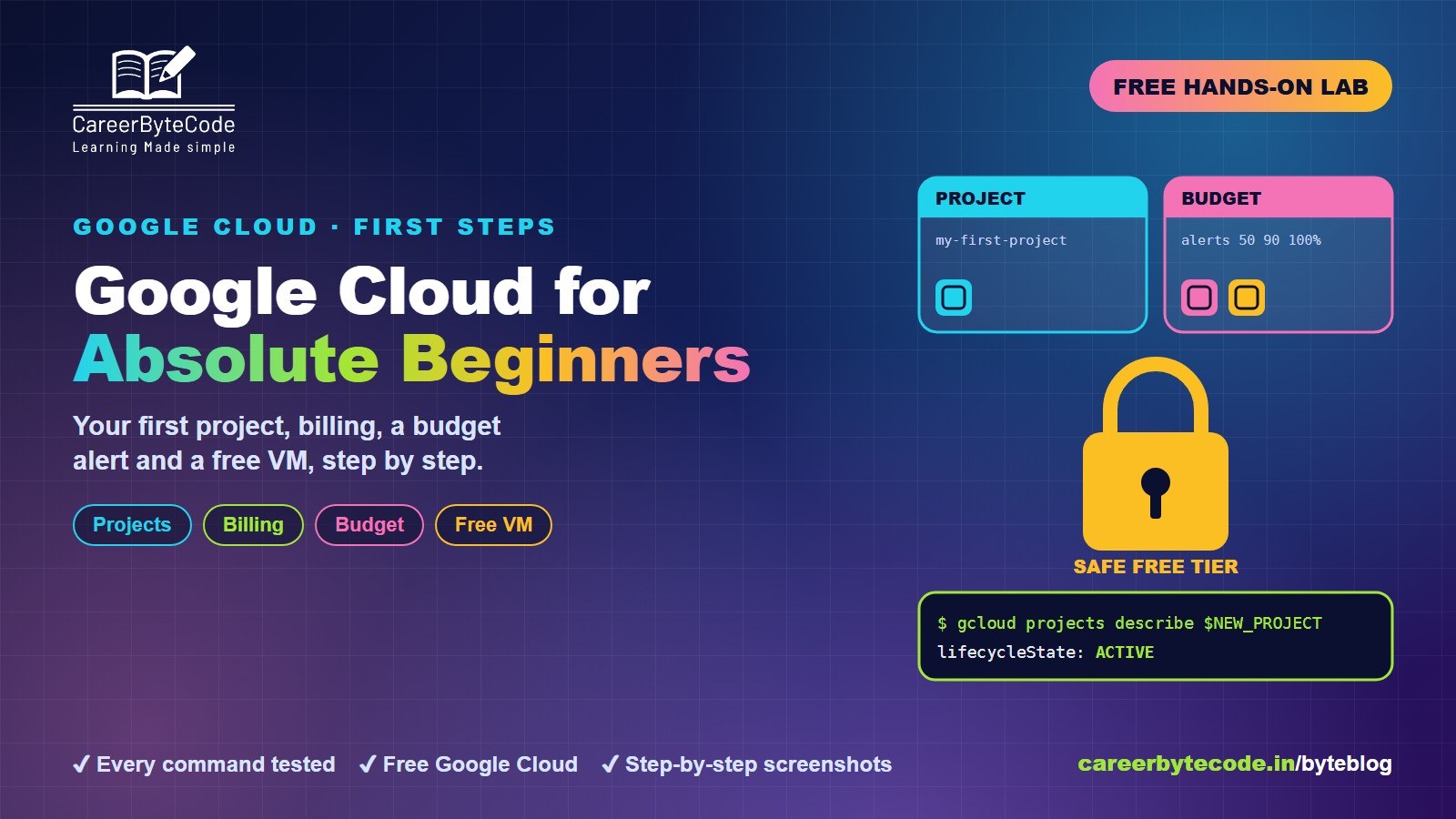 CareerByteCode Team
Google Cloud for Absolute Beginners: Projects, Billing and Console
What you build: a new Google Cloud project, linked to billing, with a budget alert and a free e2-micro virtual machine, all deleted at the end. Every step tested.
💬 Comments (0)
Top · NewestSign in to comment