
Data Labelling and Versioning with DVC
What you build: support tickets labelled by rules and a reviewer, versioned with DVC in a Cloud Storage bucket next to Git; back to v1 in one command, a forgotten dvc push fixed, and a pipeline stage.

✍️ Translate this blog into Hindi, Tamil or Telugu
"Which data was this model trained on?" is a question every ML team must answer, and Git alone cannot: data files are too big for Git, and they change all the time as people label and fix them. DVC (Data Version Control) solves it: the data lives in cheap storage (here a Cloud Storage bucket), and Git keeps a tiny pointer file for each version. In this lab you label a small dataset of support tickets, version it, add new tickets and a reviewer's corrections, travel back to version 1, hit the classic team mistake (committing a data change but forgetting to push the data), and add a pipeline stage that only re-runs when its input changes.
Who it is for: ML and data beginners who use Git and want reproducible datasets. Time: about 45 minutes. Cost: free. The bucket holds a few KB for a few minutes, inside the Cloud Storage free tier, and we delete it at the end.
Every command below was run for real by the CareerByteCode Team on a fresh Google Cloud project, and every output is the real one we got.
🧪⭐ Recommended by CareerByteCode · ByteLabs project bundleCloud and DevOps Realtime Starter₹499Build the projects →Part A: DVC and data labelling in plain English

- Labelling: giving each example the answer a model should learn. Our examples are support tickets and the labels are
billing,login,bugorother. We start with rules (cheap and fast, sometimes wrong) and let a reviewer fix the mistakes, a common real-world workflow. - DVC: a tool that works next to Git.
dvc add data/tickets.csvmoves the file into DVC's cache and writesdata/tickets.csv.dvc, a small text file with the data's fingerprint (an md5 hash). You commit the.dvcfile to Git; the real data stays out of Git. - Remote: where DVC keeps the data for the team, like
originfor Git. Ours isgs://<bucket>/dvcstore. - push / pull / checkout:
dvc pushuploads data to the remote,dvc pulldownloads it,dvc checkoutputs the version that matches the current Git commit into your folder. - Pipeline stage: a command with declared inputs and outputs (
dvc.yaml).dvc reprore-runs it only when an input changed.
Real-life example: a library. Git is the catalogue card ("book X, shelf 12, edition 2"), DVC is the shelf where the heavy books really are. Changing the card is quick; the book stays safe on the shelf.
Before you start
- A Google Cloud account (the free trial works) and a project.
- Open Cloud Shell (the
>_icon at the top right of the console). It has Python, Git andgcloud. Set your project:
export PROJECT_ID="your-project-id"
gcloud config set project $PROJECT_ID
gcloud services enable storage.googleapis.com- Make a folder
~/lab251with four small files:raw_v1.csv(16 tickets,id,text),raw_v2_extra.csv(6 more tickets),fixes.csv(the reviewer's corrections,id,label) and the labeller below. Any short list of your own tickets works.
# label.py: a first, simple labeller for support tickets. Rules give each ticket a label (billing, login, bug, other);
# a reviewer's fixes in fixes.csv (id,label) always win. Writes data/tickets.csv (id,text,label,source).
import csv, sys

RULES = [("billing", ["refund", "invoice", "charged", "payment", "price"]),
         ("login", ["password", "login", "log in", "otp", "2fa", "locked"]),
         ("bug", ["crash", "error", "broken", "freezes", "not loading"])]


def rule_label(text):
    t = text.lower()
    for label, words in RULES:
        if any(w in t for w in words):
            return label
    return "other"


fixes = {}
if len(sys.argv) > 2:
    fixes = {r["id"]: r["label"] for r in csv.DictReader(open(sys.argv[2]))}
rows = []
for r in csv.DictReader(open(sys.argv[1])):
    label, source = (fixes[r["id"]], "reviewer") if r["id"] in fixes else (rule_label(r["text"]), "rule")
    rows.append({"id": r["id"], "text": r["text"], "label": label, "source": source})
with open("data/tickets.csv", "w", newline="") as f:
    w = csv.DictWriter(f, fieldnames=["id", "text", "label", "source"]); w.writeheader(); w.writerows(rows)
counts = {}
for r in rows:
    counts[r["label"]] = counts.get(r["label"], 0) + 1
print(len(rows), "tickets labelled:", dict(sorted(counts.items())), "| reviewer fixes:", sum(r["source"] == "reviewer" for r in rows))
Part B: the lab
Step 1: install DVC and start a repository
Why: dvc[gs] is DVC with Cloud Storage support. dvc init adds a .dvc folder to a normal Git repository.
# Install DVC with Google Cloud Storage support, and start a Git repository with DVC in it
export GRPC_VERBOSITY=ERROR
python3 -m venv .venv && source .venv/bin/activate && pip install -q "dvc[gs]==3.*" 2>&1 | grep -v "^\[notice\]" | tail -1
dvc --version
mkdir -p tickets && cd tickets && git init -q -b main && git config user.email "lab@example.com" && git config user.name "Lab User"
dvc init -q && git commit -qm "Start DVC" && git log --oneline
ls -A .dvc
3.67.1
d85838a Start DVC
.gitignore
config
tmpStep 2: label version 1 and track it with DVC
Why: the rules label 16 tickets. dvc add takes the CSV out of Git's hands: it writes tickets.csv.dvc (the pointer, with the file's md5 and size) and a .gitignore entry so Git never commits the data itself. Then we commit the pointer and tag the commit v1.
# Version 1: label 16 support tickets with simple rules, then track the labelled file with DVC (not Git)
source .venv/bin/activate && cd tickets && mkdir -p data && cp ../label.py ../stats.py ../raw_v1.csv .
python label.py raw_v1.csv
head -5 data/tickets.csv
dvc add data/tickets.csv 2>&1 | grep -v "^To track\|^\s*git add\|^$\|To enable auto\|autostage"
cat data/tickets.csv.dvc
cat data/.gitignore
git add data/tickets.csv.dvc data/.gitignore label.py stats.py raw_v1.csv && git commit -qm "Data v1: 16 tickets, rule labels" && git tag v1 && git log --oneline | head -1
16 tickets labelled: {'billing': 5, 'bug': 3, 'login': 4, 'other': 4} | reviewer fixes: 0
id,text,label,source
1,I was charged twice for my order,billing,rule
2,Cannot log in after changing my password,login,rule
3,The app crashes when I open the cart,bug,rule
4,How do I change my delivery address?,other,rule
outs:
- md5: 41c63b1126419a160e562994059a7270
size: 791
hash: md5
path: tickets.csv
/tickets.csv
d5fb0e1 Data v1: 16 tickets, rule labels
Step 3: Cloud Storage as the DVC remote
Why: the data must live somewhere the whole team (and your training jobs) can reach. dvc remote add -d sets a bucket folder as the default remote; dvc push uploads the data. Cloud Shell's sign-in gives DVC access, so there is no key file.
# Keep the data in Cloud Storage: a bucket as the DVC remote, then push
source .venv/bin/activate && cd tickets
BUCKET=dvc-lab-$RANDOM$RANDOM; echo $BUCKET > ../bucket.txt
gcloud storage buckets create gs://$BUCKET --location=us-east1 --uniform-bucket-level-access 2>&1 | tail -1
dvc remote add -d storage gs://$BUCKET/dvcstore && cat .dvc/config
git commit -qam "Use Cloud Storage as the DVC remote"
dvc push 2>&1 | grep -E "pushed|up to date"
gcloud storage ls -r gs://$BUCKET/dvcstore | grep -v ":$" | head -4
Creating gs://dvc-lab-257268938/...
Setting 'storage' as a default remote.
[core]
remote = storage
['remote "storage"']
url = gs://dvc-lab-257268938/dvcstore
1 file pushed
gs://dvc-lab-257268938/dvcstore/files/md5/41/c63b1126419a160e562994059a7270The file in the bucket is named after its md5 (41/c63b...). DVC stores content by fingerprint, so the same data is never stored twice.
Step 4: version 2: new tickets and a reviewer's fixes
Why: real labelling never stops. 6 new tickets arrive, and a reviewer corrects 4 labels the rules got wrong (for example "Can I pay with UPI?" is billing, not other). We label again, dvc add, commit, tag v2 and push. dvc diff v1 v2 shows what changed in the data between two Git versions.
# Version 2: 6 new tickets arrive, and a reviewer fixes 4 wrong rule labels
source .venv/bin/activate && cd tickets && cp ../raw_v2_extra.csv ../fixes.csv .
cat raw_v1.csv raw_v2_extra.csv > raw_v2.csv
python label.py raw_v2.csv fixes.csv
dvc add data/tickets.csv 2>&1 | grep -v "^To track\|^\s*git add\|^$\|To enable auto\|autostage"
git add data/tickets.csv.dvc raw_v2.csv raw_v2_extra.csv fixes.csv && git commit -qm "Data v2: 22 tickets, 4 reviewer fixes" && git tag v2
dvc push 2>&1 | grep -E "pushed|up to date"
dvc diff v1 v2 2>&1 | head -6
git log --oneline
22 tickets labelled: {'billing': 7, 'bug': 6, 'login': 4, 'other': 5} | reviewer fixes: 4
1 file pushed
Modified:
data/tickets.csv
files summary: 1 modified
8a187ba Data v2: 22 tickets, 4 reviewer fixes
d1a61bf Use Cloud Storage as the DVC remote
d5fb0e1 Data v1: 16 tickets, rule labels
d85838a Start DVC
Step 5: travel back to version 1
Why: this is the point of versioning: reproduce exactly the data an old model was trained on. git checkout v1 brings back the old pointer, and dvc checkout brings back the matching data. Then we return to main.
# Go back to version 1 of the data (and the code that made it), then return to the latest
source .venv/bin/activate && cd tickets
git checkout -q v1 && dvc checkout 2>&1 | tail -1
echo "v1: $(($(wc -l < data/tickets.csv) - 1)) tickets, $(grep -c reviewer data/tickets.csv || true) reviewer labels"
git checkout -q main && dvc checkout 2>&1 | tail -1
echo "main: $(($(wc -l < data/tickets.csv) - 1)) tickets, $(grep -c reviewer data/tickets.csv) reviewer labels"
M data/tickets.csv
v1: 16 tickets, 0 reviewer labels
M data/tickets.csv
main: 22 tickets, 4 reviewer labelsv1 has 16 tickets and no reviewer labels; the latest has 22 tickets and 4 reviewer labels. Same file name, two exact versions, one command each way.
Break it: commit the data change but forget to push
A teammate adds one more labelled ticket (version 3), runs dvc add and commits the pointer, **but forgets dvc push**. Another teammate clones the repository and asks for the data.
# Break it: change the data (v3), commit, but FORGET dvc push. A teammate clones the repo and cannot get the data
source .venv/bin/activate && cd tickets
echo "23,App shows the wrong language,other,reviewer" >> data/tickets.csv && dvc add data/tickets.csv > /dev/null 2>&1 && git commit -qam "Data v3: one more ticket (not pushed)"
cd .. && rm -rf teammate && git clone -q tickets teammate && cd teammate && dvc pull 2>&1 | grep -iE "missing|error|failed" | head -3
ls data/ 2>/dev/null | grep -c tickets.csv
WARNING: Some of the cache files do not exist neither locally nor on remote. Missing cache files:
ERROR: failed to pull data from the cloud - Checkout failed for following targets:
<https://error.dvc.org/missing-files>
1The clone has the new pointer file (tickets.csv.dvc, the 1 in the output), because that came with Git. But the data it points to exists only on the first person's machine, so dvc pull fails with Missing cache files. This is the most common DVC mistake in teams.
Fix it: push, then pull
# Fix it: push the data from the first copy, then the teammate pulls again
source .venv/bin/activate && cd tickets && dvc push 2>&1 | grep -E "pushed|up to date"
cd ../teammate && dvc pull 2>&1 | grep -E "pulled|added|modified|up to date"
echo "teammate has $(($(wc -l < data/tickets.csv) - 1)) tickets"1 file pushed
1 file fetched and 1 file added
teammate has 23 tickets
Habit: git push and dvc push always go together. Many teams add dvc push to a Git pre-push hook (dvc install sets one up) or to CI so nobody forgets.
Step 6: a pipeline stage that knows its inputs
Why: dvc stage add records that stats.json is made by python stats.py from data/tickets.csv and stats.py. dvc repro runs it once, and the second time skips it because nothing changed. In a real project the stages are "prepare", "train" and "evaluate", and DVC re-trains only when the data or code really changed.
# A pipeline stage: stats.json is made from the data by stats.py. dvc repro re-runs it only when an input changed
source .venv/bin/activate && cd tickets
dvc stage add -q -n stats -d data/tickets.csv -d stats.py -o stats.json python stats.py && cat dvc.yaml
dvc repro 2>&1 | grep -E "Running stage|tickets|Use .dvc push|didn't change" | head -3
dvc repro 2>&1 | grep -E "didn't change|Running" | head -2
stages:
stats:
cmd: python stats.py
deps:
- data/tickets.csv
- stats.py
outs:
- stats.json
'data/tickets.csv.dvc' didn't change, skipping
Running stage 'stats':
{"tickets": 23, "labels": {"billing": {"count": 7, "share": 0.3}, "bug": {"count": 6, "share": 0.26}, "login": {"count": 4, "share": 0.17}, "other": {"count": 6, "share": 0.26}}}
'data/tickets.csv.dvc' didn't change, skipping
Stage 'stats' didn't change, skipping
POC: prove it works
- 16 tickets were labelled by rules and tracked with DVC; Git holds only a 5-line pointer with the md5.
- Version 2 added 6 tickets and 4 reviewer fixes; both versions are in the bucket and
dvc diffshows the change. git checkout v1+dvc checkoutrestored exactly 16 tickets and 0 reviewer labels.- A forgotten
dvc pushbroke a teammate'sdvc pull; pushing fixed it. - A pipeline stage re-ran only when its inputs changed.
Quiz task: check what you learned
- What goes into Git, and what into the bucket? *(Answer: Git gets code and the small
.dvcpointer files; the bucket gets the data, named by md5.)* - How do you get the data used by the commit tagged
v1? *(Answer:git checkout v1thendvc checkout(ordvc pullif it is not in your cache).)* - A teammate's
dvc pullsaysMissing cache files. Most likely cause? *(Answer: someone committed a pointer but did notdvc pushthe data.)* - Why are reviewer fixes kept in their own file (
fixes.csv)? (Answer: they are reproducible and versioned too, and re-labelling with new rules never loses a human's correction.) - When does
dvc reprore-run a stage? *(Answer: when a dependency (-d) or its command changed, or an output is missing.)*
Clean up (delete everything)
Why: the bucket holds every version of the data. Delete it and the local folders.
# Clean up: delete the bucket (all data versions) and the local folders
gcloud storage rm -r gs://$(cat bucket.txt) 2>&1 | tail -1
rm -rf tickets teammate .venv bucket.txt
echo "dvc-lab buckets left: $(gcloud storage buckets list --format='value(name)' | grep -c dvc-lab)"
...
dvc-lab buckets left: 0
FAQ
Why not just put the CSV in Git? For a few KB you could. Real datasets are MBs to TBs; Git slows down, repositories bloat, and GitHub refuses files over 100 MB. DVC keeps Git small and the data in storage built for it.
Is DVC only for CSV files? No: images, audio, model files, whole folders. dvc add images/ tracks a folder as one version.
How does a training job on Google Cloud get the data? It runs dvc pull (with its service account having read access to the bucket), or reads the files straight from the bucket path DVC shows.
DVC or Vertex AI datasets? Vertex AI managed datasets are good for labelling in the console and AutoML. DVC ties each data version to a Git commit, which suits code-first teams. Many teams use both.
Where should labels come from? Start with rules or a model (weak labels), then have people review the uncertain or important ones, as in this lab. Keep the human corrections separate so they are never overwritten.
Can I see the history of the data? git log -- data/tickets.csv.dvc lists every data version with who changed it and why.
Troubleshooting
| You see | Why | Fix |
|---|---|---|
Missing cache files on dvc pull | The data was never pushed | The person who committed it runs dvc push |
403 ... storage.objects on push or pull | No access to the bucket | Grant Storage Object Admin (push) or Viewer (pull) on the bucket |
output 'data/tickets.csv' is already tracked by SCM | The file was committed to Git first | git rm -r --cached data/tickets.csv, commit, then dvc add |
dvc checkout changed nothing after git checkout | The data for that version is not in your cache | dvc pull |
Stage 'x' didn't change, skipping when you expect a run | No dependency changed | Use dvc repro -f to force, or add the missing -d |
gRPC log lines like fork_posix.cc in the output | Noise from the Google client library | Harmless; export GRPC_VERBOSITY=ERROR hides it |
What next
- Learn Git well first: Git for DevOps: Branches, Merges and Fixing Mistakes.
- Where the data lives: Cloud Storage Deep Dive: Classes, Lifecycle and Signed URLs.
- Train a first model on clean data: BigQuery ML: Train a Model with Just SQL.
- More hands-on posts: ByteBlog. Practice in ByteLabs and see the courses.
Prepared by the CareerByteCode Team from our tested lab, with AI help for the write-up.
⭐ Keep learning with CareerByteCode
Hand-picked to go deeper on this topicGet CareerByteCode Team's next blog by email
One email a week when they publish. Add the weekly Best of ByteBlog too. No spam, unsubscribe with one click.
We email you once to confirm. By subscribing you agree to the privacy policy.
More from CareerByteCode Team
 CareerByteCode Team
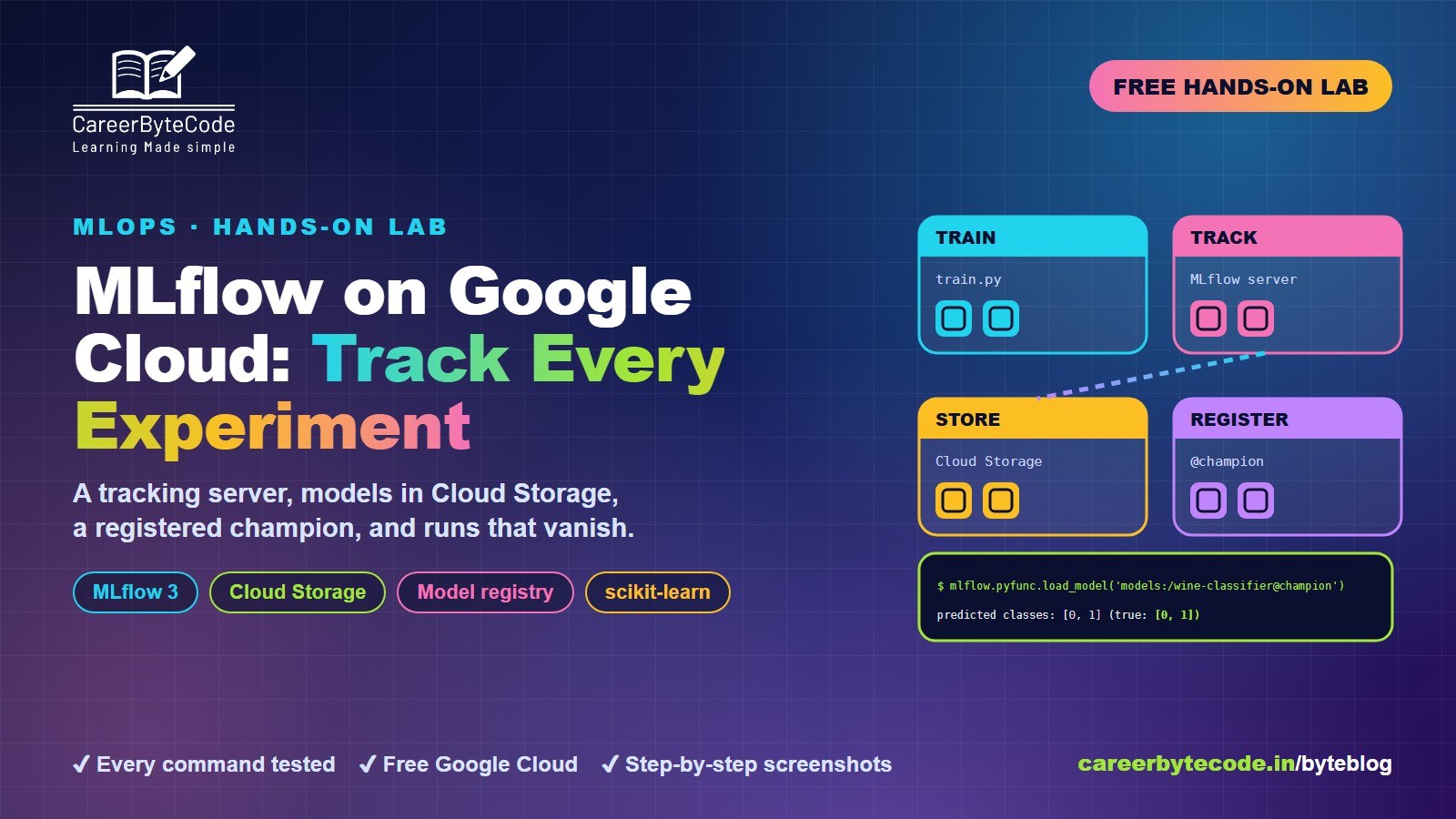
MLflow on Google Cloud: Track Every Experiment
What you build: an MLflow tracking server on Google Cloud with models in Cloud Storage, five tracked runs, a registered champion and the missing-URI mistake. Every step tested.
#feature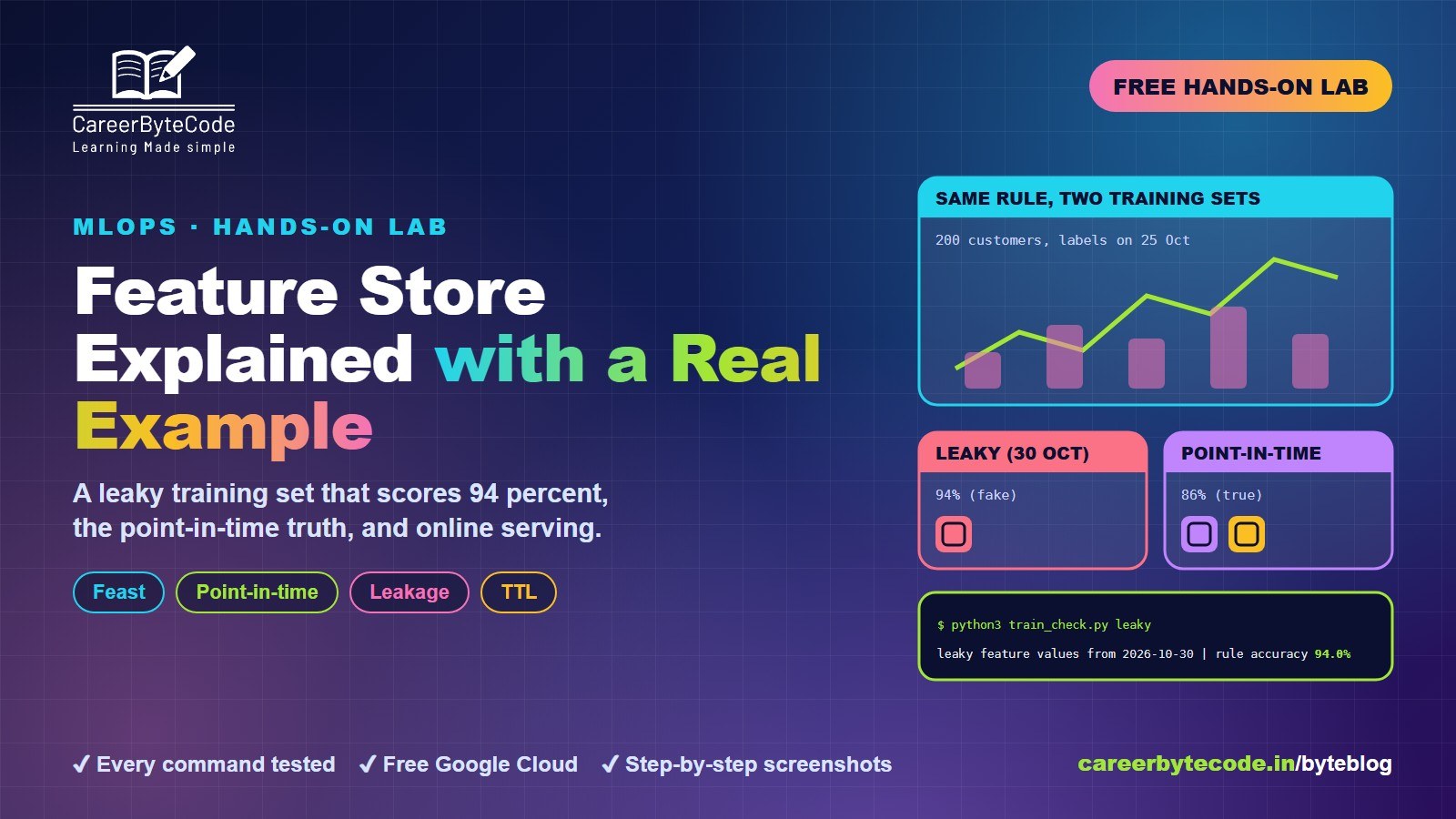 CareerByteCode Team
Feature Store Explained with a Real Example
What you build: Feast with real customer data: a leaky training set that scores 94 percent, the point-in-time truth, online serving and TTL. Every step tested.
#google-cloud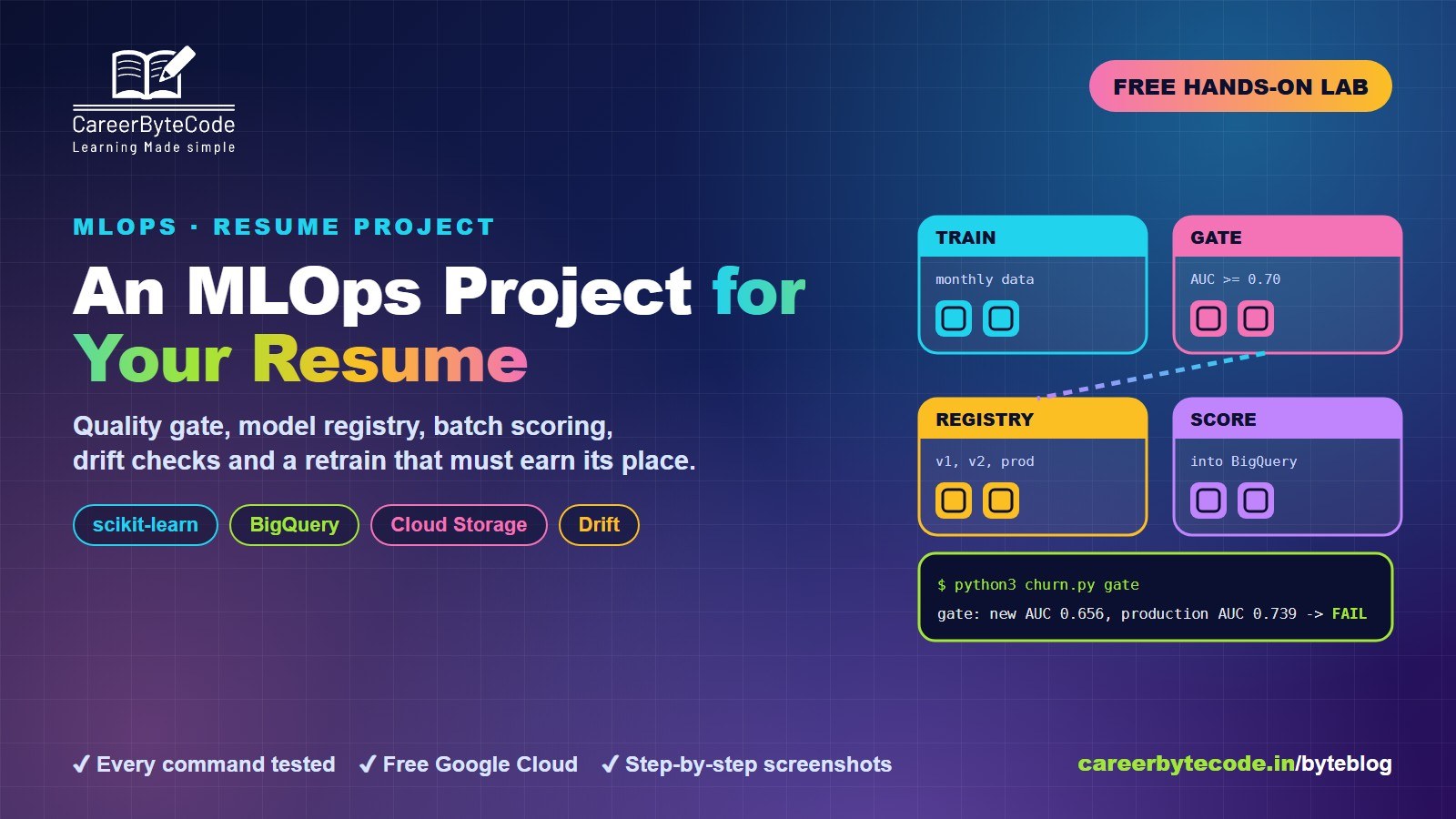 CareerByteCode Team
MLOps Project for Your Resume on Google Cloud
What you build: an MLOps loop on Google Cloud: quality gate, model registry, batch scoring to BigQuery, drift checks and a retrain that must earn its place. Every step tested.
#google-cloud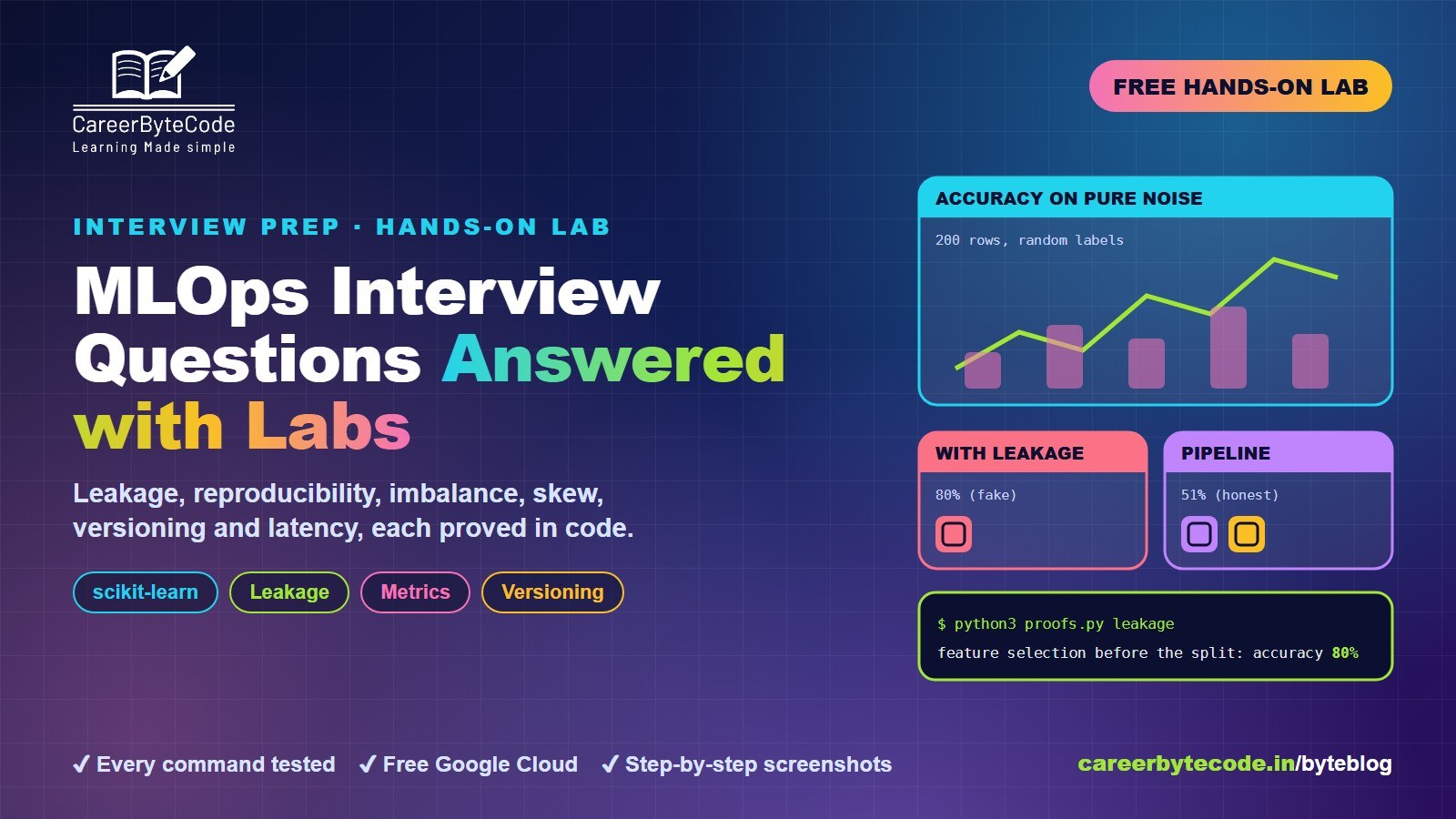 CareerByteCode Team
MLOps Interview Questions Answered with Labs
What you build: 6 MLOps interview answers proved with real scikit-learn experiments: leakage, reproducibility, imbalance, skew, versioning, latency. Every step tested.
💬 Comments (0)
Top · NewestSign in to comment