
SRE in Practice | Day 7: SLOs and SLAs
Turn measurements into targets. Compare SLI, SLO, and SLA, choose realistic objectives, and build a reusable SLO checker. Five hands-on labs.

✍️ Translate this blog into Hindi, Tamil or Telugu
What you will learn
- The difference between SLI, SLO, and SLA
- How to choose and write a good SLO, and why the SLO should be stricter than the SLA
- How rolling and calendar windows differ
- Five hands-on labs, including a reusable SLO checker with expected output
Safety first: All commands are read-only or touch only files under /tmp/sre-lab that you create. Run them on a system you are authorized to use. Never run cleanup or deletion commands on real data until you have reviewed a dry run, and do not paste logs containing credentials or customer data into public posts.
1. From a measurement to a target
Yesterday we measured service quality with SLIs. A measurement alone does not tell you whether it is good enough. A Service Level Objective (SLO) is the target: a value, or range, for an SLI over a period of time.
SLO = SLI + target + time window
Example: 99.9% of requests succeed, measured over a rolling 30 days.
An SLO is an internal goal that helps a team decide how much reliability work to do. It is not a promise to customers.
2. SLI, SLO, and SLA: three different things

SLO stricter than SLA: A useful rule: if missing the target has no agreed consequence for the customer, it is an SLO, not an SLA. Keep your internal SLO stricter than your SLA, so you are warned and can act before you break a contract.
Window types
A rolling window (for example the last 30 days) always looks back from now, so it changes smoothly. A calendar window (for example each month) resets at a fixed time and matches how contracts and reports are usually written. Many teams use a rolling window for engineering and a calendar window for SLAs.
3. How to choose an SLO
- Start with users and business needs, not with the best number you can reach.
- Look at current performance. Do not set a target you already miss badly, or one that is far above what users need.
- Remember dependencies. A service cannot be more reliable than the critical things it depends on (we calculate this on Day 8).
- Keep the number of SLOs small. A few SLOs per journey are easier to act on.
- Start modest and tighten later. Review SLOs regularly with the people who depend on the service.
- Do not aim for 100%. It is rarely needed, and each extra nine costs much more.
4. A production-style example
This is an illustrative scenario. A checkout API has these objectives, and customers have a separate contract:

The tiers above are an invented example for learning. Real SLAs are written by the business and legal teams. The 99.9% internal SLO leaves room before the 99.5% SLA is at risk, which the labs below quantify.
5. Hands-on labs
Safety notes: All commands are read-only or touch only files under /tmp/sre-lab that you create. Run them on a system you are authorized to use. Never run cleanup or deletion commands on real data until you have reviewed a dry run, and do not paste logs containing credentials or customer data into public posts.
Setup: create a sample access log
The sample log has 6,000 requests over three minutes. Field 9 is the HTTP status and field 11 is the request time in seconds. Minute 10:01 contains a deliberate error spike so the later calculations have something to find.
mkdir -p /tmp/sre-lab && cd /tmp/sre-lab

awk 'BEGIN{
  for(i=1;i<=6000;i++){
    m=int((i-1)/2000); s=200
    if(i%200==0) s=500
    else if(m==1 && i%20==0) s=500
    else if(i%97==0) s=404
    t=0.05+(i%20)*0.01
    if(i%50==0) t=1.5
    ts=sprintf("[01/Nov/2026:10:%02d:00 +0000]", m)
    printf "10.0.0.%d - - %s \"GET /api HTTP/1.1\" %d 512 %.3f\n",
           (i%250)+1, ts, s, t
  }}' > access.log
Lab 1: write a reusable SLO checker
This script reads a log, calculates the availability and latency SLIs, and compares them with the SLO targets you pass in.
cat > slo_check.sh <<'EOF'
#!/usr/bin/env bash
# usage: ./slo_check.sh <log> <avail_slo_%> <latency_slo_%> <latency_threshold_s>
log="$1"; a_slo="${2:-99.9}"; l_slo="${3:-95}"; thr="${4:-0.3}"
awk -v a_slo="$a_slo" -v l_slo="$l_slo" -v thr="$thr" '
  {t++; if ($9>=500) e++; if ($11>thr) s++}
  END{
    a=(t-e)/t*100; l=(t-s)/t*100
    printf "availability SLI %.2f%%  SLO %.2f%%  -> %s\n",
           a, a_slo, (a>=a_slo ? "MEETING" : "MISSING")
    printf "latency SLI      %.2f%%  SLO %.2f%%  -> %s\n",
           l, l_slo, (l>=l_slo ? "MEETING" : "MISSING")
  }' "$log"
EOF
chmod +x slo_check.sh

./slo_check.sh access.log 99.9 99 0.3
./slo_check.sh access.log 98 95 0.3
Expected output
availability SLI 98.00%  SLO 99.90%  -> MISSING
latency SLI      98.00%  SLO 99.00%  -> MISSING
availability SLI 98.00%  SLO 98.00%  -> MEETING
latency SLI      98.00%  SLO 95.00%  -> MEETING
The same data meets a looser target and misses a stricter one. This shows how the choice of SLO changes the conversation: with 99.9%, the sample period has a reliability problem; with 98%, it does not. Talk about it in terms of what users need.
Lab 2: check several services from a config file
Keep targets in a file, so they are easy to review and change. Here two services share one sample log purely for practice.
cat > slos.conf <<'EOF'
# service  availability_slo  latency_slo  latency_threshold_s
checkout   99.9              99           0.3
search     99.5              95           0.3
EOF

grep -v '^#' slos.conf | while read name a l t; do
  echo "== $name"; ./slo_check.sh access.log "$a" "$l" "$t"
done
Expected output
== checkout
availability SLI 98.00%  SLO 99.90%  -> MISSING
latency SLI      98.00%  SLO 99.00%  -> MISSING
== search
availability SLI 98.00%  SLO 99.50%  -> MISSING
latency SLI      98.00%  SLO 95.00%  -> MEETING
Lab 3: how much room does the SLO leave before the SLA?
🛍️✨ From the author · ByteStoreLinux & Cloud Administration Consultation | AWS & Azure Infrastructure Support₹499View offer →awk 'BEGIN{m=30*24*60; slo=99.9; sla=99.5
a=m*(100-slo)/100; b=m*(100-sla)/100
printf "SLO %.1f%% allows %.1f min; SLA %.1f%% allows %.1f min; buffer %.1f min\n",
slo, a, sla, b, b-a}'Expected output
SLO 99.9% allows 43.2 min; SLA 99.5% allows 216.0 min; buffer 172.8 minIn a 30-day month, the internal SLO allows 43.2 minutes of full-outage equivalent, while the contract allows 216 minutes. Between those two numbers is your safety buffer for acting before the customer is affected.
Lab 4: what an SLA credit looks like
for av in 99.95 99.5 98.2; do
  awk -v a=$av 'BEGIN{c=(a>=99.9 ? 0 : (a>=99.0 ? 10 : 25))
                      printf "measured %.2f%% -> service credit %d%%\n", a, c}'
done
Expected output
measured 99.95% -> service credit 0%
measured 99.50% -> service credit 10%
measured 98.20% -> service credit 25%
This uses the invented credit tiers above. It shows why an SLA belongs to the business: the output is money, not a graph.
Lab 5 (worksheet): write an SLO statement
Complete one SLO for a service you support. Check that it includes an SLI, a target, and a window.

6. Common mistakes
- Setting the SLO at 100%, or at the best level ever achieved
- Making the SLO equal to the SLA, with no buffer
- Copying another company's SLO without checking your own users' needs
- Having many SLOs that nobody can act on
- Never reviewing targets as the product and users change
- Treating the SLO as a punishment tool instead of a planning tool
7. Quick check: test yourself
- Write an SLO statement with an SLI, a target, and a window.
- What is the difference between an SLO and an SLA?
- Why should the SLO be stricter than the SLA?
- In Lab 3, how many minutes of buffer does the team have?
- Why is 100% usually the wrong SLO?
Suggested answers: for example 99.9% of requests are not 5xx over a rolling 30 days; an SLA has contractual consequences and an SLO is an internal goal; it gives early warning before the contract is at risk; 172.8 minutes; it is expensive, often unnecessary for users, and cannot exceed your dependencies.
Glossary

The first ten days at a glance

Your turn: What SLO would you propose for the most important journey in a service you support, and why?
Coming next, Day 8: availability calculations and the maths of the nines.
Follow @leadwithsree for the daily posts in this 30-day journey.
🛍️ Srilakshmi T's shelf
Courses, cohorts and more from the author
Cloud & Linux SRE Engineer with 5 years of IT experience, including Linux/Unix system administration and cloud platforms (AWS & Azure). Strong expertise in production support, reliability engineering, monitoring, automation, patching, and incident management across large-scale e
Visit my ByteStoreFreelancer - Cloud EngineerGet Srilakshmi T's next blog by email
One email a week when they publish. Add the weekly Best of ByteBlog too. No spam, unsubscribe with one click.
We email you once to confirm. By subscribing you agree to the privacy policy.
Related blogs
 Malathi ShettyFreelancer
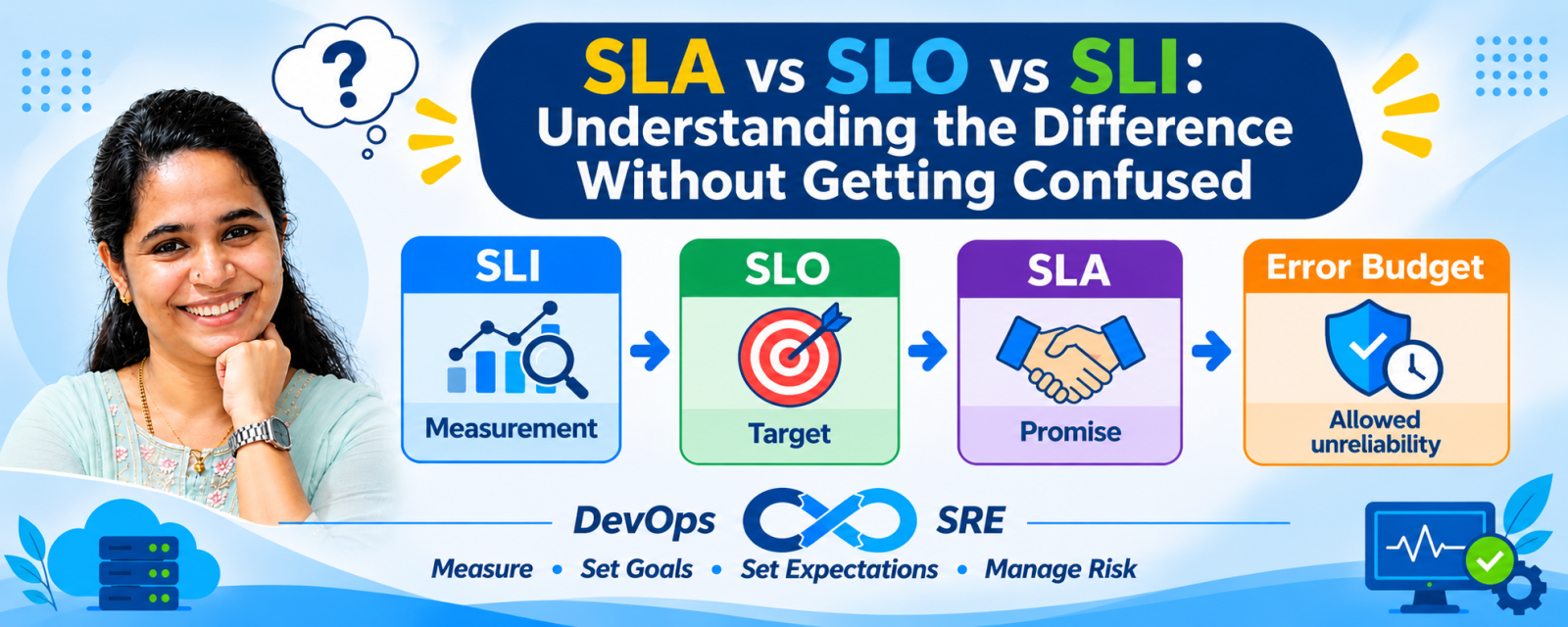
SLA vs SLO vs SLI: Key Differences Explained
Understand SLA vs SLO vs SLI with simple examples. Learn how these concepts and Error Budgets help DevOps and SRE teams improve service reliability.
#automation Srilakshmi TFreelancer
SRE in Practice | Day 4 of 30 Toil and Automation
Reduce repetitive operational work. Measure toil, calculate automation payback, and build safe, idempotent scripts.
#sli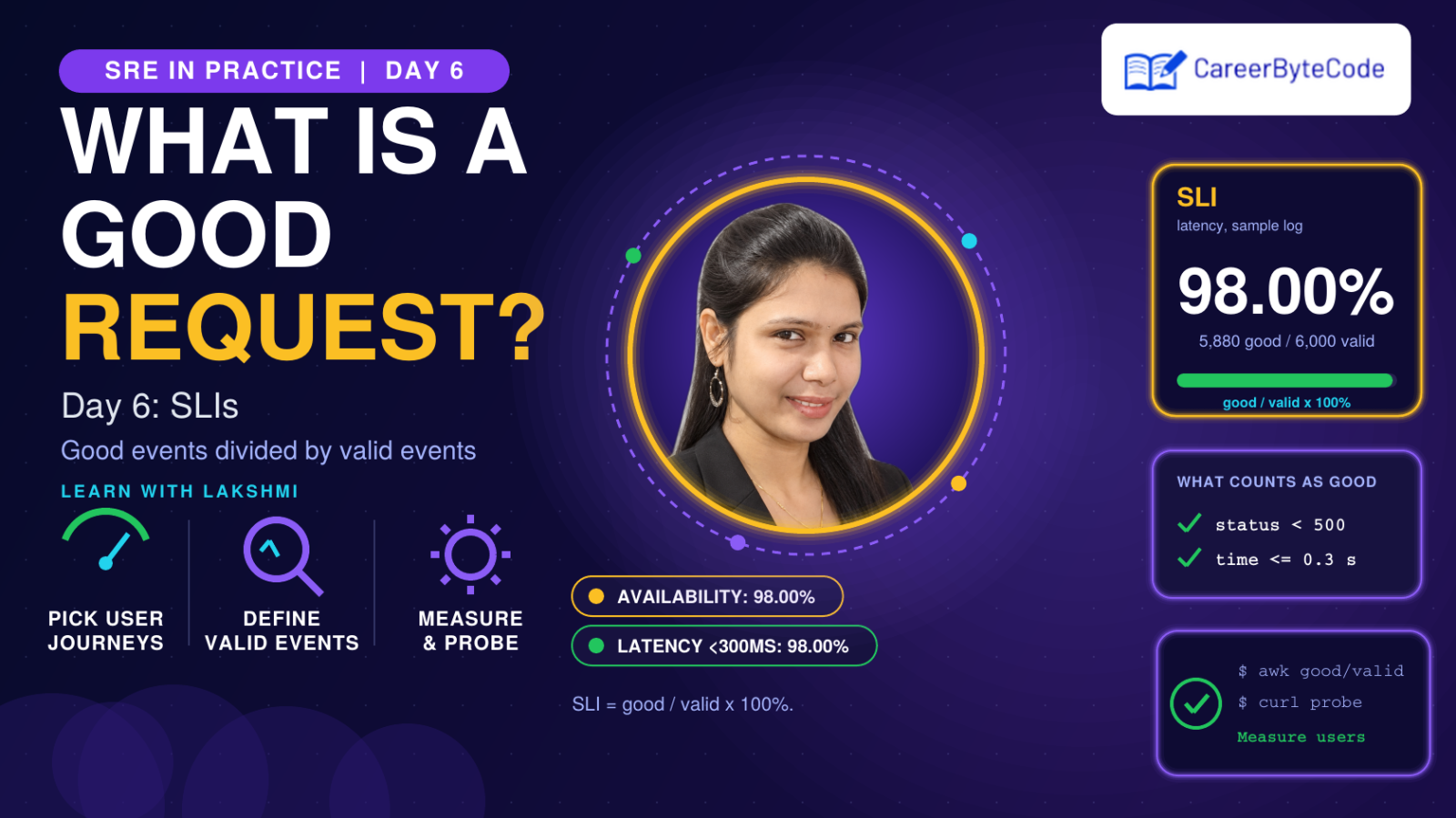 Srilakshmi TFreelancer
SRE in Practice | Day 6: SLIs: What Users Experience
Define and measure Service Level Indicators from the user's side. Six hands-on labs: log-based SLIs, valid events, combined SLIs, and a synthetic probe.
 Srilakshmi TFreelancer
SRE in Practice: DAY 1 OF 30 What is SRE?
Why a running server does not always mean a working service. Concept, production example,and a safe hands-on lab.
💬 Comments (0)
Top · NewestSign in to comment