
SRE in Practice | Day 9: Error Budgets
Turn the SLO into a budget you can spend. Learn burn rates, burn-rate alerts, and error budget policies. Six hands-on labs with verified expected results.

✍️ Translate this blog into Hindi, Tamil or Telugu
What you will learn
- What an error budget is and how to calculate it in time and in requests
- How an error budget policy turns reliability into a shared decision
- How burn rate works and where common alert thresholds come from
- Six hands-on labs, including a policy script that makes a decision
Safety first: All commands are read-only or touch only files under /tmp/sre-lab that you create. Run them on a system you are authorized to use. Never run cleanup or deletion commands on real data until you have reviewed a dry run, and do not paste logs containing credentials or customer data into public posts.
1. The error budget: reliability you are allowed to spend
If your SLO is 99.9%, then 0.1% of the time (or of requests) is allowed to fail. That allowance is the error budget.
Error budget = 100% - SLO
At 99.9% over 30 days, the budget is 0.1% of 43,200 minutes = 43.2 minutes, or 6 bad requests in every 6,000.
The idea that changes team behaviour: the budget is something you can spend. You spend it on releases, experiments, maintenance, and the occasional failure. A service with a full budget can ship faster. A service with an empty budget should slow down and fix reliability first. This turns the endless argument between "ship faster" and "keep it stable" into a shared, numerical decision.
2. The error budget policy
A budget only works if everyone agrees beforehand what happens as it is used up. Write this down as an error budget policy, agreed by engineering, product, and operations. An illustrative example:
🛍️✨ From the author · ByteStoreCareer gap analysis and Mentoring - Basic Plan₹299View offer →
A note on culture: A budget policy is not a punishment. It is a pre-agreed way to protect users. It also protects the team: when the budget is healthy, nobody can block a reasonable release on a feeling of risk.
3. Burn rate: how fast is the budget being spent?
The burn rate compares how fast you are failing with how fast you are allowed to fail:
Burn rate = observed error rate / allowed error rate (100% - SLO)
A burn rate of 1x uses exactly the whole budget by the end of the window. 10x uses it in a tenth of the time.
With a 99.9% SLO the allowed error rate is 0.1%. If 5% of requests are failing, the burn rate is 5% / 0.1% = 50x: at that pace a 30-day budget is gone in about 14 hours (720 / 50).
Alerting on burn rate
Alerting on a burn rate warns you about problems that threaten the SLO, without paging for every blip. The Google SRE Workbook suggests combining a long window with a short one, so an alert fires quickly yet stops when the problem is fixed. Commonly cited example thresholds for a 30-day window:
These are example values to learn from. Tune them to your own SLOs and your tolerance for noise. Lab 3 shows where the numbers come from.
4. A production-style example
This is an illustrative scenario. A checkout API has a 99.9% SLO. In one month three incidents cost 12, 7, and 18 minutes. The total is 37 minutes, which is 85.6% of the 43.2-minute budget. The policy says caution: only small, reversible changes until the window rolls forward or reliability work gives the team room. A bad release arrives with 6 minutes of budget left. The team decides to delay it and ship a safer, smaller version first.
5. Hands-on labs
Safety notes: All commands are read-only or touch only files under /tmp/sre-lab that you create. Run them on a system you are authorized to use. Never run cleanup or deletion commands on real data until you have reviewed a dry run, and do not paste logs containing credentials or customer data into public posts.
Setup: create a sample log and an incident list
The sample log has 6,000 requests over three minutes. Field 9 is the HTTP status and field 11 is the request time in seconds. Minute 10:01 contains a deliberate error spike so the later calculations have something to find.
mkdir -p /tmp/sre-lab && cd /tmp/sre-lab

awk 'BEGIN{
  for(i=1;i<=6000;i++){
    m=int((i-1)/2000); s=200
    if(i%200==0) s=500
    else if(m==1 && i%20==0) s=500
    else if(i%97==0) s=404
    t=0.05+(i%20)*0.01
    if(i%50==0) t=1.5
    ts=sprintf("[01/Nov/2026:10:%02d:00 +0000]", m)
    printf "10.0.0.%d - - %s \"GET /api HTTP/1.1\" %d 512 %.3f\n",
           (i%250)+1, ts, s, t
  }}' > access.log
cat > incidents_min.csv <<'EOF'
date,minutes_down
2026-10-03,12
2026-10-11,7
2026-10-19,18
EOFLab 1: the budget in requests
awk '{t++; if ($9>=500) e++}
  END{allowed=t*0.001
      printf "requests=%d allowed_bad=%.1f actual_bad=%d budget_used=%.0f%%\n",
             t, allowed, e, e/allowed*100}' access.log
Expected output
requests=6000 allowed_bad=6.0 actual_bad=120 budget_used=2000%A 99.9% SLO allows 6 bad requests in 6,000, and the sample had 120. Treated as a whole window, the budget would be spent twenty times over. The sample is deliberately extreme. It is only three minutes long, so in real life this would be a short, severe incident inside a 30-day budget.
Lab 2: burn rate, minute by minute
awk -v slo=99.9 '{split($4,a,":"); m=a[3]; t[m]++; if ($9>=500) e[m]++}
  END{allowed=(100-slo)/100
      for(m in t){ er=e[m]/t[m]; br=er/allowed
        printf "10:%s  error_rate=%.2f%%  burn_rate=%.1fx  %s\n", m, er*100, br,
               (br>=14.4 ? "FAST BURN" : "") }}' access.log | sort
Expected output
10:00  error_rate=0.50%  burn_rate=5.0x
10:01  error_rate=5.00%  burn_rate=50.0x  FAST BURN
10:02  error_rate=0.50%  burn_rate=5.0x
The minute at 10:01 burns the budget fifty times faster than allowed. Even the "quiet" minutes burn it at 5x, so this service was never inside its budget. Real burn-rate alerts use longer windows, as in the table above, so that a single noisy minute does not page anyone.
Lab 3: where the alert numbers come from
awk 'BEGIN{printf "%-10s %s\n", "burn rate", "time to exhaust a 30-day budget"
  n=split("1 6 14.4", b, " ")
  for(i=1;i<=n;i++){ h=720/b[i]
    printf "%-10s %.0f hours (%.1f days)\n", b[i]"x", h, h/24 }}'
awk 'BEGIN{n=split("14.4:1 6:6 1:72", x, " ")
  for(i=1;i<=n;i++){ split(x[i], p, ":")
    printf "burn %sx for %sh uses %.1f%% of a 30-day budget\n",
           p[1], p[2], p[1]*p[2]/720*100 }}'
Expected output
burn rate  time to exhaust a 30-day budget
1x         720 hours (30.0 days)
6x         120 hours (5.0 days)
14.4x      50 hours (2.1 days)
burn 14.4x for 1h uses 2.0% of a 30-day budget
burn 6x for 6h uses 5.0% of a 30-day budget
burn 1x for 72h uses 10.0% of a 30-day budgetA 30-day window has 720 hours. Burning at 14.4x for one hour consumes 14.4 / 720 = 2% of the budget, which is why 14.4x over one hour is a common fast-burn page. Slower burns allow longer windows and lower urgency.
Lab 4: apply an error budget policy to a month of incidents
This script reads an incident list, calculates how much of the budget is used, and prints the policy decision. Run it for three different SLOs.
cat > budget_policy.sh <<'EOF'
#!/usr/bin/env bash
# usage: ./budget_policy.sh <slo_%> <incidents.csv>   (30-day window)
slo="${1:-99.9}"; file="${2:-incidents_min.csv}"
awk -F, -v slo="$slo" 'NR>1{d+=$2}
  END{b=30*24*60*(100-slo)/100; u=d/b*100
      printf "SLO %.2f%%: budget %.1f min, used %.1f min (%.1f%%)\n", slo, b, d, u
      if (u>=100)     print "decision: FREEZE risky releases; focus on reliability"
      else if (u>=75) print "decision: CAUTION - small, safe changes only"
      else            print "decision: OK to ship normally"}' "$file"
EOF
chmod +x budget_policy.sh

for s in 99.5 99.9 99.95; do ./budget_policy.sh $s incidents_min.csv; done
Expected output
SLO 99.50%: budget 216.0 min, used 37.0 min (17.1%)
decision: OK to ship normally
SLO 99.90%: budget 43.2 min, used 37.0 min (85.6%)
decision: CAUTION - small, safe changes only
SLO 99.95%: budget 21.6 min, used 37.0 min (171.3%)
decision: FREEZE risky releases; focus on reliability
The same 37 minutes of downtime leads to three different decisions depending on the SLO. This is why choosing the SLO (Day 7) is a product decision as much as an engineering one.
Lab 5: spending the remaining budget on purpose
awk 'BEGIN{budget=43.2; used=37; cost=2; left=budget-used
  printf "left=%.1f min; one release may cost %d min -> %d releases fit\n",
         left, cost, int(left/cost)}'
Expected output
left=6.2 min; one release may cost 2 min -> 3 releases fitIf past releases cost about two minutes of impact each, the team can afford three more before the budget is gone. In practice you would keep a margin, because failures are not evenly spread. Use this as a conversation starter, not an exact rule.
Lab 6 (worksheet): your own budget policy

Agree it with your product owner and developers before you need it.
6. Common mistakes
- Having an SLO but no error budget policy, so nothing changes when the budget is spent
- Using the budget as a tool to blame teams, not to decide priorities
- Treating the budget as a target to use up completely
- Alerting on every error instead of on burn rate
- Ignoring a budget that is unused for months, which may mean the SLO is too loose
- Forgetting that dependencies and planned maintenance can also consume the budget
7. Quick check: test yourself
- What is the error budget for a 99.95% SLO over 30 days?
- What is a burn rate of 1x, and what does 50x mean?
- Why is 14.4x for one hour a common fast-burn threshold?
- What should an error budget policy say when the budget is exhausted?
- If your budget is always almost unused, what might that tell you?
Suggested answers: 0.05% of 43,200 = 21.6 minutes; 1x uses exactly the whole budget by the end of the window and 50x uses it fifty times faster; 14.4 x 1 / 720 = 2% of the budget in an hour; risky releases freeze and reliability work takes priority until the service recovers; the SLO may be looser than users need, or the team may be too cautious.
Glossary

The first ten days at a glance

Your turn: If your service had an error budget policy tomorrow, what would you want it to say when the budget runs out?
Coming next, Day 10: MTTR, MTTD, and MTBF.
Follow @leadwithsree for the daily posts in this 30-day journey.
🛍️ Srilakshmi T's shelf
Courses, cohorts and more from the author
Cloud & Linux SRE Engineer with 5 years of IT experience, including Linux/Unix system administration and cloud platforms (AWS & Azure). Strong expertise in production support, reliability engineering, monitoring, automation, patching, and incident management across large-scale e
Visit my ByteStoreFreelancer - Cloud EngineerGet Srilakshmi T's next blog by email
One email a week when they publish. Add the weekly Best of ByteBlog too. No spam, unsubscribe with one click.
We email you once to confirm. By subscribing you agree to the privacy policy.
More from Srilakshmi T
 Srilakshmi TFreelancer
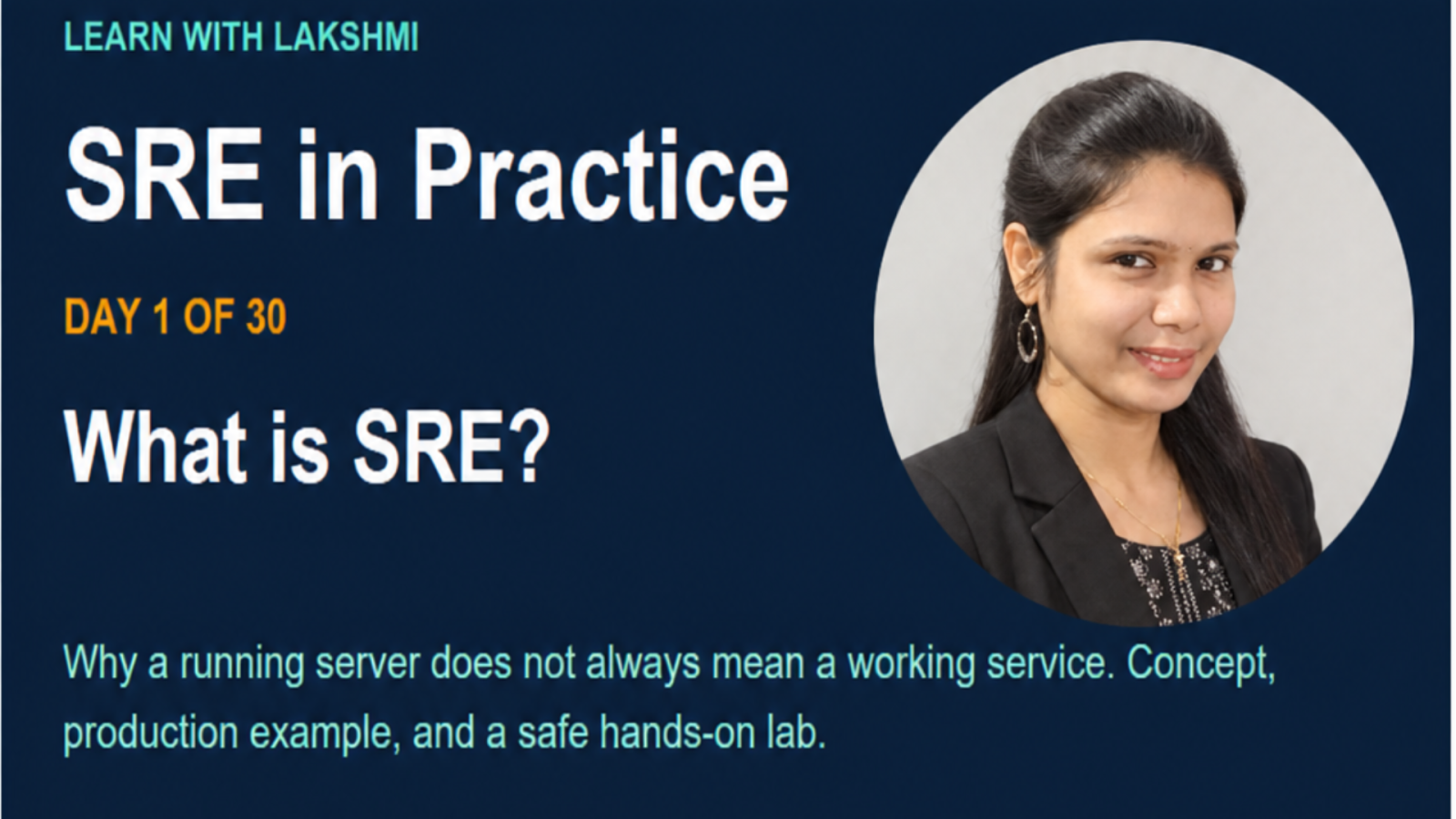
SRE in Practice: DAY 1 OF 30 What is SRE?
Why a running server does not always mean a working service. Concept, production example,and a safe hands-on lab.
#aws Srilakshmi TFreelancer
SRE in Practice | Day 3: The SRE Mindset
Look beyond "Is the server up?" and ask whether the service works reliably for the people who depend on it. Concept, infrastructure example, and a hands-on lab.
 Srilakshmi TFreelancer
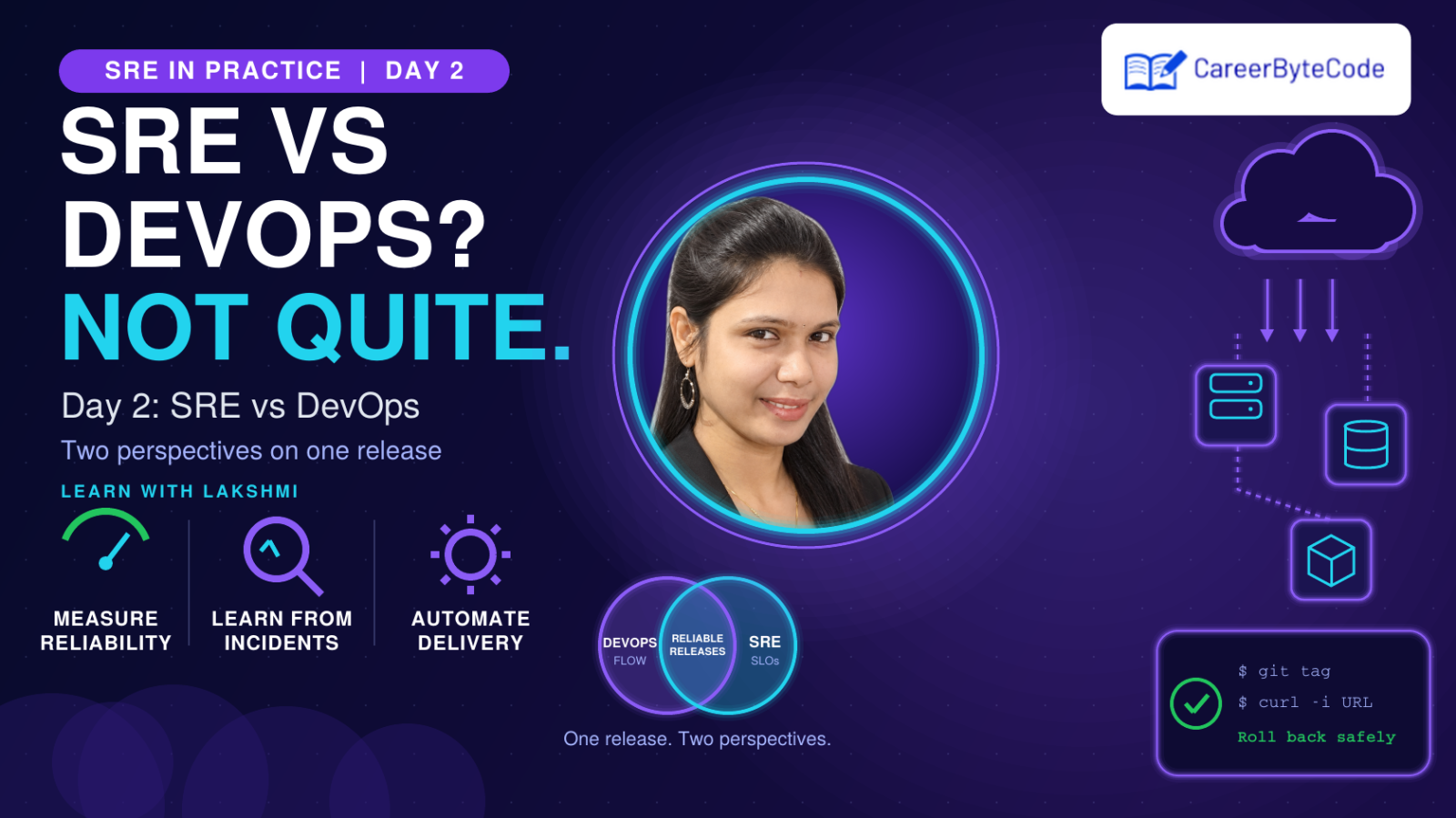
SRE in Practice | Day 2: SRE vs DevOps
Two complementary perspectives on delivering and running reliable software. Concept, production example, and a hands-on release-mapping lab.
#sla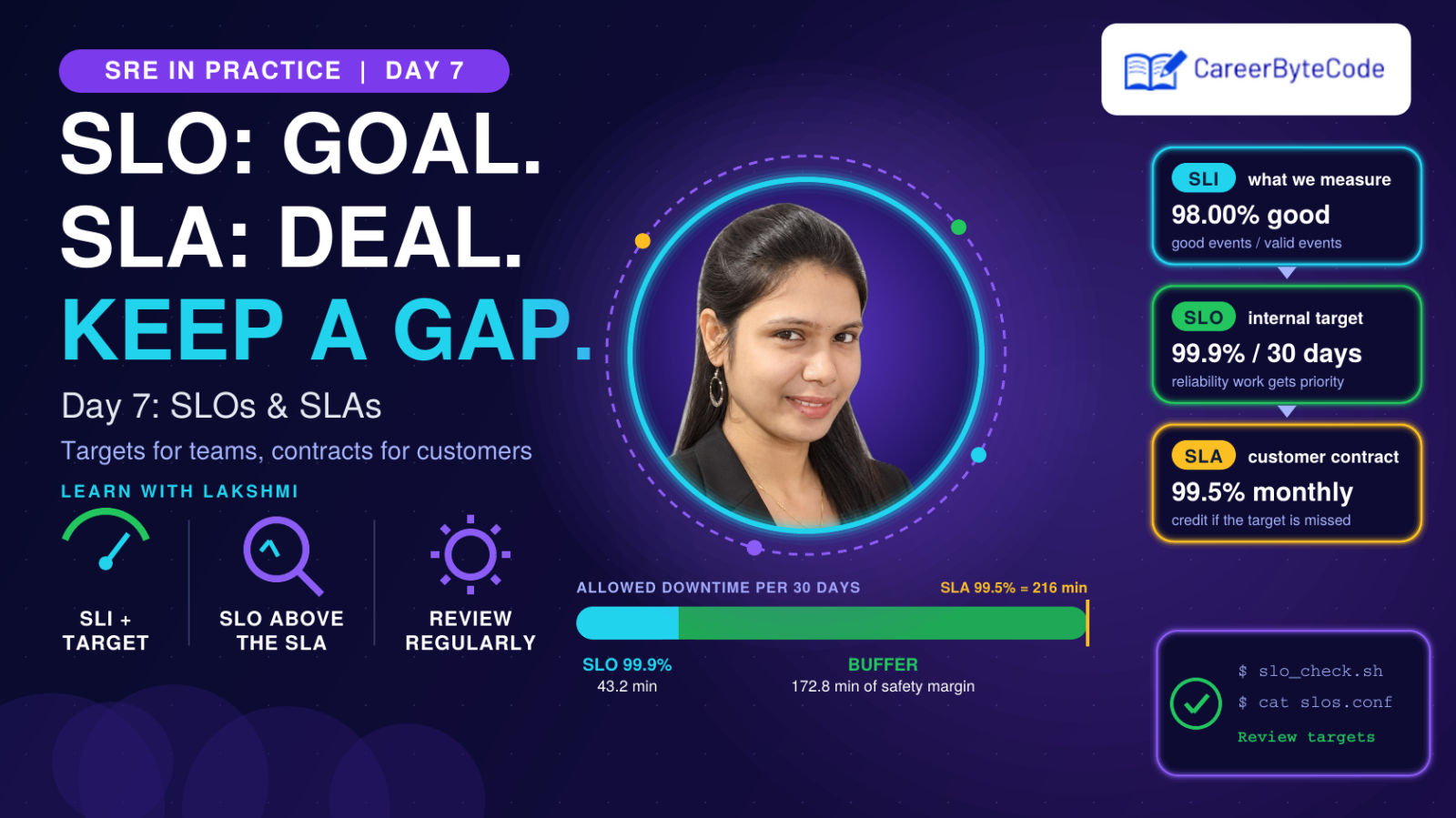 Srilakshmi TFreelancer
SRE in Practice | Day 7: SLOs and SLAs
Turn measurements into targets. Compare SLI, SLO, and SLA, choose realistic objectives, and build a reusable SLO checker. Five hands-on labs.
💬 Comments (0)
Top · NewestSign in to comment