
DevOps Engineer Roadmap 2027 with Hands-On Labs
What you build: a 2027 DevOps roadmap in 7 stages where every stage links to a tested lab, plus a real 15-minute lab that runs the whole loop: code, build, deploy, observe and roll back.

✍️ Translate this blog into Hindi, Tamil or Telugu
DevOps roadmaps usually show a giant map of 80 tools. Nobody learns that way, and interviewers do not hire for tool lists. This roadmap is built around one loop that every DevOps engineer runs all day: code, build, deploy, observe, recover. Each stage of the roadmap makes one part of that loop stronger, and every stage links to a hands-on lab. The lab in this post runs the whole loop once, end to end, on Google Cloud in about 15 minutes, so you see where every later skill fits.
Who it is for: freshers, developers and sysadmins moving into DevOps or platform roles in 2027. Time: about 6 months at 8 to 10 hours a week for the whole roadmap; about 15 minutes for this lab. Cost: the lab stays inside the Cloud Run and Cloud Build free tiers.
The lab was run for real by the CareerByteCode Team on a fresh Google Cloud project, and every output is the real result we got.
🧪⭐ Recommended by CareerByteCode · ByteLabs project bundleCloud and DevOps Realtime Starter₹499Build the projects →Part A: the loop and the roadmap

The loop:
- Code: changes go into Git.
- Build: the code becomes a tested, versioned artifact (a container image).
- Deploy: the artifact runs somewhere, the same way every time.
- Observe: logs, metrics and alerts tell you how it behaves.
- Recover: when something breaks, you go back fast and learn why.
Real-life example: a restaurant kitchen. Recipes (code), cooking (build), serving (deploy), watching the guests' faces (observe), and taking a dish back and fixing it (recover). DevOps is making that kitchen fast and safe every night.
The roadmap, stage by stage
| Stage | Months | Skills | Labs |
|---|---|---|---|
| 1. Linux and Git | 1 | shell, files, permissions, processes, Git branching | Linux for Cloud Beginners, Git for DevOps |
| 2. Scripting and networking | 1 | Bash, HTTP, DNS, firewalls, a web server | Bash Scripting for DevOps, Google Cloud VPC, Nginx |
| 3. Cloud basics and security | 1 | projects, IAM, least privilege, secrets | Google Cloud IAM, Secret Manager |
| 4. CI/CD and containers | 1 | Docker, pipelines, artifact registries, safe releases | Cloud Build Hands-On, CI/CD for Beginners |
| 5. Observability | 0.5 | logs, metrics, traces, alerts | Cloud Logging, Monitor Linux Servers, OpenTelemetry |
| 6. Kubernetes and GitOps | 1 | pods, deployments, Helm, Argo CD, service mesh | Argo CD, Prometheus and Grafana, Istio |
| 7. Cost and reliability | 0.5 | budgets, FinOps, SLOs, incident habits | FinOps for Beginners |
What changed for 2027: platform teams expect GitOps (stage 6) as the default way to deploy to Kubernetes, least privilege for pipelines (stage 3 and 4) because pipeline accounts are prime targets, and cost awareness (stage 7) from day one. Many teams also run AI workloads, so being comfortable deploying a model behind an API is a plus (see our post on running your own LLM on Kubernetes).
Part B: the lab, the whole loop once
Before you start
- A Google Cloud account (the free trial works) and a project.
- Open Cloud Shell (the
>_icon at the top right of the console) and turn on the APIs:
export PROJECT_ID="your-project-id"
gcloud config set project $PROJECT_ID
gcloud services enable run.googleapis.com cloudbuild.googleapis.com artifactregistry.googleapis.com- Make a folder
~/lab318/appwith three small files:main.py(below),requirements.txt(flask==3.1.*andgunicorn==23.*) and aProcfile(web: gunicorn --bind :$PORT --workers 1 --threads 4 main:app).
# main.py: the smallest web service for the DevOps loop lab
import os
from flask import Flask

app = Flask(__name__)
VERSION = "1.0"


@app.get("/")
def home():
    return f"shop api version {VERSION}\n"


@app.get("/health")
def health():
    return "ok\n"
Code: the change goes into Git
# Stage 1 (Linux + Git): the code goes into Git first. Every DevOps loop starts with a commit
git config --global user.name "Dev Learner"; git config --global user.email "learner@example.com"; git config --global init.defaultBranch main
rm -rf repo && cp -r app repo && cd repo && git init -q && git add . && git commit -qm "shop api 1.0" && git log --oneline && ls
f419e6e shop api 1.0
Procfile
main.py
requirements.txtBuild and deploy: from source to a running service in one command
Why: gcloud run deploy --source . sends the folder to Cloud Build, which builds a container image with buildpacks (no Dockerfile needed), stores it in Artifact Registry, and deploys it to Cloud Run. A new project first needs the Cloud Run Builder role for the default compute account that runs those builds.
# Stage 2 and 3 (containers + cloud): build and deploy from source in one command (Cloud Build makes the image)
PNUM=$(gcloud projects describe $PROJECT_ID --format="value(projectNumber)")
until gcloud projects add-iam-policy-binding $PROJECT_ID --member="serviceAccount:$PNUM-compute@developer.gserviceaccount.com" --role=roles/run.builder --condition=None --format="value(etag)" > /dev/null 2>&1; do sleep 5; done; echo "the build account may build Cloud Run images"
sleep 60; cd repo && S=$(date +%s)
gcloud run deploy shop-api --source . --region=us-east1 --allow-unauthenticated --max-instances=1 --quiet 2>&1 | grep -E "Service URL|serving"; echo "deployed in $(( $(date +%s) - S )) s"
curl -s $(gcloud run services describe shop-api --region=us-east1 --format="value(status.url)")
the build account may build Cloud Run images
Service [shop-api] revision [shop-api-00001-htb] has been deployed and is serving 100 percent of traffic.
Service URL: https://shop-api-PROJECT_NUMBER.us-east1.run.app
deployed in 65 s
shop api version 1.0
Change and deploy again
Why: each deploy makes a new revision. Old revisions stay, which is what makes fast recovery possible.
# Stage 4 (CI/CD): change the code, commit, deploy again. Each deploy is a new revision
cd repo && sed -i 's/VERSION = "1.0"/VERSION = "1.1"/' main.py && git commit -qam "shop api 1.1" && git log --oneline | head -1
gcloud run deploy shop-api --source . --region=us-east1 --quiet > /dev/null 2>&1; curl -s $(gcloud run services describe shop-api --region=us-east1 --format="value(status.url)")
gcloud run revisions list --service=shop-api --region=us-east1 --format="table(metadata.name, status.conditions[0].status:label=READY)"
2e591fb shop api 1.1
shop api version 1.1
NAME READY
shop-api-00002-rlp True
shop-api-00001-htb TrueObserve: the request logs
Why: Cloud Run records every request (status code, latency, size) in Cloud Logging without any setup. We send 20 requests and count the status codes.
# Stage 5 (observability): call it 20 times, then read the request logs Cloud Run kept for you
URL=$(gcloud run services describe shop-api --region=us-east1 --format="value(status.url)"); for i in $(seq 1 20); do curl -s -o /dev/null $URL/; done; sleep 30
gcloud logging read 'resource.type="cloud_run_revision" AND resource.labels.service_name="shop-api" AND httpRequest.requestUrl:"/"' --freshness=10m --limit=200 --format="value(httpRequest.status)" | sort | uniq -c
22 20022 requests (our 20 plus the 2 earlier checks), all 200. In real life you would turn these into a metric and an alert on errors.
Recover: roll back in one command
Why: version 1.1 has a problem? Send all traffic back to the first revision. No rebuild, no waiting for a pipeline.
# Stage 6 (reliability): version 1.1 has a problem. Roll back to the first revision in one command
OLD=$(gcloud run revisions list --service=shop-api --region=us-east1 --format="value(metadata.name)" --sort-by=metadata.creationTimestamp | head -1)
gcloud run services update-traffic shop-api --region=us-east1 --to-revisions=$OLD=100 --quiet > /dev/null 2>&1 && echo "all traffic back on the first revision"
curl -s $(gcloud run services describe shop-api --region=us-east1 --format="value(status.url)")all traffic back on the first revision
shop api version 1.0
That is the whole loop: code, build, deploy, observe, recover. Every stage of the roadmap makes one of these steps safer, faster or cheaper.
POC: prove it works
- A commit, a build and a deploy from source: the service answered version 1.0 about a minute later.
- A second commit became a second revision answering 1.1.
- Cloud Logging recorded 22 requests, all HTTP 200.
- One command moved all traffic back to version 1.0.
Quiz task: check what you learned
- Name the five steps of the DevOps loop. (Answer: code, build, deploy, observe, recover.)
- Why does Cloud Run keep old revisions? (Answer: so you can roll back by moving traffic, without a rebuild.)
- Which roadmap stage protects your pipeline from being misused? (Answer: stage 3 (IAM, least privilege) together with stage 4 (CI/CD).)
- Where would you add automated tests in this lab? (Answer: in a build pipeline (stage 4) that runs tests before deploying.)
- What new expectation for 2027 does the roadmap highlight? (Answer: GitOps for Kubernetes, least-privilege pipelines and cost awareness.)
Clean up (delete everything)
Why: --source deploys also create an image repository (cloud-run-source-deploy) and a source bucket. Delete them with the service, and remove the extra role.
# Clean up: the service, the image repository and source bucket made by --source, and the extra role
gcloud run services delete shop-api --region=us-east1 --quiet 2>&1 | tail -1
gcloud artifacts repositories delete cloud-run-source-deploy --location=us-east1 --quiet 2>&1 | tail -1
for b in $(gcloud storage buckets list --format="value(name)" | grep -E "run-sources|cloudbuild"); do gcloud storage rm -r gs://$b --quiet > /dev/null 2>&1 && echo "deleted the source bucket"; done
PNUM=$(gcloud projects describe $PROJECT_ID --format="value(projectNumber)"); for t in 1 2 3 4 5; do gcloud projects remove-iam-policy-binding $PROJECT_ID --member="serviceAccount:$PNUM-compute@developer.gserviceaccount.com" --role=roles/run.builder --condition=None --format="value(etag)" > /dev/null 2>&1 && break; sleep 5; done; echo "role removed"
rm -rf repo
Deleted service [shop-api].
Deleted repository [cloud-run-source-deploy].
deleted the source bucket
role removed
FAQ
Do I need Kubernetes to get a DevOps job? Most job posts mention it, so plan to reach stage 6. But the loop matters more than the platform: show that you can build, deploy, observe and recover on any of them.
Which certifications help? For Google Cloud: Associate Cloud Engineer, then Professional Cloud DevOps Engineer. For Kubernetes: CKA or CKAD. Certifications open doors; projects get offers.
What about Terraform? Infrastructure as code is part of stage 3 to 4 in practice. Learn it after you can create resources by hand, so you know what the code describes.
How long until I am job-ready? With 8 to 10 focused hours a week, about 6 months for this roadmap, faster if you already work with Linux or code.
Should I learn many clouds? One deeply first. The concepts move with you; the second cloud takes weeks, not months.
What should my portfolio show? One project that runs the full loop: code in Git, a pipeline with tests, a deployed service, a dashboard or alert, and a written story of one failure and how you recovered.
Troubleshooting
| You see | Why | Fix |
|---|---|---|
| Deploy fails with a build permission error | New project: the build account lacks rights | Grant roles/run.builder to the compute default account (Step 2) |
Container failed to start and listen on the port | The app ignores $PORT | Bind to :$PORT (our Procfile does) |
| No request logs | Logs take a few seconds, or a wrong filter | Wait 30 seconds; filter by service_name |
| Rollback did not change the answer | Traffic still on the latest revision | gcloud run services describe shows the split; use --to-revisions=<name>=100 |
cloud-run-source-deploy keeps costing storage | Images from every --source deploy | Delete old images or the repository when done |
What next
- Stage 1, start today: Linux for Cloud Beginners: 50 Commands on a Free VM.
- Stage 4, a full pipeline: CI/CD for Beginners: Build and Deploy on Every Git Push.
- Stage 6, GitOps: Argo CD on Kubernetes: GitOps from Zero.
- More hands-on posts: ByteBlog. Practice in ByteLabs and see the courses.
Prepared by the CareerByteCode Team from our tested lab, with AI help for the write-up.
⭐ Keep learning with CareerByteCode
Hand-picked to go deeper on this topicGet CareerByteCode Team's next blog by email
One email a week when they publish. Add the weekly Best of ByteBlog too. No spam, unsubscribe with one click.
We email you once to confirm. By subscribing you agree to the privacy policy.
Related blogs
 CareerByteCode Team
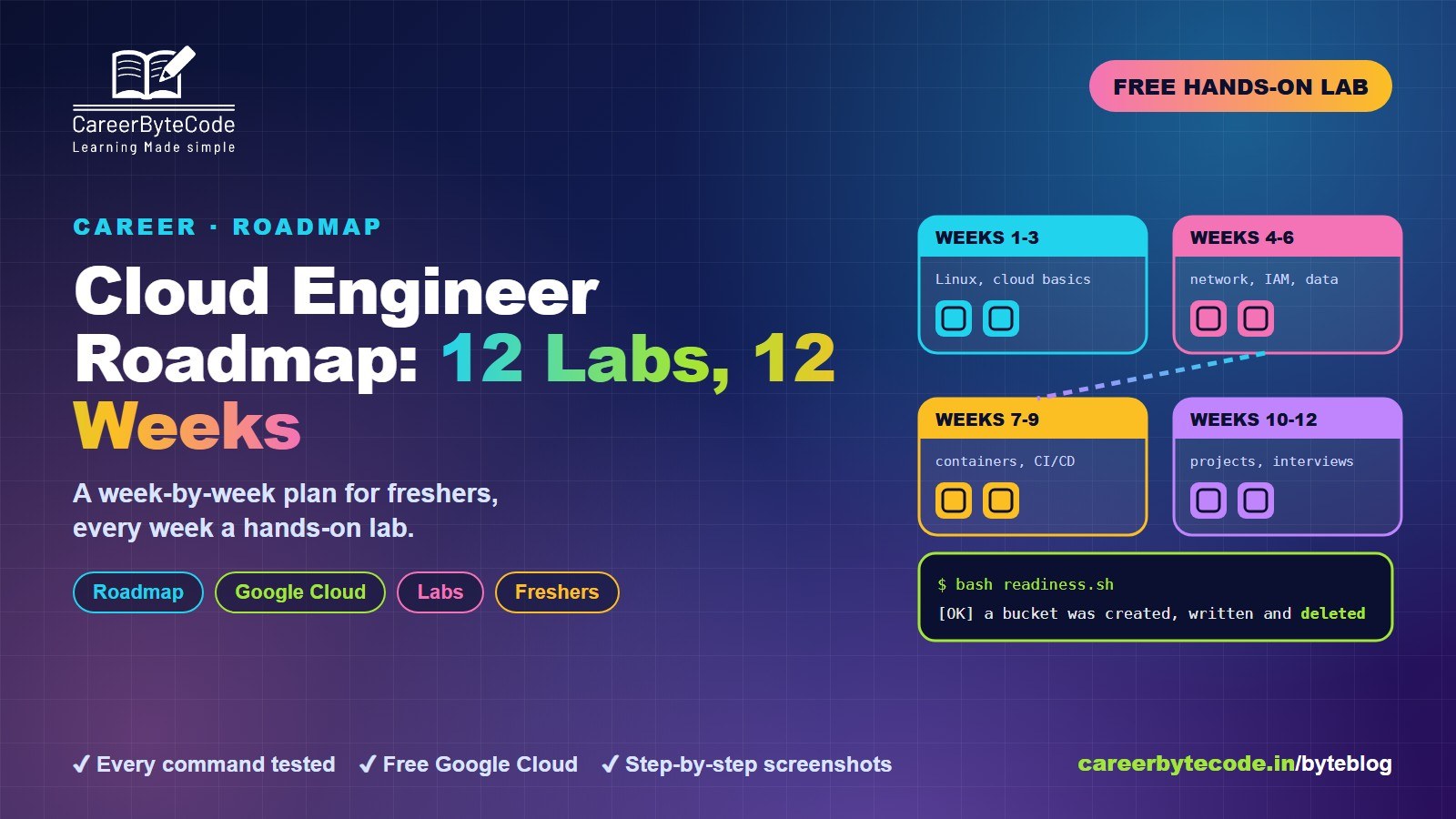
Cloud Engineer Fresher Roadmap: 12 Labs in 12 Weeks
What you build: a 12-week cloud engineer plan for freshers with one tested lab every week, plus a real Week 0 readiness check that proves billing, a budget, a free VM and a bucket work.
#ai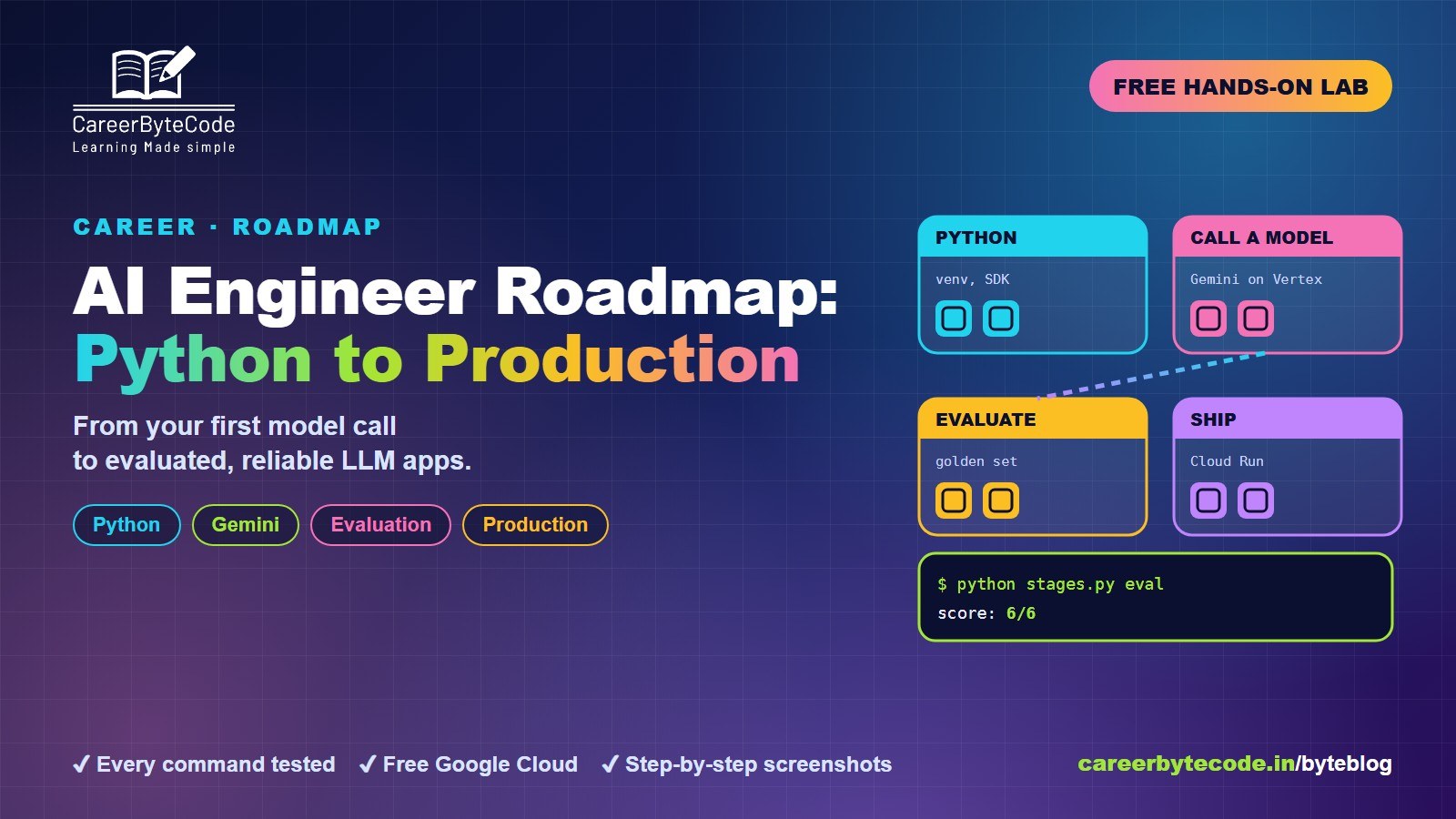 CareerByteCode Team
AI Engineer Roadmap: From Python to Production LLM Apps
What you build: a 7-stage AI engineer roadmap from Python to production LLM apps, with a real lab: a Gemini call, schema-checked JSON, a golden-set evaluation (6/6) and a temperature test.
#beginners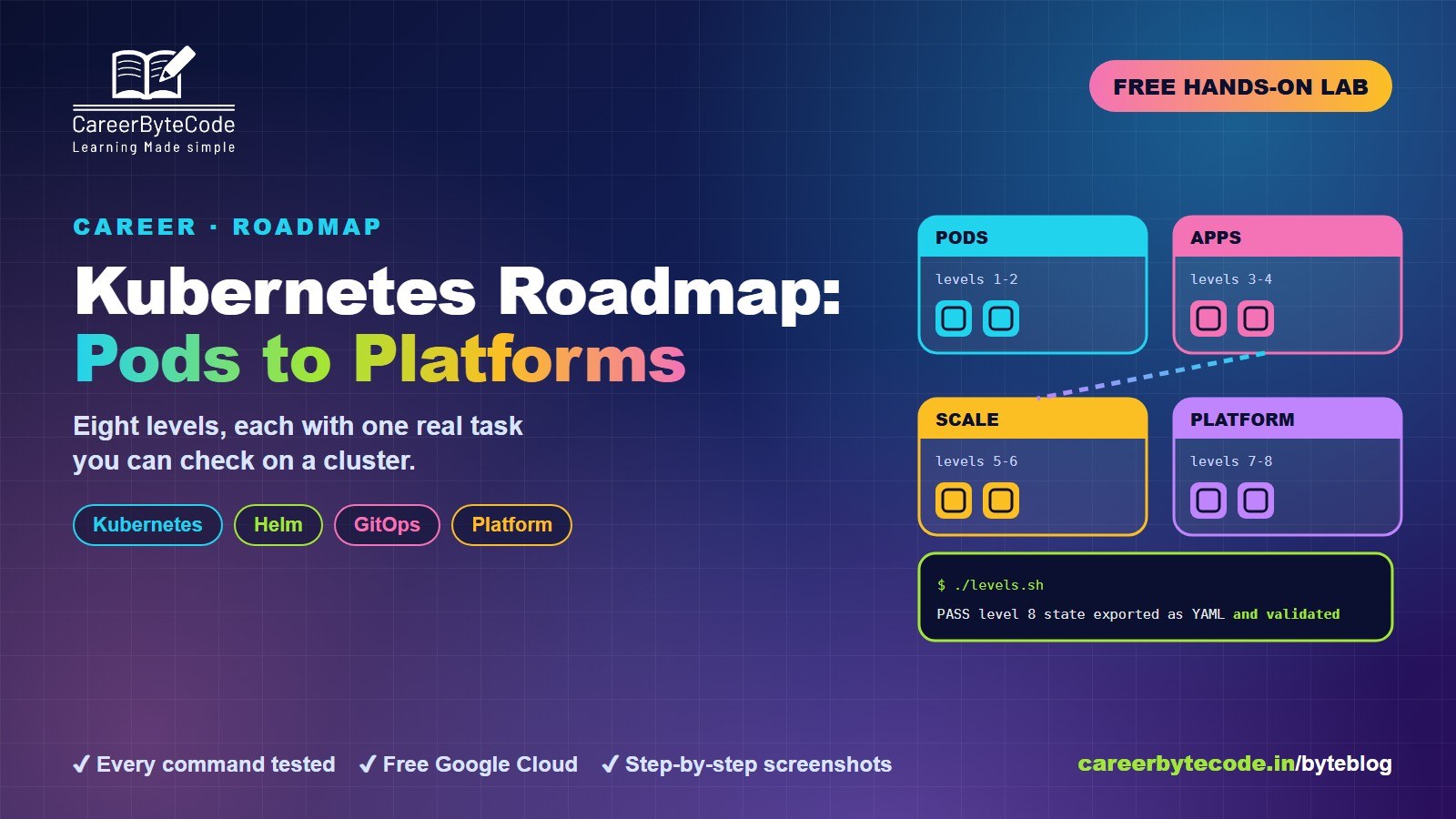 CareerByteCode Team
Kubernetes Roadmap: From Pods to Platform Engineering
What you build: an 8-level Kubernetes roadmap from pods to platform engineering, with a real script that checks every level on GKE (pod, service, config, probes, HPA, RBAC, Helm, as code).
#beginners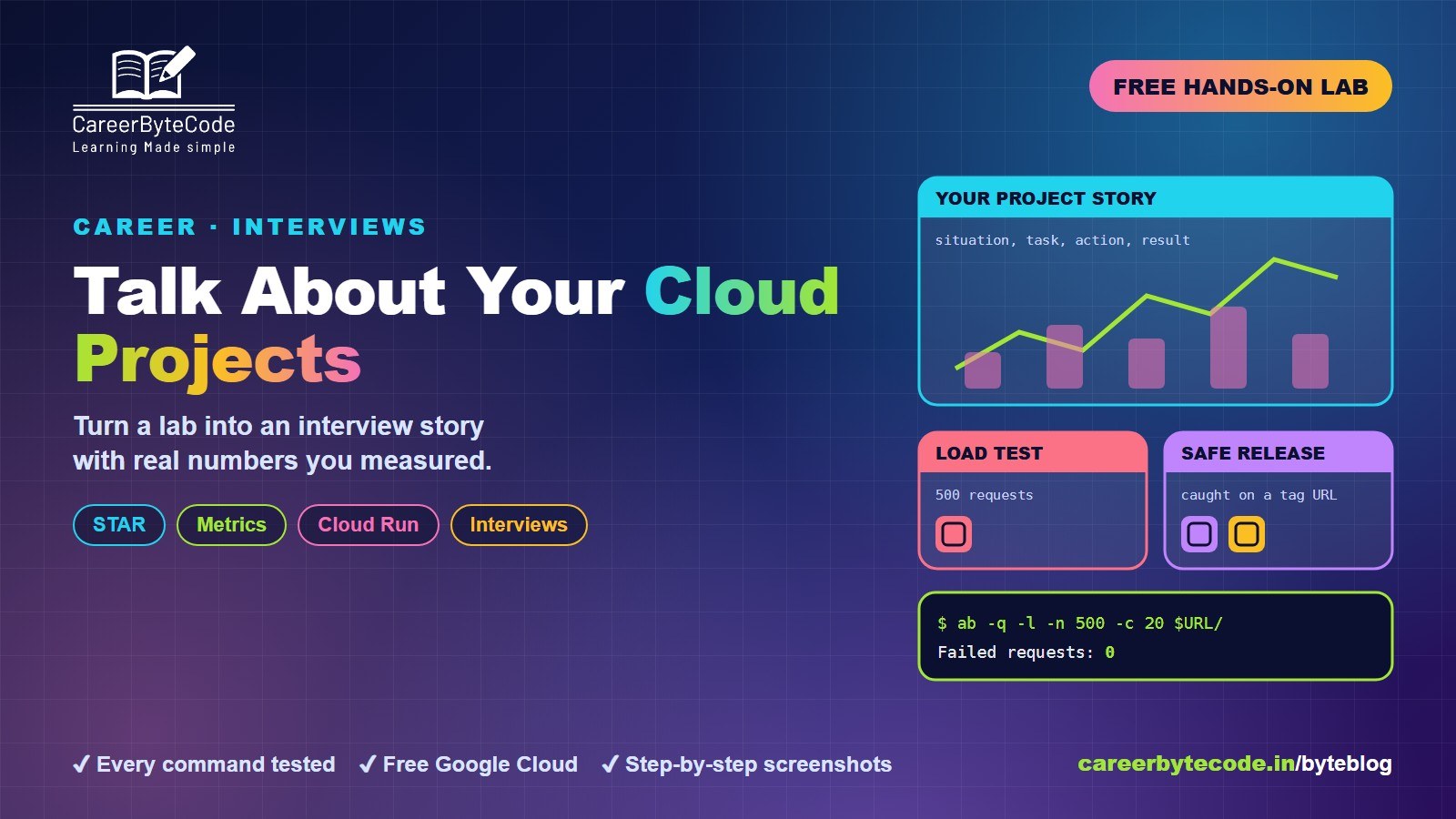 CareerByteCode Team
How to Talk About Your Cloud Projects in Interviews
What you build: a STAR answer for cloud interviews from a real lab: a Cloud Run load test (0 failed, p95 64 ms), a broken release caught on its tag URL, and a script that uses only measured numbers.
💬 Comments (0)
Top · NewestSign in to comment