
MLOps for Beginners: From Notebook to Production
What you build: a churn model trained in a Jupyter notebook, tracked runs, a live prediction API on Cloud Run with logs, a real bad release rolled back, and retraining behind a quality gate.

✍️ Translate this blog into Hindi, Tamil or Telugu
In this lab you take a machine learning model from a notebook to production, the MLOps way. You train a small model that predicts which customers will leave a phone company (churn) in a Jupyter notebook, turn it into a repeatable script, track every experiment, serve it as a live prediction API on Cloud Run, read its prediction logs, watch a bad model go live and roll it back in one command, then automate retraining behind a quality gate that refuses broken models.
Who it is for: beginners in machine learning or DevOps who know a little Python and want to see what happens after the notebook. Time: about 1.5 to 2 hours. Cost: free for this size. Cloud Run's monthly free tier covers a few hundred requests, and the 3 image builds stay within Cloud Build's free build minutes. Delete everything at the end.
Every command below was run for real by the CareerByteCode Team on a fresh Google Cloud project, and every output and screenshot is the real result we got. We typed the commands in a Cloud Shell-like Linux VM (Debian with gcloud, Python 3.11, curl and jq); Cloud Shell in your browser has the same tools ready. The data is made up by a script, so your numbers will match ours.
Part A: MLOps in plain English
A model in a notebook is an experiment. A model in production is a service people depend on. MLOps is the set of habits that gets you from one to the other and keeps it healthy: repeatable training, recorded experiments, automatic checks, safe deploys, monitoring and rollback. It is DevOps, plus one new problem: the model's quality depends on the data, which can break without any code change.

Words you will use:
- Model: here a logistic regression from scikit-learn: it learns how much each input (months as a customer, monthly bill, support calls, contract type) pushes the chance of leaving up or down, and outputs a probability between 0 and 1.
- Training and test data: the model learns from 75 percent of the rows and is scored on the other 25 percent it has never seen. Real-life example: practise on past papers, then sit a new exam.
- Accuracy and AUC: accuracy is the share of right yes/no guesses. AUC measures how well the model ranks risky customers above safe ones: 0.5 is a coin toss, 1.0 is perfect.
- Hyperparameter: a setting you choose before training, here
C(how simple the model is kept). - Experiment tracking: writing down every training run with its settings and scores, so you can compare and reproduce. We use a simple CSV; Vertex AI Experiments and MLflow do the same at scale.
- Quality gate: an automatic check that stops a model below a minimum score from being published.
- Revision: every Cloud Run deploy is a new, unchangeable revision; traffic can move between them in seconds.
Before you start
- A Google Cloud account (the free trial works) and a project with billing linked.
- Open Cloud Shell (the
>_icon at the top right of the Google Cloud console). - Set your project and turn on the APIs. Replace the text in quotes with your own project id:
export PROJECT_ID="your-project-id"
gcloud config set project $PROJECT_ID
gcloud services enable run.googleapis.com cloudbuild.googleapis.com artifactregistry.googleapis.com logging.googleapis.com
mkdir -p ~/mlops-lab && cd ~/mlops-lab
# let the source build deploy to Cloud Run (new projects need this role on the default compute account)
export PROJECT_NUMBER=$(gcloud projects describe $PROJECT_ID --format="value(projectNumber)")
gcloud projects add-iam-policy-binding $PROJECT_ID --member="serviceAccount:$PROJECT_NUMBER-compute@developer.gserviceaccount.com" --role="roles/run.builder" --condition=None > /dev/null
Put the files below in that folder: make_data.py, train.py, make_notebook.py, app.py, requirements.txt, Procfile and customers.json. make_data.py, train.py and app.py are shown in Steps 2 to 4; the other four are here (paste each one with nano <name> in ~/mlops-lab):
make_notebook.py:
# Writes train.ipynb: the same steps a data scientist would click through in Jupyter or Vertex AI Workbench
import nbformat as nbf

nb = nbf.v4.new_notebook()
nb.cells = [
    nbf.v4.new_markdown_cell("# Churn model: first experiment\nWill a customer leave? Explore, train, measure."),
    nbf.v4.new_code_cell("import pandas as pd\ndf = pd.read_csv('customers.csv')\nprint(df.shape)\nprint(df.head(3).to_string())\nprint('churn rate:', round(df.churned.mean(), 3))"),
    nbf.v4.new_code_cell("print(df.groupby('support_calls').churned.mean().round(2).to_string())"),
    nbf.v4.new_code_cell("import os\nos.environ['C'] = '1.0'\nexec(open('train.py').read())"),
]
nbf.write(nb, "train.ipynb")
print("wrote train.ipynb with", len(nb.cells), "cells")requirements.txt:
flask==3.1.*
gunicorn==23.*
scikit-learn==1.*
pandas==2.*
joblib==1.*Procfile:
web: gunicorn --bind :$PORT --workers 1 --threads 4 app:appcustomers.json:
{"customers": [
  {"tenure_months": 3, "monthly_bill": 1299, "support_calls": 4, "contract": "monthly"},
  {"tenure_months": 60, "monthly_bill": 399, "support_calls": 0, "contract": "yearly"}
]}
Part B: the lab
Step 1: Python, pandas, scikit-learn and Jupyter
Why: pandas reads the data, scikit-learn trains the model, joblib saves it, Flask serves it, and nbconvert runs a notebook from the command line (the same as Run all in Jupyter or Vertex AI Workbench).
# a Python virtual environment with pandas, scikit-learn and Jupyter (to run the notebook without a browser)
rm -rf .venv app experiments.csv customers.csv model.joblib metrics.json   # start from a clean folder
python3 -m venv .venv && source .venv/bin/activate
pip install -q pandas==2.* scikit-learn==1.* joblib==1.* flask==3.1.* nbconvert==7.* nbformat==5.* ipykernel==6.* 2>&1 | grep -v "^\[notice\]" | tail -2
python -c "import pandas, sklearn; print('pandas', pandas.__version__, '| scikit-learn', sklearn.__version__)"
pandas 2.3.3 | scikit-learn 1.9.1Step 2: the notebook stage
Why: data science starts with exploring. make_data.py creates 2,000 customers; make_notebook.py writes train.ipynb with four cells: load and look at the data, check churn by support calls, and train. We run the notebook top to bottom and print its outputs.
# make_data.py [rows] [--broken] : customers.csv for a made-up phone company: will the customer leave (churn)?
# --broken copies a real-life bug: the labels got shuffled in a bad join, so they no longer match the customers
import csv, math, random, sys

rows = int(sys.argv[1]) if len(sys.argv) > 1 and sys.argv[1].isdigit() else 2000
broken = "--broken" in sys.argv
random.seed(11)
data = []
for i in range(rows):
    tenure = random.randint(1, 72)                       # months with us
    monthly = random.randint(199, 1499)                  # monthly bill
    calls = random.choice([0, 0, 0, 1, 1, 2, 3, 4, 6])   # support calls in the last 3 months
    contract = random.choice(["monthly", "monthly", "yearly"])
    score = -1.2 + 0.55 * calls - 0.05 * tenure + 0.0012 * monthly + (1.3 if contract == "monthly" else -1.0)
    churn = 1 if random.random() < 1 / (1 + math.exp(-score)) else 0
    data.append([tenure, monthly, calls, contract, churn])
if broken:
    labels = [r[4] for r in data]; random.shuffle(labels)
    for r, l in zip(data, labels): r[4] = l
with open("customers.csv", "w", newline="") as f:
    w = csv.writer(f); w.writerow(["tenure_months", "monthly_bill", "support_calls", "contract", "churned"]); w.writerows(data)
print(f"customers.csv: {rows} rows, {sum(r[4] for r in data)} churned" + (" (BROKEN labels)" if broken else ""))
# the notebook stage: make the data, then run the notebook top to bottom (like "Run all" in Jupyter)
source .venv/bin/activate
python make_data.py
python make_notebook.py
jupyter nbconvert --to notebook --execute train.ipynb --output train-run.ipynb 2>&1 | tail -1
python - <<'PY'
import json
nb = json.load(open("train-run.ipynb"))
for c in nb["cells"]:
for o in c.get("outputs", []):
print("".join(o.get("text", "")).rstrip())
PY
ls -l model.joblib metrics.json | awk '{print $5, $9}'customers.csv: 2000 rows, 865 churned
wrote train.ipynb with 4 cells
[NbConvertApp] Writing 2961 bytes to train-run.ipynb
(2000, 5)
tenure_months monthly_bill support_calls contract churned
0 58 1345 4 monthly 1
1 25 577 6 monthly 1
2 24 391 4 monthly 1
churn rate: 0.432
support_calls
0 0.28
1 0.36
2 0.46
3 0.50
4 0.61
6 0.75
run-192025: rows=2000 C=1.0 accuracy=0.774 AUC=0.840
saved model.joblib and metrics.json
80 metrics.json
3297 model.joblib
The notebook already tells a story a business can use: customers with 6 support calls left 75 percent of the time, against 28 percent for customers with none. The first model scored accuracy 0.774 and AUC 0.840.
Step 3: track experiments with a training script
Why: a notebook is hard to repeat exactly. train.py is the notebook's training turned into a script: the same steps every time, a fixed random seed, settings from environment variables, and one line per run in experiments.csv. It also holds the quality gate (used in Step 8).
# train.py : the notebook turned into a script. Trains, checks quality, saves model.joblib + metrics.json,
# and logs the run to experiments.csv. A model below the quality bar is NOT saved (the quality gate).
import csv, json, os, sys, time
import joblib, pandas as pd
from sklearn.compose import ColumnTransformer
from sklearn.linear_model import LogisticRegression
from sklearn.metrics import accuracy_score, roc_auc_score
from sklearn.model_selection import train_test_split
from sklearn.pipeline import Pipeline
from sklearn.preprocessing import OneHotEncoder, StandardScaler

C = float(os.environ.get("C", "1.0"))          # how strongly the model is kept simple (a "hyperparameter")
MIN_AUC = float(os.environ.get("MIN_AUC", "0.75"))
GATE = os.environ.get("GATE", "1") == "1"

df = pd.read_csv("customers.csv")
X, y = df.drop(columns="churned"), df["churned"]
X_train, X_test, y_train, y_test = train_test_split(X, y, test_size=0.25, random_state=42, stratify=y)
model = Pipeline([
    ("prep", ColumnTransformer([("num", StandardScaler(), ["tenure_months", "monthly_bill", "support_calls"]),
                                ("cat", OneHotEncoder(), ["contract"])])),
    ("clf", LogisticRegression(C=C, max_iter=500)),
]).fit(X_train, y_train)
auc = roc_auc_score(y_test, model.predict_proba(X_test)[:, 1])
acc = accuracy_score(y_test, model.predict(X_test))
run_id = time.strftime("run-%H%M%S")
new = not os.path.exists("experiments.csv")
with open("experiments.csv", "a", newline="") as f:
    w = csv.writer(f)
    if new: w.writerow(["run_id", "rows", "C", "accuracy", "auc", "published"])
    ok = auc >= MIN_AUC or not GATE
    w.writerow([run_id, len(df), C, round(acc, 3), round(auc, 3), "yes" if ok else "NO"])
print(f"{run_id}: rows={len(df)} C={C} accuracy={acc:.3f} AUC={auc:.3f}")
if not ok:
    print(f"QUALITY GATE FAILED: AUC {auc:.3f} is below {MIN_AUC}. model.joblib was NOT changed.")
    sys.exit(1)
joblib.dump(model, "model.joblib")
json.dump({"run_id": run_id, "accuracy": round(acc, 3), "auc": round(auc, 3), "rows": len(df), "C": C}, open("metrics.json", "w"))
print("saved model.joblib and metrics.json")
We try three values of C and compare:
# track experiments: train again with two other settings and compare every run in experiments.csv
source .venv/bin/activate
C=0.01 python train.py
C=10 python train.py
C=1.0 python train.py
column -s, -t < experiments.csv
run-192039: rows=2000 C=0.01 accuracy=0.766 AUC=0.836
saved model.joblib and metrics.json
run-192041: rows=2000 C=10.0 accuracy=0.774 AUC=0.841
saved model.joblib and metrics.json
run-192043: rows=2000 C=1.0 accuracy=0.774 AUC=0.840
saved model.joblib and metrics.json
run_id rows C accuracy auc published
run-192025 2000 1.0 0.774 0.84 yes
run-192039 2000 0.01 0.766 0.836 yes
run-192041 2000 10.0 0.774 0.841 yes
run-192043 2000 1.0 0.774 0.84 yes
All settings scored within 0.005 AUC of each other, so we keep the default C=1.0. That is a real result: often the data matters more than the settings. The last run's model is the one saved in model.joblib.
Step 4: serve the model on this machine first
Why: test the API before you deploy it. app.py loads model.joblib, checks every request has the four fields, returns a churn probability for each customer, and prints one JSON log line per prediction (we read those in Step 6).
# app.py : serves the model on Cloud Run. POST /predict with JSON customers -> churn probability.
# Every prediction is logged as one JSON line, so Cloud Logging can count and check them (monitoring).
import json, os
import joblib, pandas as pd
from flask import Flask, request, jsonify

app = Flask(__name__)
MODEL = joblib.load("model.joblib")
INFO = json.load(open("metrics.json"))
FIELDS = ["tenure_months", "monthly_bill", "support_calls", "contract"]


@app.get("/")
def home():
    return jsonify(service="churn-model", model=INFO)


@app.post("/predict")
def predict():
    rows = request.get_json(force=True).get("customers", [])
    bad = [f for r in rows for f in FIELDS if f not in r]
    if not rows or bad:
        return jsonify(error=f"each customer needs {FIELDS}; missing: {sorted(set(bad)) or 'customers'}"), 400
    p = MODEL.predict_proba(pd.DataFrame(rows)[FIELDS])[:, 1]
    out = [round(float(x), 3) for x in p]
    for r, x in zip(rows, out):
        print(json.dumps({"event": "prediction", "model_run": INFO["run_id"], "churn_probability": x, **r}), flush=True)
    return jsonify(model_run=INFO["run_id"], churn_probability=out)
customers.json holds two test customers: a new customer on a monthly plan with a high bill and 4 support calls, and a 5-year customer on a yearly plan with a low bill and no calls.
# serve the model on this machine first and ask for two predictions
source .venv/bin/activate
nohup python -m flask --app app run --port 8080 > flask.log 2>&1 &
sleep 4
curl -s localhost:8080/
curl -s -X POST localhost:8080/predict -H "Content-Type: application/json" -d @customers.json
echo
curl -s -X POST localhost:8080/predict -H "Content-Type: application/json" -d '{"customers": [{"tenure_months": 5}]}'
pkill -f "flask --app app run"
{"model":{"C":1.0,"accuracy":0.774,"auc":0.84,"rows":2000,"run_id":"run-192043"},"service":"churn-model"}
{"churn_probability":[0.973,0.009],"model_run":"run-192043"}
{"error":"each customer needs ['tenure_months', 'monthly_bill', 'support_calls', 'contract']; missing: ['contract', 'monthly_bill', 'support_calls']"}
0.973 means "very likely to leave", 0.009 "almost certain to stay". The bad request got a clear error naming the missing fields, instead of a crash.
Step 5: deploy version 1 to Cloud Run
Why: a real address other systems can call. --source . builds a container for you (no Dockerfile needed; requirements.txt lists flask, gunicorn, scikit-learn, pandas and joblib, and the Procfile starts gunicorn), and --no-allow-unauthenticated means callers must sign in.
# production: deploy the model (version 1) to Cloud Run, sign-in required
mkdir -p app && cp app.py model.joblib metrics.json requirements.txt Procfile app/ && cd app
gcloud run deploy churn-model --source . --region=us-east1 --no-allow-unauthenticated \
  --memory=512Mi --max-instances=1 --quiet 2>&1 | tail -3
gcloud run revisions list --service=churn-model --region=us-east1 --format="table(name,active)"
Service [churn-model] revision [churn-model-00001-qz8] has been deployed and is serving 100 percent of traffic.
Service URL: https://churn-model-PROJECT_NUMBER.us-east1.run.app
Proxy locally with: gcloud run services proxy churn-model --region us-east1 --project your-project-id
REVISION ACTIVE
churn-model-00001-qz8 yes
Step 6: predict and monitor
Why: in production you must see what the model is doing. We call the live API 10 times, then read the prediction log lines back from Cloud Logging and count the answers.
# call the live model 10 times, then read the prediction logs back from Cloud Logging (monitoring)
cd ~/mlops-lab
URL=$(gcloud run services describe churn-model --region=us-east1 --format="value(status.url)")
TOKEN=$(gcloud auth print-identity-token)
curl -s -o /dev/null -w "no token: HTTP %{http_code}\n" -X POST "$URL/predict"
for i in $(seq 1 10); do curl -s -X POST "$URL/predict" -H "Authorization: Bearer $TOKEN" -H "Content-Type: application/json" -d @customers.json > last.json; done
cat last.json; echo
sleep 30
gcloud logging read 'resource.type="cloud_run_revision" AND resource.labels.service_name="churn-model" AND jsonPayload.event="prediction"' \
  --freshness=10m --limit=200 --format="value(jsonPayload.churn_probability)" | sort | uniq -c
no token: HTTP 403
{"churn_probability":[0.973,0.009],"model_run":"run-192043"}
10 0.009
10 0.973
Every prediction is now searchable in Logging > Logs Explorer. With the same query you can build a log-based metric and a chart: how many predictions a day, and whether the average churn probability is drifting.
Break it: a bad model goes live
A data pipeline bug shuffles the labels (who left and who stayed no longer match the customers). We retrain with the quality gate switched off (GATE=0) and deploy, as a team without MLOps habits would.
# Break it: retrain on BROKEN data with the quality gate switched off (GATE=0) and deploy it as version 2
source .venv/bin/activate
python make_data.py 2000 --broken
GATE=0 python train.py
rm -rf app && mkdir -p app && cp app.py model.joblib metrics.json requirements.txt Procfile app/ && cd app
gcloud run deploy churn-model --source . --region=us-east1 --no-allow-unauthenticated --memory=512Mi --max-instances=1 --quiet 2>&1 | tail -2
cd ..
URL=$(gcloud run services describe churn-model --region=us-east1 --format="value(status.url)")
curl -s -X POST "$URL/predict" -H "Authorization: Bearer $(gcloud auth print-identity-token)" -H "Content-Type: application/json" -d @customers.json; echo
customers.csv: 2000 rows, 865 churned (BROKEN labels)
run-192346: rows=2000 C=1.0 accuracy=0.568 AUC=0.493
saved model.joblib and metrics.json
Service URL: https://churn-model-PROJECT_NUMBER.us-east1.run.app
Proxy locally with: gcloud run services proxy churn-model --region us-east1 --project your-project-id
{"churn_probability":[0.433,0.434],"model_run":"run-192346"}
Look at the live answers: 0.433 for the risky customer and 0.434 for the loyal one. The model learned nothing and just returns the average churn rate. Nothing crashed, no error appeared: the API answers 200 OK with useless numbers. This is the typical ML failure, and why ML needs its own checks.
Fix it, part 1: roll back in one command
Why: Cloud Run kept version 1's revision. Move all traffic back to it:
# Fix it, part 1: roll back. Every deploy is a revision; send 100 percent of traffic to version 1 again
FIRST=$(gcloud run revisions list --service=churn-model --region=us-east1 --format="value(name)" | sort | head -1)
gcloud run services update-traffic churn-model --region=us-east1 --to-revisions=$FIRST=100 --quiet 2>&1 | tail -2
URL=$(gcloud run services describe churn-model --region=us-east1 --format="value(status.url)")
curl -s -X POST "$URL/predict" -H "Authorization: Bearer $(gcloud auth print-identity-token)" -H "Content-Type: application/json" -d @customers.json; echo
Traffic:
100% churn-model-00001-qz8
{"churn_probability":[0.973,0.009],"model_run":"run-192043"}
Fix it, part 2: automate retraining behind a quality gate
Why: the real fix is to make the bad release impossible. retrain.sh trains, and only if the model passes the gate (AUC of at least 0.75) does it deploy and send traffic to the new revision. We run it twice: first with the broken data still in place, then with fresh, good data.
# Fix it, part 2: automate retraining with the quality gate ON. Broken data is refused; good data is published
cat > retrain.sh <<'EOF2'
#!/bin/bash
# retrain.sh : new data -> train -> quality gate -> deploy a new revision (only if the gate passes)
set -e
source .venv/bin/activate
python train.py
rm -rf app && mkdir -p app && cp app.py model.joblib metrics.json requirements.txt Procfile app/
gcloud run deploy churn-model --source app --region=us-east1 --no-allow-unauthenticated --memory=512Mi --max-instances=1 --quiet 2>&1 | tail -1
gcloud run services update-traffic churn-model --region=us-east1 --to-latest --quiet > /dev/null 2>&1 && echo "traffic: 100 percent on the new revision"
EOF2
chmod +x retrain.sh
echo "--- run 1: broken data is still in customers.csv"
./retrain.sh || echo "retrain.sh stopped: nothing deployed"
echo "--- run 2: fresh, good data (3000 rows)"
source .venv/bin/activate && python make_data.py 3000 && ./retrain.sh
column -s, -t < experiments.csv
--- run 1: broken data is still in customers.csv
run-192553: rows=2000 C=1.0 accuracy=0.568 AUC=0.493
QUALITY GATE FAILED: AUC 0.493 is below 0.75. model.joblib was NOT changed.
retrain.sh stopped: nothing deployed
--- run 2: fresh, good data (3000 rows)
customers.csv: 3000 rows, 1298 churned
run-192555: rows=3000 C=1.0 accuracy=0.793 AUC=0.861
saved model.joblib and metrics.json
Proxy locally with: gcloud run services proxy churn-model --region us-east1 --project your-project-id
traffic: 100 percent on the new revision
run_id rows C accuracy auc published
run-192025 2000 1.0 0.774 0.84 yes
run-192039 2000 0.01 0.766 0.836 yes
run-192041 2000 10.0 0.774 0.841 yes
run-192043 2000 1.0 0.774 0.84 yes
run-192346 2000 1.0 0.568 0.493 yes
run-192553 2000 1.0 0.568 0.493 NO
run-192555 3000 1.0 0.793 0.861 yes
The gate stopped the broken model, and experiments.csv records it as published NO. The good model trained on 3,000 rows scored better than version 1 and went live. In a real team, Cloud Scheduler or a Cloud Build trigger runs retrain.sh when new data arrives (we ran it by hand; the scheduler is not part of this lab).
POC: prove it works
- A notebook explored the data and trained a first model (AUC 0.840).
- A training script made it repeatable and every run is recorded in
experiments.csv. - The model runs as a signed-in API on Cloud Run and every prediction is in Cloud Logging.
- A model trained on broken data (AUC 0.493) went live and gave useless answers; one command rolled it back.
- Retraining behind a quality gate refused the broken model and shipped a better one (AUC 0.861).
Clean up (delete everything)
# delete the service (all revisions), the image repository and the source bucket
gcloud run services delete churn-model --region=us-east1 --quiet 2>&1 | tail -1
gcloud artifacts repositories delete cloud-run-source-deploy --location=us-east1 --quiet 2>&1 | tail -1
for b in $(gcloud storage buckets list --format="value(name)" | grep -E "run-sources|cloudbuild"); do gcloud storage rm -r gs://$b --quiet > /dev/null 2>&1 && echo "deleted bucket (source upload)"; done
rm -rf app .venv *.joblib *.csv *.ipynb last.json
echo "Cloud Run services left: $(gcloud run services list --format="value(name)" | wc -l)"
echo "repositories left: $(gcloud artifacts repositories list --format="value(name)" 2>/dev/null | wc -l)"
echo "buckets left: $(gcloud storage buckets list --format="value(name)" | wc -l)"
Deleted service [churn-model].
Deleted repository [cloud-run-source-deploy].
deleted bucket (source upload)
Cloud Run services left: 0
repositories left: 0
buckets left: 0
Last, remove the builder role you granted in Before you start:
gcloud projects remove-iam-policy-binding $PROJECT_ID --member="serviceAccount:$PROJECT_NUMBER-compute@developer.gserviceaccount.com" --role="roles/run.builder" --condition=None > /dev/null && echo "builder role removed"FAQ
Do I need Vertex AI for MLOps? No. The habits matter more than the tools. Vertex AI adds managed pieces (Workbench notebooks, Pipelines, Experiments, Model Registry, endpoints) that help when you have many models or a team. Learn the habits on something small first, as here.
Why logistic regression and not deep learning? For a small table of customer data, a simple model is fast, cheap and easy to explain. Start simple and move to bigger models only when the simple one is not good enough.
What is model drift? Customers change over time, so a model trained on last year's data slowly gets worse. Watching the prediction logs and re-scoring on fresh labelled data tells you when to retrain.
Why AUC for the gate and not accuracy? With 43 percent churn, a model that always says "stays" is right 57 percent of the time, which looks fine but is useless. AUC (0.5 for useless) cannot be fooled that way, as the broken model showed.
Where should the model file live in a bigger setup? In a model registry or a Cloud Storage bucket, versioned, with the app loading the version you choose. We baked it into the image, which is simple and keeps every revision self-contained.
Can the API be public? Yes, with --allow-unauthenticated, but a model API usually sits behind your own app or API gateway. Keep sign-in on unless you have a reason.
Troubleshooting
| You see | Why | Fix |
|---|---|---|
ModuleNotFoundError in the notebook | The kernel is not your virtual environment | Run source .venv/bin/activate first, then jupyter nbconvert |
400 with "missing: [...]" | The request lacks a field | Send all four fields for every customer |
403 Forbidden from Cloud Run | No identity token | Add Authorization: Bearer $(gcloud auth print-identity-token) |
| New deploy does not get traffic | Traffic was pinned to a revision during rollback | gcloud run services update-traffic churn-model --to-latest |
| Logs query returns nothing | Logs need up to a minute to arrive | Wait 30 to 60 seconds; check the service name in the filter |
QUALITY GATE FAILED | The model scored below MIN_AUC | Check the data before lowering the bar |
What next
- Train a model with only SQL: BigQuery ML: Train a Model with Just SQL.
- Read your logs like a pro: Cloud Logging Hands-On: Find Any Error in Seconds.
- Learn the CI/CD side: CI/CD for Beginners: Build and Deploy on Every Git Push.
- Add AI to an app: Gemini API for Beginners: Your First AI App on Google Cloud.
- More hands-on posts: ByteBlog. Practice in ByteLabs and see the courses.
Prepared by the CareerByteCode Team from our tested lab, with AI help for the write-up.
⭐ Keep learning with CareerByteCode
Hand-picked to go deeper on this topicGet CareerByteCode Team's next blog by email
One email a week when they publish. Add the weekly Best of ByteBlog too. No spam, unsubscribe with one click.
We email you once to confirm. By subscribing you agree to the privacy policy.
More from CareerByteCode Team
 CareerByteCode Team
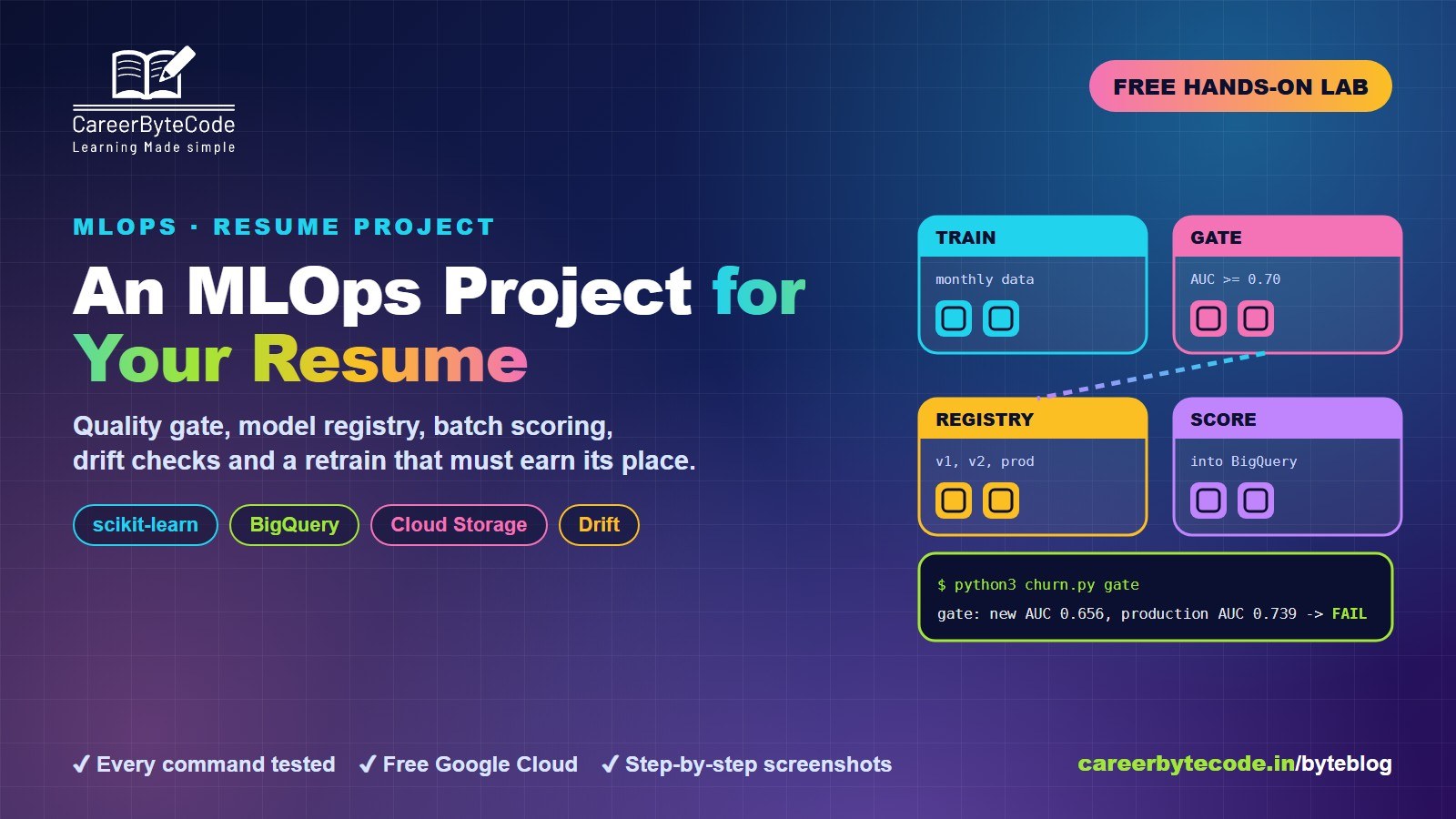
MLOps Project for Your Resume on Google Cloud
What you build: an MLOps loop on Google Cloud: quality gate, model registry, batch scoring to BigQuery, drift checks and a retrain that must earn its place. Every step tested.
#google-cloud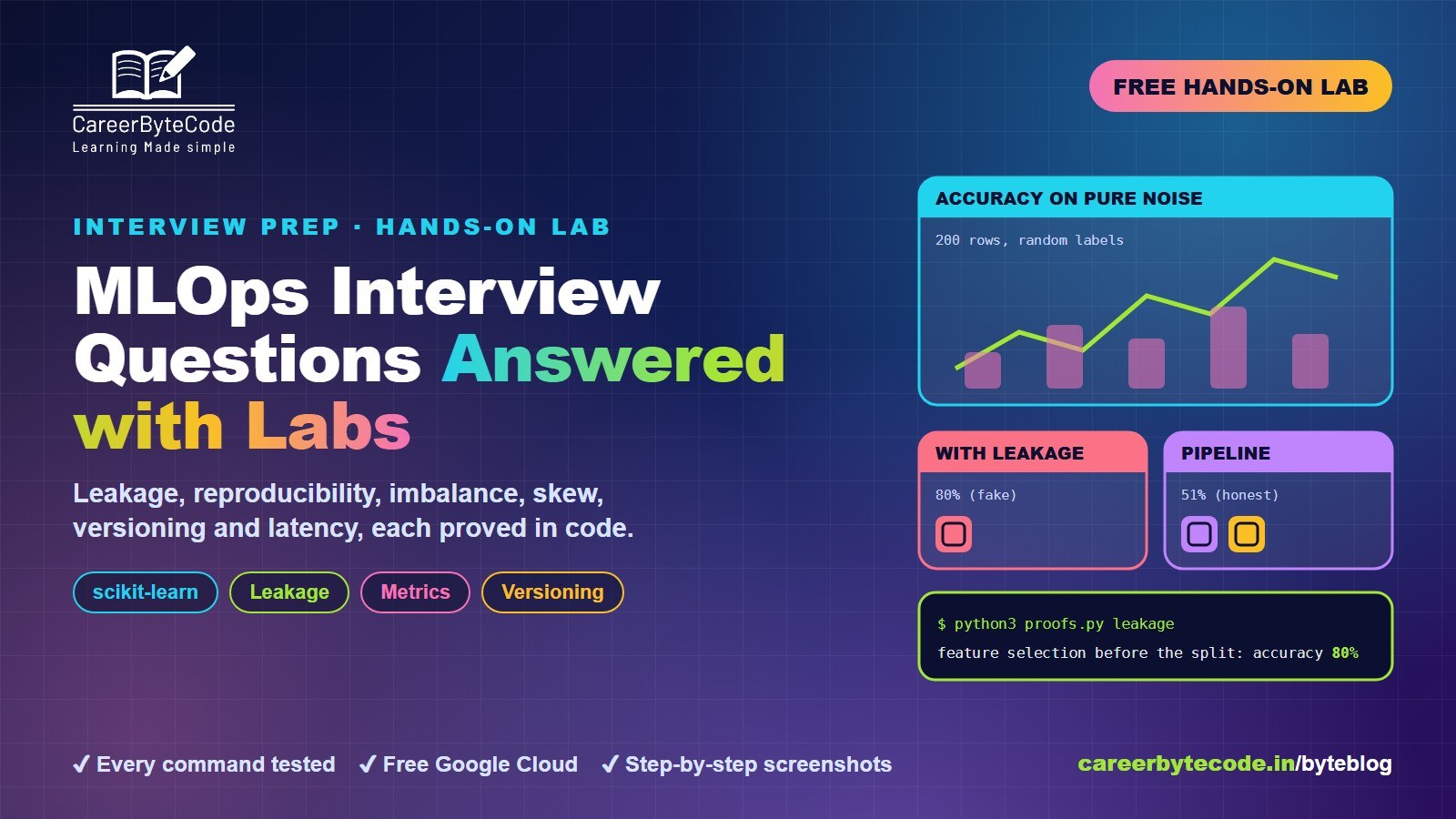 CareerByteCode Team
MLOps Interview Questions Answered with Labs
What you build: 6 MLOps interview answers proved with real scikit-learn experiments: leakage, reproducibility, imbalance, skew, versioning, latency. Every step tested.
#google-cloud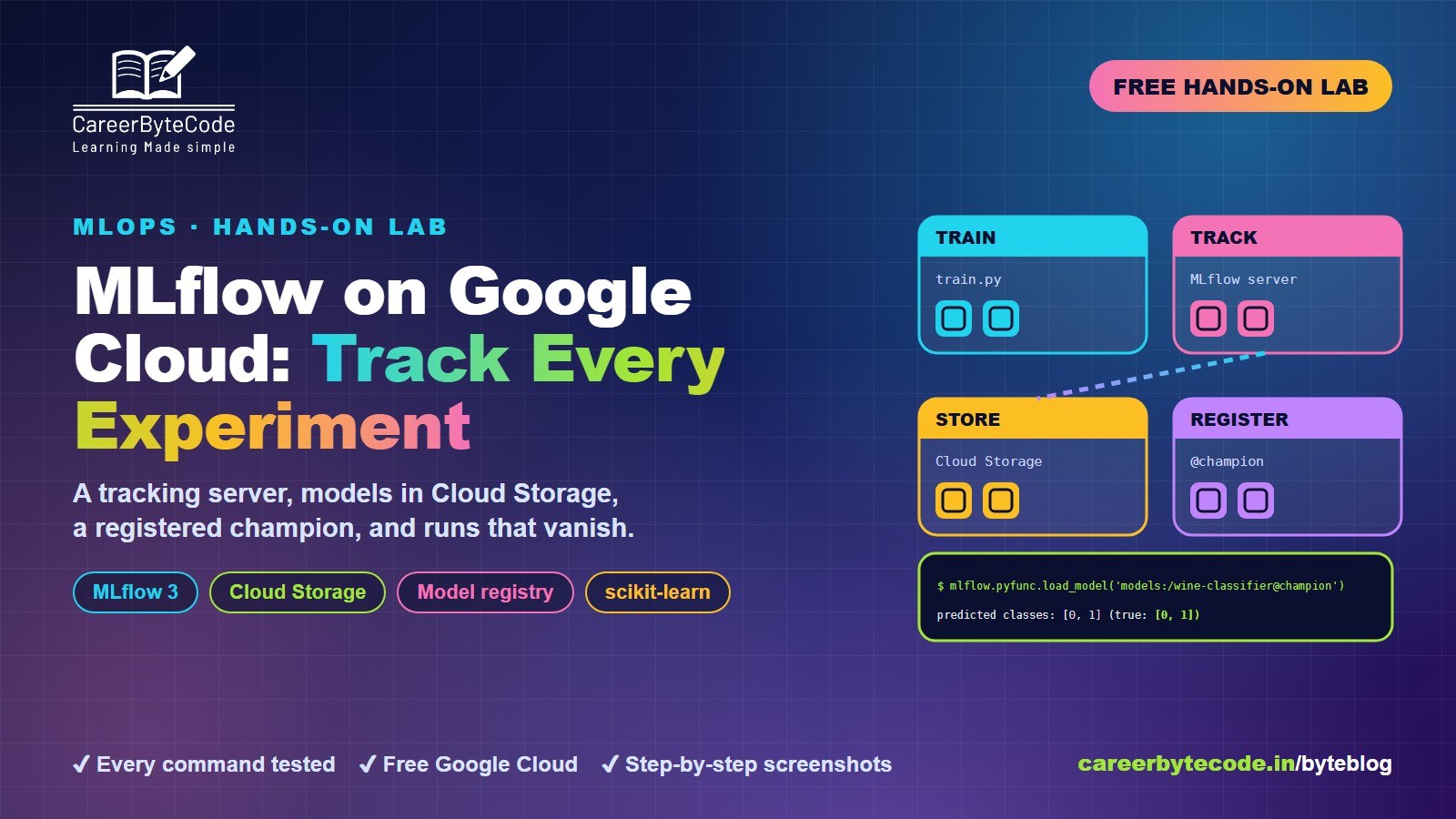 CareerByteCode Team
MLflow on Google Cloud: Track Every Experiment
What you build: an MLflow tracking server on Google Cloud with models in Cloud Storage, five tracked runs, a registered champion and the missing-URI mistake. Every step tested.
#feature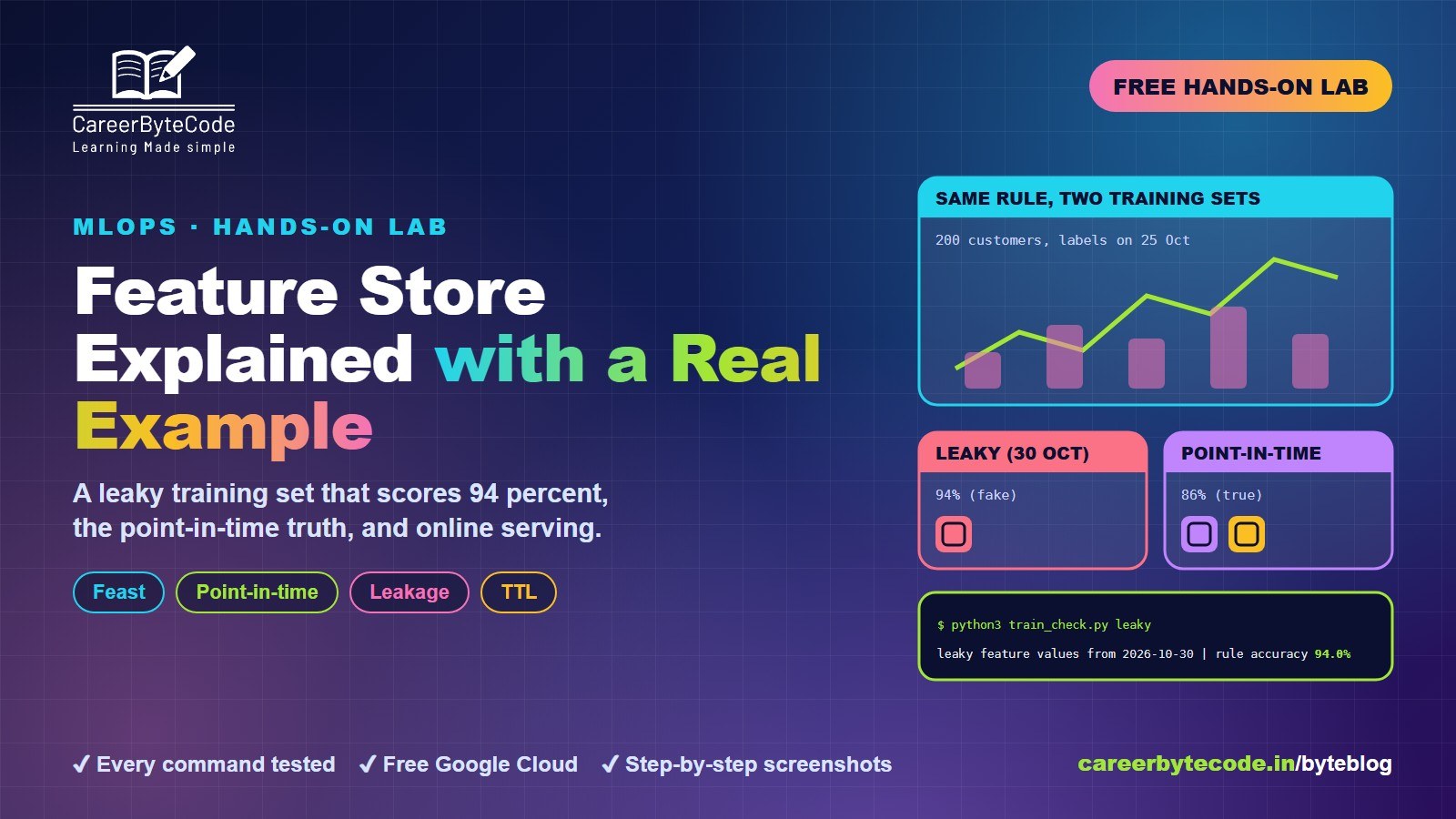 CareerByteCode Team
Feature Store Explained with a Real Example
What you build: Feast with real customer data: a leaky training set that scores 94 percent, the point-in-time truth, online serving and TTL. Every step tested.
💬 Comments (0)
Top · NewestSign in to comment