
CI/CD for Machine Learning with Cloud Build
What you build: a Cloud Build pipeline that retrains a churn model whenever new data lands in a bucket, checks it with a quality gate and redeploys on Cloud Run; broken data is stopped automatically.

✍️ Translate this blog into Hindi, Tamil or Telugu
A machine learning model is not "done" when it is deployed. New data keeps arriving, and the model must be retrained, checked and redeployed, again and again. Doing that by hand is slow and risky: one tired evening someone deploys a model trained on broken data. In this lab you build CI/CD for machine learning on Google Cloud: dropping a new data file into a Cloud Storage bucket automatically starts a Cloud Build pipeline that retrains a churn model, runs a quality gate, and only then redeploys the model on Cloud Run. You watch it accept better data and refuse broken data, with nobody pressing a button.
Who it is for: ML and DevOps beginners who know a little Python and want to see MLOps automation for real. Time: about 1 hour. Cost: a few cents at most, mostly inside free tiers (Cloud Build's free build minutes, Cloud Run, a few KB in a bucket). We delete everything at the end.
Every command below was run for real by the CareerByteCode Team on a fresh Google Cloud project, and every output is the real result we got.
🧪⭐ Recommended by CareerByteCode · ByteLabs project bundleCloud and DevOps Realtime Starter₹499Build the projects →Part A: CI/CD for ML in plain English

Normal CI/CD reacts to code changes. ML also has to react to data changes:
- Trigger: what starts the pipeline. Here: a new file in the bucket's
data/folder. Cloud Storage sends a notification to a Pub/Sub topic (a message queue), and a Cloud Build trigger subscribed to that topic starts a build. - Pipeline: the steps, in
pipeline.yaml: get the code and newest data, train, check, build an image, deploy, record. - Quality gate: the rule a new model must pass to go live. Ours: AUC (a 0 to 1 score of how well the model separates customers who leave from those who stay; 0.5 = guessing) must be at least 0.75 and not worse than the model already in production (minus 0.01).
- Champion and challenger: the model in production is the champion; each new model is a challenger that must beat it. We keep the champion's metrics in
prod/metrics.jsonin the bucket. - Pipeline service account: the identity the pipeline runs as, with only the roles it needs.
Real-life example: a restaurant's new recipe. A cook (the pipeline) tries it with today's ingredients (new data), the head chef tastes it (the quality gate), and it goes on the menu (deploy) only if it is at least as good as the current dish. Rotten ingredients never reach a customer.
The model and its data are a made-up phone company's customers (tenure, monthly bill, support calls, contract type) and whether they left (churn), as in our MLOps for beginners post.
Before you start
- A Google Cloud account (the free trial works) and a project.
- Open Cloud Shell (the
>_icon at the top right of the console) and turn on the APIs:
export PROJECT_ID="your-project-id"
gcloud config set project $PROJECT_ID
gcloud services enable cloudbuild.googleapis.com run.googleapis.com artifactregistry.googleapis.com pubsub.googleapis.com storage.googleapis.com- Make a folder
~/lab248with:make_data.py(makes the customer data), a foldermlcode/(the training and serving code below plusapp.py,requirements.txtandDockerfile), andpipeline.yaml.
The training script with the quality gate:
# train.py: train the churn model on customers.csv and decide if it may go live (the quality gate).
# It may go live only if AUC >= MIN_AUC AND it is not worse than the model in production (prod_metrics.json).
import json, os, sys, time
import joblib, pandas as pd
from sklearn.compose import ColumnTransformer
from sklearn.linear_model import LogisticRegression
from sklearn.metrics import roc_auc_score
from sklearn.model_selection import train_test_split
from sklearn.pipeline import Pipeline
from sklearn.preprocessing import OneHotEncoder, StandardScaler

MIN_AUC = float(os.environ.get("MIN_AUC", "0.75"))
prod = json.load(open("prod_metrics.json")) if os.path.exists("prod_metrics.json") else {"auc": 0, "run_id": "none"}

df = pd.read_csv("customers.csv")
X, y = df.drop(columns="churned"), df["churned"]
X_train, X_test, y_train, y_test = train_test_split(X, y, test_size=0.25, random_state=42, stratify=y)
model = Pipeline([
    ("prep", ColumnTransformer([("num", StandardScaler(), ["tenure_months", "monthly_bill", "support_calls"]),
                                ("cat", OneHotEncoder(), ["contract"])])),
    ("clf", LogisticRegression(max_iter=500)),
]).fit(X_train, y_train)
auc = round(roc_auc_score(y_test, model.predict_proba(X_test)[:, 1]), 3)
run_id = os.environ.get("RUN_ID", time.strftime("run-%H%M%S"))[:12]
print(f"new model {run_id}: rows={len(df)} AUC={auc} | production model {prod['run_id']}: AUC={prod['auc']}")
if auc < MIN_AUC or auc < prod["auc"] - 0.01:
    print(f"QUALITY GATE FAILED: AUC {auc} (needs >= {MIN_AUC} and >= production {prod['auc']} - 0.01). Nothing is deployed.")
    sys.exit(1)
joblib.dump(model, "model.joblib")
json.dump({"run_id": run_id, "auc": auc, "rows": len(df)}, open("metrics.json", "w"))
print("QUALITY GATE PASSED: model.joblib and metrics.json saved")
The pipeline:
# The ML pipeline. It needs no source upload: it takes the code and the newest data from the bucket.
# 1 get code + data + the production model's metrics, 2 train + quality gate, 3 build and push the image,
# 4 deploy to Cloud Run, 5 record the new model as production.
steps:
- id: get
  name: gcr.io/google.com/cloudsdktool/cloud-sdk:slim
  entrypoint: bash
  args: ["-c", "gcloud storage cp -q gs://$_BUCKET/code/mlcode.tgz . && tar xzf mlcode.tgz && gcloud storage cp -q gs://$_BUCKET/data/customers.csv . && (gcloud storage cp -q gs://$_BUCKET/prod/metrics.json prod_metrics.json 2>/dev/null || echo 'no production model yet') && ls"]
- id: train
  name: python:3.12-slim
  entrypoint: bash
  env: ["RUN_ID=$BUILD_ID"]
  args: ["-c", "pip install -q scikit-learn==1.* pandas==2.* joblib==1.* 2>/dev/null && python train.py"]
- id: build
  name: gcr.io/cloud-builders/docker
  entrypoint: bash
  args: ["-c", "docker build -q -t us-east1-docker.pkg.dev/$PROJECT_ID/ml/churn:$BUILD_ID . > /dev/null && docker push -q us-east1-docker.pkg.dev/$PROJECT_ID/ml/churn:$BUILD_ID > /dev/null && echo image pushed"]
- id: deploy
  name: gcr.io/google.com/cloudsdktool/cloud-sdk:slim
  entrypoint: bash
  args: ["-c", "gcloud run deploy churn-api --image=us-east1-docker.pkg.dev/$PROJECT_ID/ml/churn:$BUILD_ID --region=us-east1 --allow-unauthenticated --memory=512Mi --max-instances=1 --quiet 2>&1 | tail -1; [ $${PIPESTATUS[0]} -eq 0 ] && echo deployed churn-api"]
- id: promote
  name: gcr.io/google.com/cloudsdktool/cloud-sdk:slim
  entrypoint: bash
  args: ["-c", "gcloud storage cp -q metrics.json gs://$_BUCKET/prod/metrics.json && echo production model is now $$(cat metrics.json)"]
substitutions:
  _BUCKET: ""
options:
  logging: CLOUD_LOGGING_ONLY
Part B: the lab
Step 1: a bucket, an image repository and a pipeline account
Why: the bucket holds the code (code/), the data (data/) and the champion's metrics (prod/). The pipeline account gets only five roles: deploy to Cloud Run, act as the runtime account, push images, write logs and use the bucket. New roles can take a few minutes to work, so a tiny probe build retries until the account can run builds and write logs.
# A bucket for code, data and the production model's metrics; an image repository; a pipeline service account
BUCKET=ml-cicd-$RANDOM$RANDOM; echo $BUCKET > bucket.txt
gcloud storage buckets create gs://$BUCKET --location=us-east1 --uniform-bucket-level-access 2>&1 | tail -1
gcloud artifacts repositories create ml --repository-format=docker --location=us-east1 --description="ML model images" 2>&1 | tail -1
gcloud iam service-accounts create ml-ci-1119 --display-name="ML pipeline" 2>&1 | tail -1
until gcloud iam service-accounts describe ml-ci-1119@$PROJECT_ID.iam.gserviceaccount.com > /dev/null 2>&1; do sleep 5; done
for r in roles/run.admin roles/iam.serviceAccountUser roles/artifactregistry.writer roles/logging.logWriter roles/storage.objectAdmin; do
  until gcloud projects add-iam-policy-binding $PROJECT_ID --member="serviceAccount:ml-ci-1119@$PROJECT_ID.iam.gserviceaccount.com" --role=$r --condition=None --format="value(etag)" > /dev/null 2>&1; do sleep 5; done; echo "ml-ci-1119: $r"
done
tar czf mlcode.tgz -C mlcode . && gcloud storage cp -q mlcode.tgz gs://$BUCKET/code/mlcode.tgz && tar tzf mlcode.tgz
# New roles can take a few minutes to work. A tiny probe build retries until the account can run builds AND write logs
printf 'steps:\n- name: bash\n  args: ["-c", "echo the pipeline account works"]\noptions:\n  logging: CLOUD_LOGGING_ONLY\n' > probe.yaml
for i in $(seq 1 20); do PID_=$(gcloud builds submit --no-source --config=probe.yaml --service-account=projects/$PROJECT_ID/serviceAccounts/ml-ci-1119@$PROJECT_ID.iam.gserviceaccount.com --async --format="value(id)" 2>/dev/null); sleep 30; gcloud builds log $PID_ 2>/dev/null | grep -q "pipeline account works" && break; sleep 20; done; echo "probe build: $(gcloud builds describe $PID_ --format='value(status)') and its log is readable, after $i tries"
Creating gs://ml-cicd-71784029/...
Created repository [ml].
Service account email: ml-ci-1119@your-project-id.iam.gserviceaccount.com
ml-ci-1119: roles/run.admin
ml-ci-1119: roles/iam.serviceAccountUser
ml-ci-1119: roles/artifactregistry.writer
ml-ci-1119: roles/logging.logWriter
ml-ci-1119: roles/storage.objectAdmin
Copying file://mlcode.tgz to gs://ml-cicd-71784029/code/mlcode.tgz
./
./train.py
./Dockerfile
./app.py
./requirements.txt
probe build: SUCCESS and its log is readable, after 3 triesStep 2: data version 1
# Data version 1: 2,000 customers. Upload it to the bucket's data/ folder
python3 make_data.py 2000 && gcloud storage cp -q customers.csv gs://$(cat bucket.txt)/data/customers.csv && gcloud storage ls -l gs://$(cat bucket.txt)/data/ | head -1
customers.csv: 2000 rows, 865 churned
Copying file://customers.csv to gs://ml-cicd-71784029/data/customers.csv
39906 2026-11-18T22:42:00Z gs://ml-cicd-71784029/data/customers.csvStep 3: run the pipeline once by hand
Why: prove the pipeline works before automating it. --no-source means nothing is uploaded from your folder: the pipeline reads everything from the bucket, exactly as the automatic runs will. We wait for the build, then read its log.
# Run the pipeline once by hand (no source upload: it reads code and data from the bucket)
ID=$(gcloud builds submit --no-source --config=pipeline.yaml --substitutions=_BUCKET=$(cat bucket.txt) \
  --service-account=projects/$PROJECT_ID/serviceAccounts/ml-ci-1119@$PROJECT_ID.iam.gserviceaccount.com --async --format="value(id)" 2>/dev/null)
for i in $(seq 1 90); do gcloud builds describe $ID --format="value(status)" | grep -qE "SUCCESS|FAILURE|TIMEOUT|CANCELLED" && break; sleep 10; done; sleep 20
echo "build ${ID:0:8}: $(gcloud builds describe $ID --format='value(status)')"
gcloud builds log $ID 2>/dev/null | grep -E "no production|new model|QUALITY|image pushed|deployed|production model is|STATUS|SUCCESS|FAILURE" | sed -E 's/^Step #[0-9]+ - "[a-z-]+": //' | head -10
URL=$(gcloud run services describe churn-api --region=us-east1 --format="value(status.url)"); curl -s $URL/; echo
build 2116e2ce: SUCCESS
no production model yet
new model 2116e2ce-c5d: rows=2000 AUC=0.84 | production model none: AUC=0
QUALITY GATE PASSED: model.joblib and metrics.json saved
image pushed
deployed churn-api
production model is now {"run_id": "2116e2ce-c5d", "auc": 0.84, "rows": 2000}
{"model":{"auc":0.84,"rows":2000,"run_id":"2116e2ce-c5d"},"service":"churn-model"}
There was no production model yet, so the first model only had to pass AUC 0.75. It scored 0.84, was deployed, and is now the champion.
Step 4: automate it, a data upload starts the pipeline
Why: three pieces connect the bucket to the pipeline: a Pub/Sub topic new-data, a bucket notification that publishes a message for every new file in data/, and a Cloud Build Pub/Sub trigger that runs pipeline.yaml for every message. --inline-config stores the pipeline inside the trigger, so no Git repository is needed.
# Automate it: a new file in data/ -> a Pub/Sub message -> a Cloud Build trigger runs the pipeline
gcloud pubsub topics create new-data --format="value(name.basename())"
gcloud storage buckets notifications create gs://$(cat bucket.txt) --topic=new-data --event-types=OBJECT_FINALIZE --object-prefix=data/ 2>&1 | grep -E "topic|event_types|object_name_prefix" | sed 's/^ *//'
gcloud builds triggers create pubsub --name=retrain-on-new-data --topic=projects/$PROJECT_ID/topics/new-data \
  --inline-config=pipeline.yaml --substitutions=_BUCKET=$(cat bucket.txt) \
  --service-account=projects/$PROJECT_ID/serviceAccounts/ml-ci-1119@$PROJECT_ID.iam.gserviceaccount.com --format="value(name)" 2>&1 | tail -1
gcloud builds triggers list --format="table(name, pubsubConfig.topic.basename():label=TOPIC)"
Created topic [projects/your-project-id/topics/new-data].
new-data
WARNING: Topic already exists: projects/your-project-id/topics/new-data
event_types:
object_name_prefix: data/
topic: //pubsub.googleapis.com/projects/your-project-id/topics/new-data
retrain-on-new-data
NAME TOPIC
retrain-on-new-data new-data(The "Topic already exists" warning is the notification command noticing the topic we just created; it then adds the right permission for Cloud Storage to publish to it.)
Step 5: new, better data arrives
Why: this is the real test. We upload 3,000 customers and do nothing else. The commands only watch: they find the build that started by itself, wait for it, and read its log.
# New, bigger data arrives (3,000 customers). Nobody runs anything: the upload starts the pipeline
python3 make_data.py 3000 && T=$(date -u +%Y-%m-%dT%H:%M:%SZ)
gcloud storage cp -q customers.csv gs://$(cat bucket.txt)/data/customers.csv && echo "uploaded at $T"
for i in $(seq 1 60); do ID=$(gcloud builds list --filter="createTime>\"$T\"" --format="value(id)" --limit=1); [ -n "$ID" ] && break; sleep 5; done; [ -n "$ID" ] || { echo "no build started"; exit 1; }; echo "a build started by itself: ${ID:0:8}"
for i in $(seq 1 60); do gcloud builds describe $ID --format="value(status)" | grep -qE "SUCCESS|FAILURE" && break; sleep 10; done; sleep 20
gcloud builds describe $ID --format="value(status, buildTriggerId.yesno(yes='started by the trigger'))"
gcloud builds log $ID 2>/dev/null | grep -E "new model|QUALITY|deployed|production model is" | sed 's/^Step #[0-9] - "[a-z]*": //'
curl -s $(gcloud run services describe churn-api --region=us-east1 --format="value(status.url)")/; echo
customers.csv: 3000 rows, 1298 churned
Copying file://customers.csv to gs://ml-cicd-71784029/data/customers.csv
.
uploaded at 2026-11-18T22:45:58Z
a build started by itself: 08da7cd5
SUCCESS started by the trigger
new model 08da7cd5-6a9: rows=3000 AUC=0.861 | production model 2116e2ce-c5d: AUC=0.84
QUALITY GATE PASSED: model.joblib and metrics.json saved
deployed churn-api
production model is now {"run_id": "08da7cd5-6a9", "auc": 0.861, "rows": 3000}
{"model":{"auc":0.861,"rows":3000,"run_id":"08da7cd5-6a9"},"service":"churn-model"}
The trigger started the build within seconds. The challenger scored 0.861 against the champion's 0.84, passed the gate, was deployed, and became the new champion. The live service now reports the new model.
Break it: broken data arrives
A bad join upstream shuffled the "churned" labels, so they no longer match the customers. This happens in real companies more often than anyone admits. We upload it, again doing nothing else.
# Break it: broken data arrives (labels shuffled by a bad join). The pipeline runs, and the quality gate stops it
python3 make_data.py 3000 --broken && T=$(date -u +%Y-%m-%dT%H:%M:%SZ)
gcloud storage cp -q customers.csv gs://$(cat bucket.txt)/data/customers.csv && echo "uploaded at $T"
for i in $(seq 1 60); do ID=$(gcloud builds list --filter="createTime>\"$T\"" --format="value(id)" --limit=1); [ -n "$ID" ] && break; sleep 5; done; [ -n "$ID" ] || { echo "no build started"; exit 1; }; echo "a build started by itself: ${ID:0:8}"
for i in $(seq 1 60); do gcloud builds describe $ID --format="value(status)" | grep -qE "SUCCESS|FAILURE" && break; sleep 10; done; sleep 20
gcloud builds describe $ID --format="value(status)"
gcloud builds log $ID 2>/dev/null | grep -E "new model|QUALITY|deployed|production model is" | sed 's/^Step #[0-9] - "[a-z]*": //'
echo "still live:"; curl -s $(gcloud run services describe churn-api --region=us-east1 --format="value(status.url)")/; echocustomers.csv: 3000 rows, 1298 churned (BROKEN labels)
Copying file://customers.csv to gs://ml-cicd-71784029/data/customers.csv
.
uploaded at 2026-11-18T22:49:39Z
a build started by itself: 438c5c4f
FAILURE
new model 438c5c4f-f3a: rows=3000 AUC=0.499 | production model 08da7cd5-6a9: AUC=0.861
QUALITY GATE FAILED: AUC 0.499 (needs >= 0.75 and >= production 0.861 - 0.01). Nothing is deployed.
still live:
{"model":{"auc":0.861,"rows":3000,"run_id":"08da7cd5-6a9"},"service":"churn-model"}
The pipeline ran automatically, trained a model on the broken data and got AUC 0.499: no better than a coin toss. The quality gate stopped the build with FAILURE, so the image was never built, nothing was deployed, and the live service still serves the good model (0.861). A failed build here is good news: the system protected the users. In a real team this failure would also alert someone to fix the data feed.
Step 6: the pipeline's history and a prediction
Why: the build history is your audit trail: when each model was trained, by which trigger, and whether it shipped. Then one real prediction from the live model.
# The pipeline's history: one manual run, one automatic success, one automatic run stopped by the gate
gcloud builds list --limit=3 --format="table(createTime.date('%H:%M:%S'):label=STARTED, status, buildTriggerId.yesno(yes='trigger', no='manual'):label=STARTED_BY)"
curl -s -X POST -H "Content-Type: application/json" -d '{"customers":[{"tenure_months":2,"monthly_bill":1400,"support_calls":5,"contract":"monthly"},{"tenure_months":60,"monthly_bill":300,"support_calls":0,"contract":"yearly"}]}' $(gcloud run services describe churn-api --region=us-east1 --format="value(status.url)")/predict; echo
STARTED STATUS STARTED_BY
22:49:42 FAILURE trigger
22:46:01 SUCCESS trigger
22:42:14 SUCCESS manual
{"churn_probability":[0.986,0.01],"model_run":"08da7cd5-6a9"}The first customer (2 months with us, a high bill, 5 support calls, monthly contract) has a churn probability of 0.986; the loyal yearly customer 0.01.
POC: prove it works
- A manual run trained a model (AUC 0.84), passed the gate, deployed it on Cloud Run and recorded it as production.
- Uploading new data started a build by itself (Cloud Storage notification, Pub/Sub, Cloud Build trigger); the better model (AUC 0.861) replaced the old one.
- Uploading broken data also started a build by itself; the gate refused the AUC 0.499 model and the good model stayed live.
- The build history shows one manual success, one automatic success and one automatic run stopped by the gate.
Quiz task: check what you learned
- What starts the automatic pipeline? *(Answer: a new object in
data/sends a Pub/Sub message, and the Cloud Build trigger on that topic starts a build.)* - Why compare with the production model and not just a fixed AUC? (Answer: a new model that passes 0.75 could still be worse than what users already have.)
- The gate failed. Is that a broken pipeline? (Answer: no, it is the pipeline doing its job; investigate the data, then upload fixed data.)
- How would you also retrain when the code changes? (Answer: add a second trigger on the Git repository that runs the same pipeline.)
- Where is the record of which model is live? *(Answer:
prod/metrics.jsonin the bucket, the Cloud Run revision, and the build history.)*
Clean up (delete everything)
Why: delete the trigger first (so no new builds start), then the notification, topic, service, images, bucket and pipeline account.
# Clean up: trigger, notification, topic, service, images, bucket, pipeline account and roles, build buckets
gcloud builds triggers delete retrain-on-new-data --quiet 2>&1 | tail -1
gcloud storage buckets notifications delete gs://$(cat bucket.txt) 2>&1 | tail -1
gcloud pubsub topics delete new-data 2>&1 | tail -1
gcloud run services delete churn-api --region=us-east1 --quiet 2>&1 | tail -1
gcloud artifacts repositories delete ml --location=us-east1 --quiet 2>&1 | tail -1
gcloud storage rm -r gs://$(cat bucket.txt) 2>&1 | tail -1
for r in roles/run.admin roles/iam.serviceAccountUser roles/artifactregistry.writer roles/logging.logWriter roles/storage.objectAdmin; do
  for t in 1 2 3 4 5; do gcloud projects remove-iam-policy-binding $PROJECT_ID --member="serviceAccount:ml-ci-1119@$PROJECT_ID.iam.gserviceaccount.com" --role=$r --condition=None --format="value(etag)" > /dev/null 2>&1 && break; sleep 5; done; done; echo "roles removed"
gcloud iam service-accounts delete ml-ci-1119@$PROJECT_ID.iam.gserviceaccount.com --quiet 2>&1 | tail -1
for b in $(gcloud storage buckets list --format="value(name)" | grep -E "cloudbuild"); do gcloud storage rm -r gs://$b --quiet > /dev/null 2>&1 && echo "deleted the build bucket"; done
rm -f bucket.txt mlcode.tgz customers.csv
echo "triggers: $(gcloud builds triggers list --format='value(name)' | wc -l)  topics: $(gcloud pubsub topics list --format='value(name)' | grep -c new-data)  services: $(gcloud run services list --format='value(name)' | grep -c churn-api)"
Deleted [projects/your-project-id/locations/global/triggers/retrain-on-new-data].
Deleted topic [projects/your-project-id/topics/new-data].
Deleted service [churn-api].
Deleted repository [ml].
....
roles removed
deleted service account [ml-ci-1119@your-project-id.iam.gserviceaccount.com]
deleted the build bucket
triggers: 0 topics: 0 services: 0
FAQ
Why Cloud Build and not Vertex AI Pipelines? Cloud Build is simple, cheap and great for small models and for learning the idea. Vertex AI Pipelines (Kubeflow) adds ML-specific features: tracked artifacts, lineage, GPUs, and reusable components. Larger teams often use Vertex AI Pipelines, started by the same kind of trigger.
Should every new file retrain the model? Not always. Many teams retrain on a schedule (Cloud Scheduler) or when monitoring sees the data drift. A trigger on new data, as here, suits data that arrives in batches.
What else should a quality gate check? Data checks before training (row counts, missing values, label balance), several metrics, fairness across groups, and a test prediction on known examples. Our one-metric gate is the minimum.
How do I roll back if a bad model slips through? Every model is a Cloud Run revision: gcloud run services update-traffic churn-api --to-revisions=<old revision>=100. Our MLOps for beginners post shows it.
Why does the pipeline read code from the bucket? It lets a data upload alone start a complete build with no Git repository. In a real project the trigger would usually also check out the code from Git so every model is tied to a commit.
Why did we wait for the new pipeline account? New IAM roles take a little time to work everywhere. Builds started too early fail or lose their logs. The probe build makes the wait explicit instead of guessing a sleep time.
Troubleshooting
| You see | Why | Fix |
|---|---|---|
| The upload does not start a build | No notification, wrong prefix, or the trigger's topic differs | gcloud storage buckets notifications list gs://<bucket>; check the trigger's topic |
| Build fails at once with an empty log | The pipeline account's roles are not active yet | Wait (the probe loop), then run again |
QUALITY GATE FAILED | The new model is worse or below 0.75 | Check the data; this is the gate protecting users |
Permission ... artifactregistry.repositories.uploadArtifacts denied | The pipeline account lacks Artifact Registry Writer | Grant roles/artifactregistry.writer |
Deploy step fails with iam.serviceaccounts.actAs | The pipeline account may not use the runtime account | Grant roles/iam.serviceAccountUser |
gcloud builds submit shows no logs | Builds with your own service account log only to Cloud Logging | Use gcloud builds log <id> after the build, as here |
What next
- CI/CD basics first: CI/CD for Beginners: Build and Deploy on Every Git Push.
- Pipelines without servers: Cloud Build Hands-On: Pipelines Without Managing Servers.
- Train a model with SQL only: BigQuery ML: Train a Model with Just SQL.
- More hands-on posts: ByteBlog. Practice in ByteLabs and see the courses.
Prepared by the CareerByteCode Team from our tested lab, with AI help for the write-up.
⭐ Keep learning with CareerByteCode
Hand-picked to go deeper on this topicGet CareerByteCode Team's next blog by email
One email a week when they publish. Add the weekly Best of ByteBlog too. No spam, unsubscribe with one click.
We email you once to confirm. By subscribing you agree to the privacy policy.
Related blogs
 CareerByteCode Team
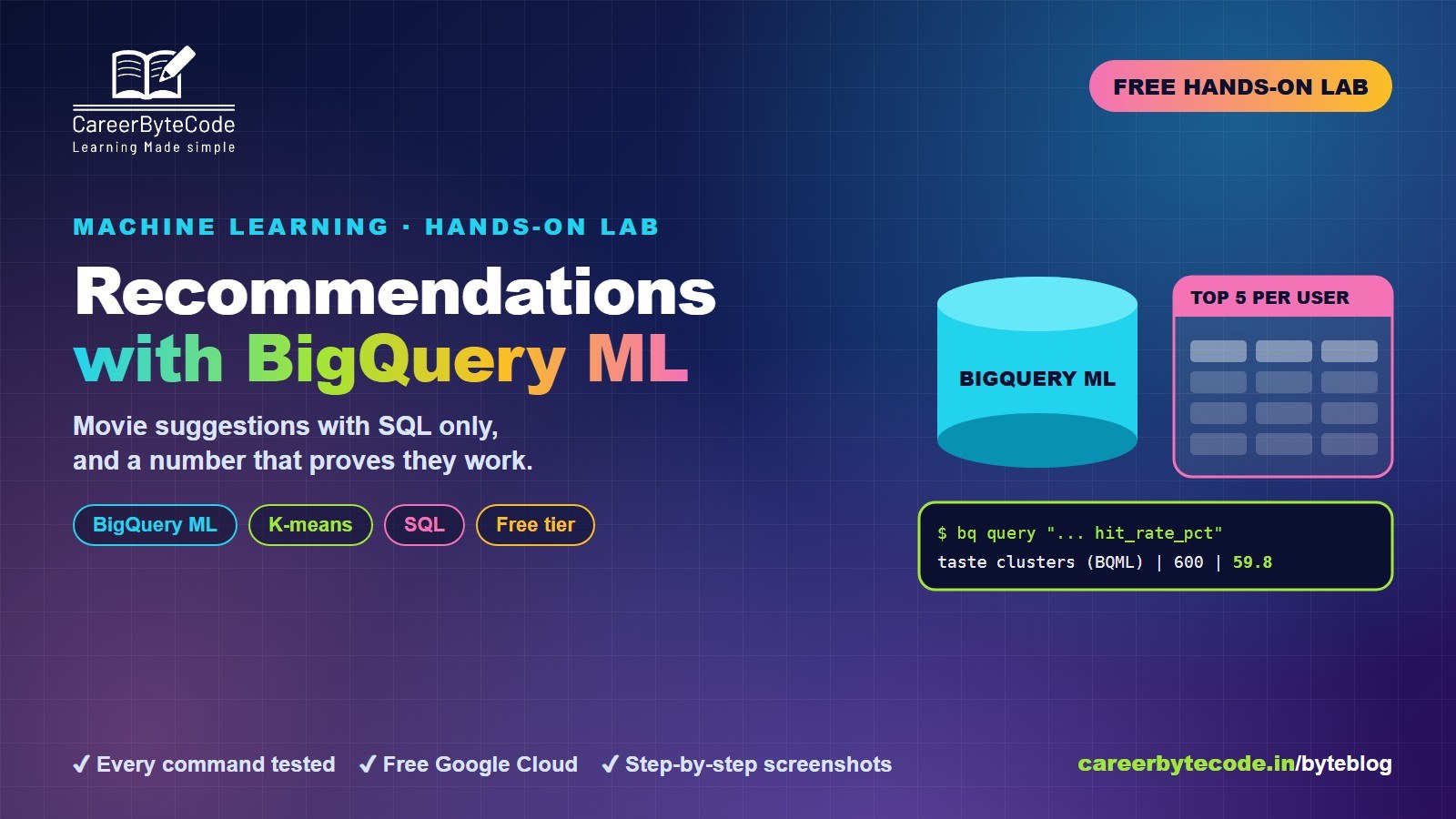
Build a Recommendation System with BigQuery ML
What you build: a movie recommender in BigQuery ML with SQL only: a popularity baseline, matrix factorization refused on free pricing, K-means taste clusters, and a real 59.8 vs 25.5 percent hit rate.
#google-cloud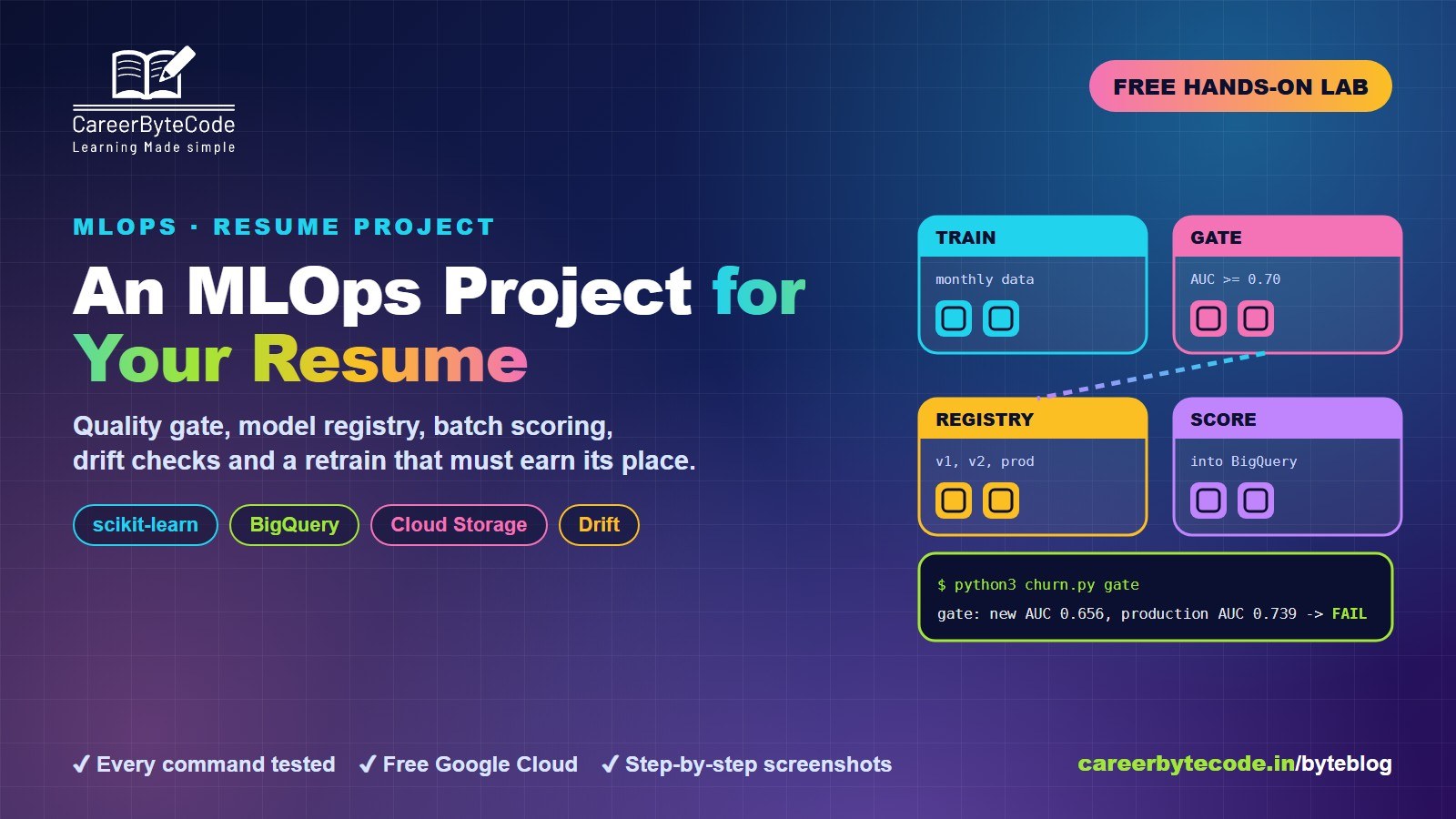 CareerByteCode Team
MLOps Project for Your Resume on Google Cloud
What you build: an MLOps loop on Google Cloud: quality gate, model registry, batch scoring to BigQuery, drift checks and a retrain that must earn its place. Every step tested.
#google-cloud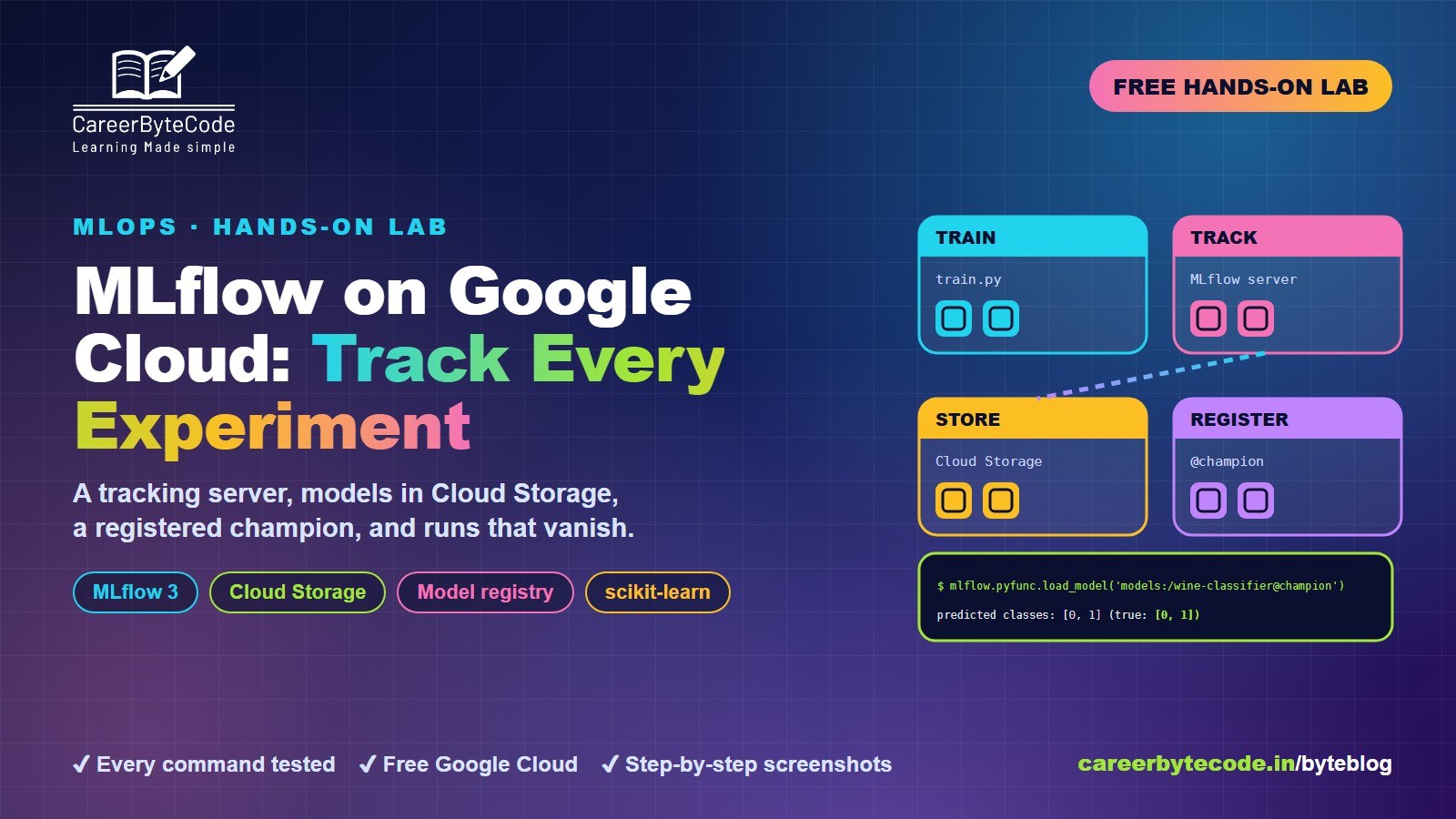 CareerByteCode Team
MLflow on Google Cloud: Track Every Experiment
What you build: an MLflow tracking server on Google Cloud with models in Cloud Storage, five tracked runs, a registered champion and the missing-URI mistake. Every step tested.
#feature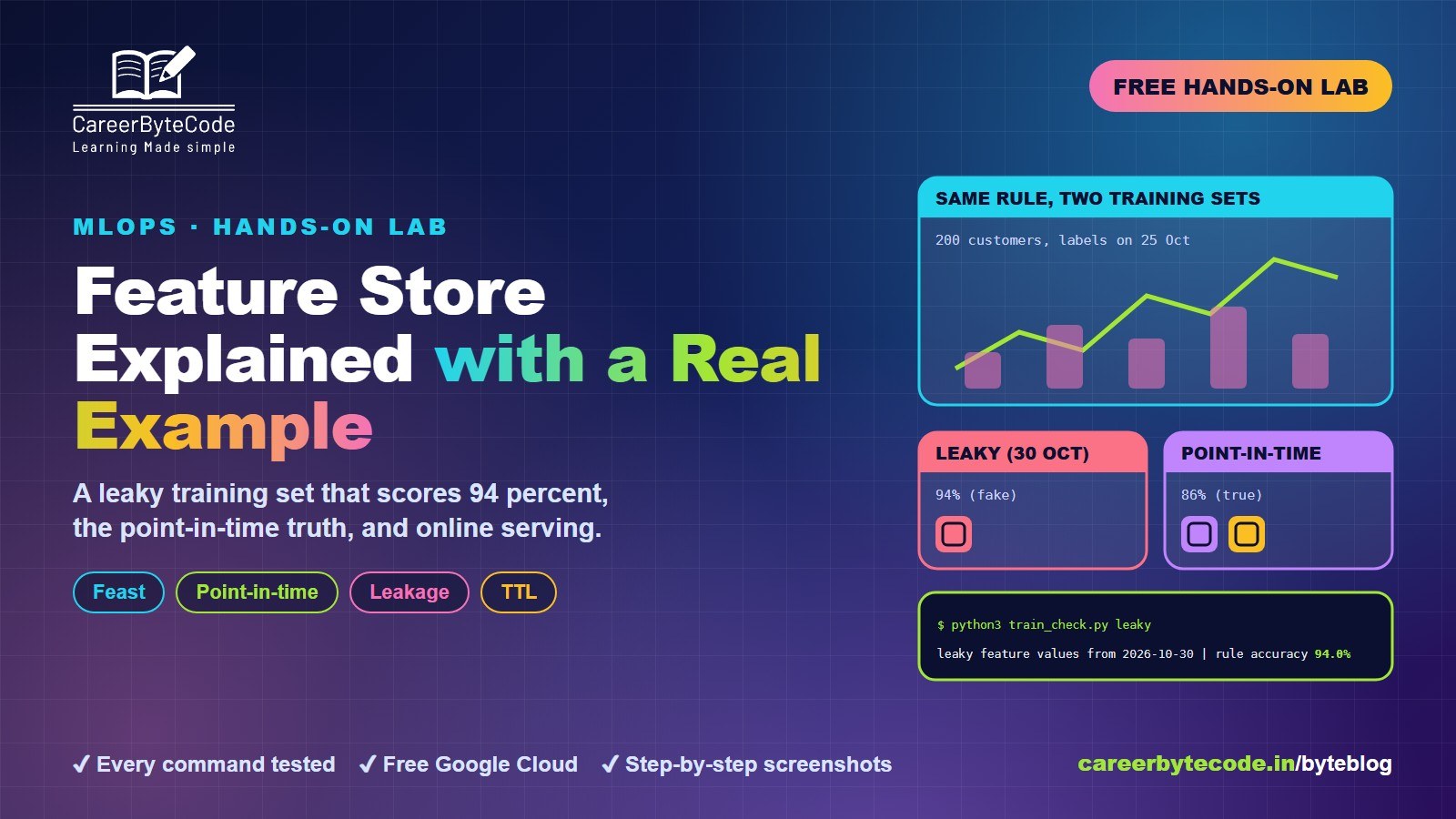 CareerByteCode Team
Feature Store Explained with a Real Example
What you build: Feast with real customer data: a leaky training set that scores 94 percent, the point-in-time truth, online serving and TTL. Every step tested.
💬 Comments (0)
Top · NewestSign in to comment